Modules & Options
7 - 72 Bluetooth & WLAN Combo Module
7
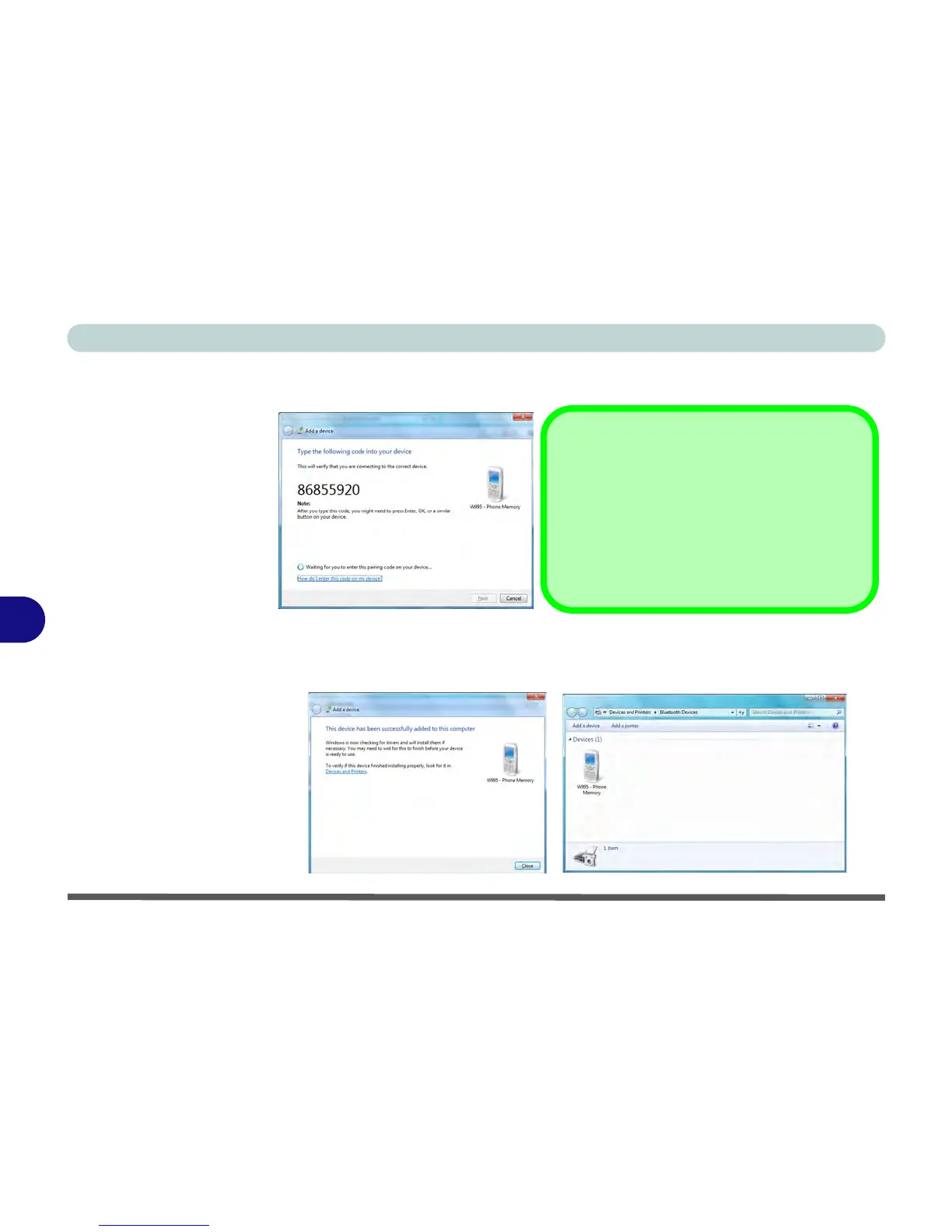
4. Enter the code into your Bluetooth enabled device and follow any on-screen
instructions to complete the pairing.
5. Windows will check to see if any drivers are required to complete the pairing.
6. Follow any on-screen instructions on the computer if device drivers are required to
be installed.
7. Click Close.
Pairing Codes
The example outlined here shows a connection to
a mobile device. Other devices e.g. computers,
may have a slightly different connection proce-
dure, and may require you to confirm a pairing
code is correct on both devices. Follow the on-
screen instructions to complete the pairing.



 To Next Page