Video Driver Controls
B - 10 Configuring an External Display in Windows 7
B
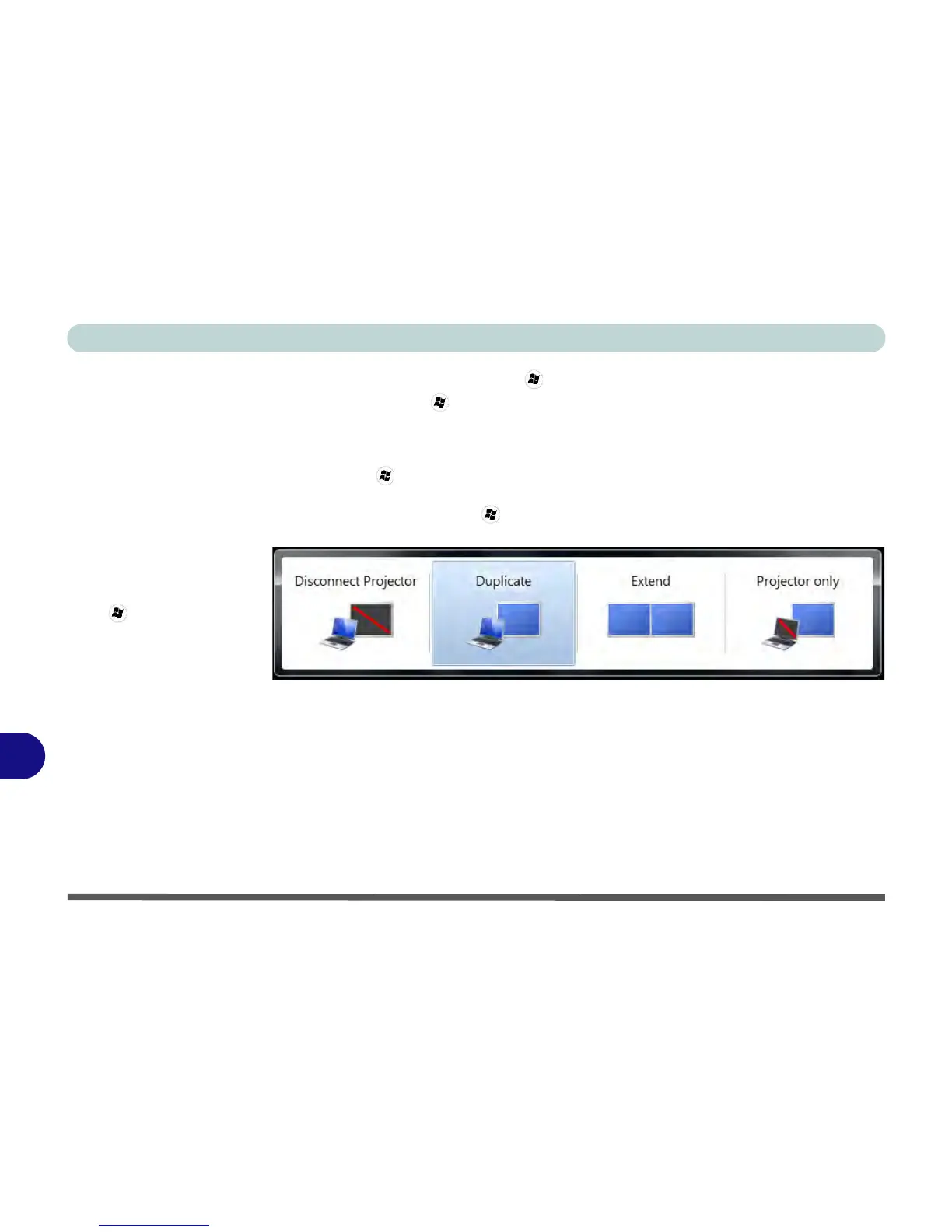
Using the Windows Logo Key + P Key Combination to Switch Displays
You can also use the + P key combination to quickly change display configura-
tion and modes (this is particularly useful when attaching a projector) in Windows 7.
1. Attach your display to the external monitor port or HDMI-Out port, and turn it on.
2. Press the
+ P key combination.
3. An on-screen menu will pop up.
4. Use the cursor keys (or
+ P) to select the appropriate configuration from the
menu, and press Enter to confirm the selection.



 To Next Page