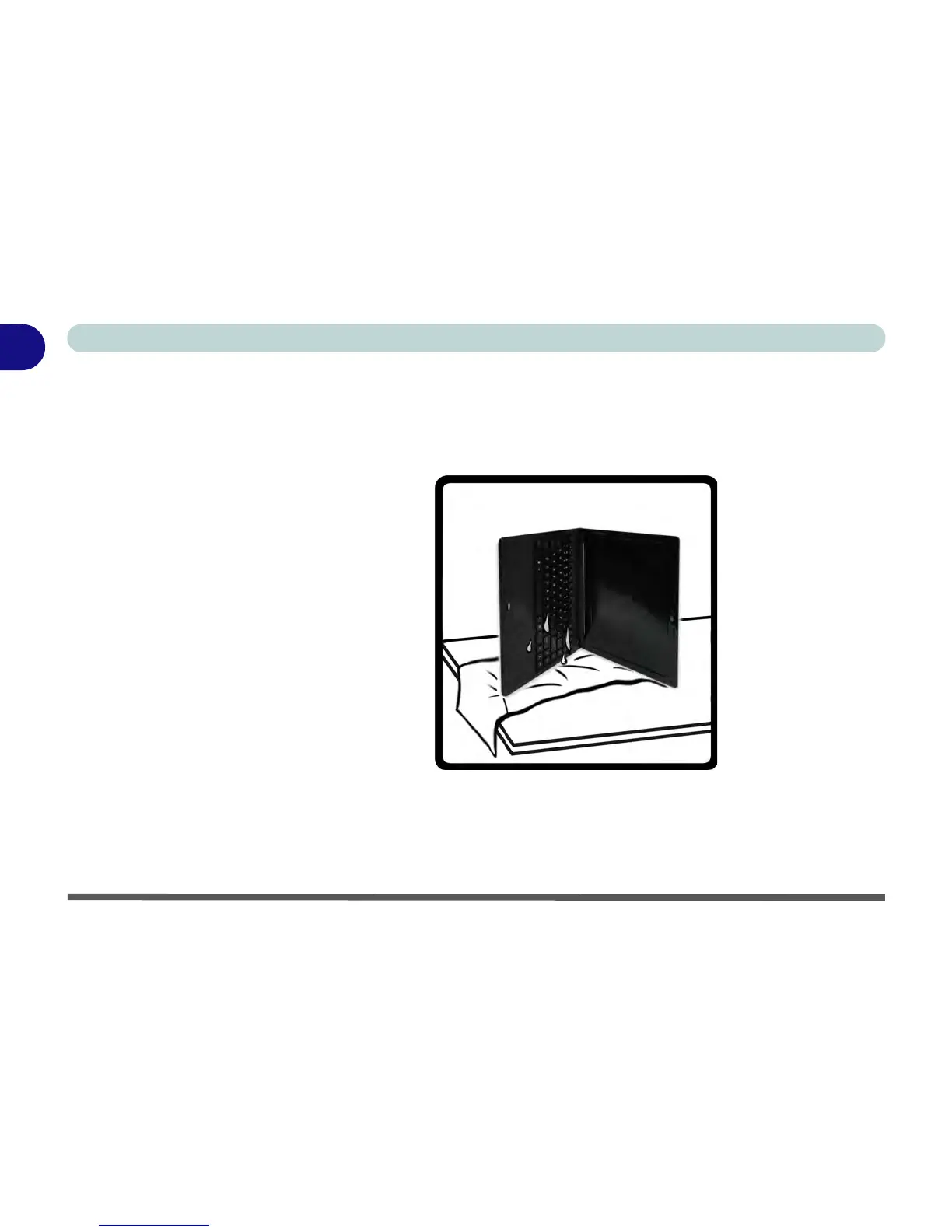
1 - 16 What to do if you Spill Liquid on the Computer
Quick Start Guide
1
3. Move the computer to a dry place and wipe any liquid off the keyboard and bottom
of the computer using a clean, soft, dry cloth.
4. Remove the battery.
5. Leave the computer resting on its right side (while placed on a clean, soft, dry cloth)
to dry out for about three hours.
6. Contact your service center to have the computer examined for any problems, but
do not attempt to turn the computer back on again until after it has been
examined.



 To Next Page