Power Management
Power Plans3-5
3
Each Windows power plan will also adjust the processor performance of your ma-
chine in order to save power. This is worth bearing in mind if you are experiencing
any reduced performance (especially under DC/battery power).
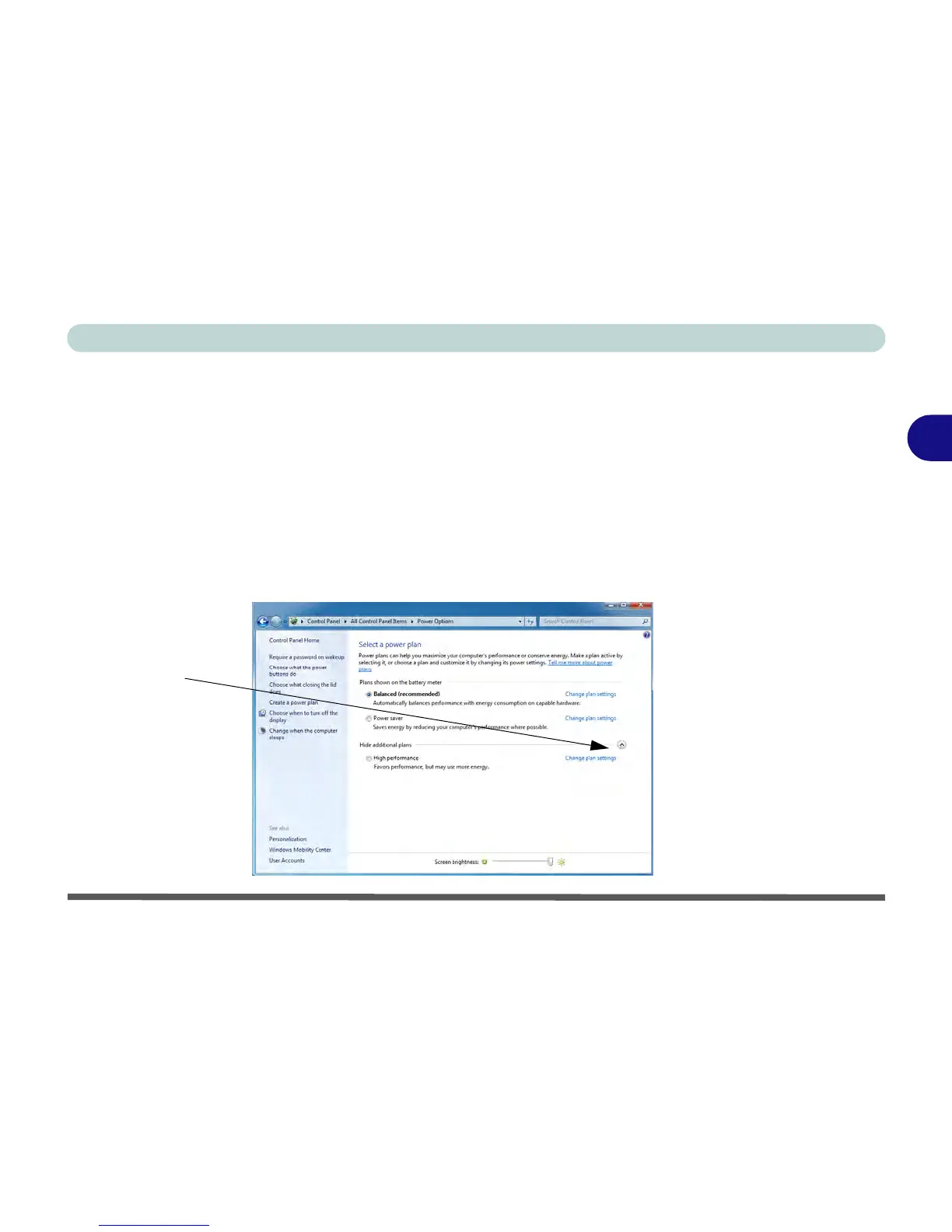
Choose High performance (you may need to click Show additional plans to view
the High performance plan) for maximum performance when the computer is pow-
ered from an AC power source. Choose the Power saver (bear in mind that this
scheme may slow down the overall performance of the computer in order to save
power) for maximum power saving when the computer is battery (DC power) pow-
ered. The recommended Balanced power plan will balance power saving and per-
formance.



 To Next Page