4
–
205
When Driving
i-ACTIVSENSE
Smart City Brake Support (SCBS)
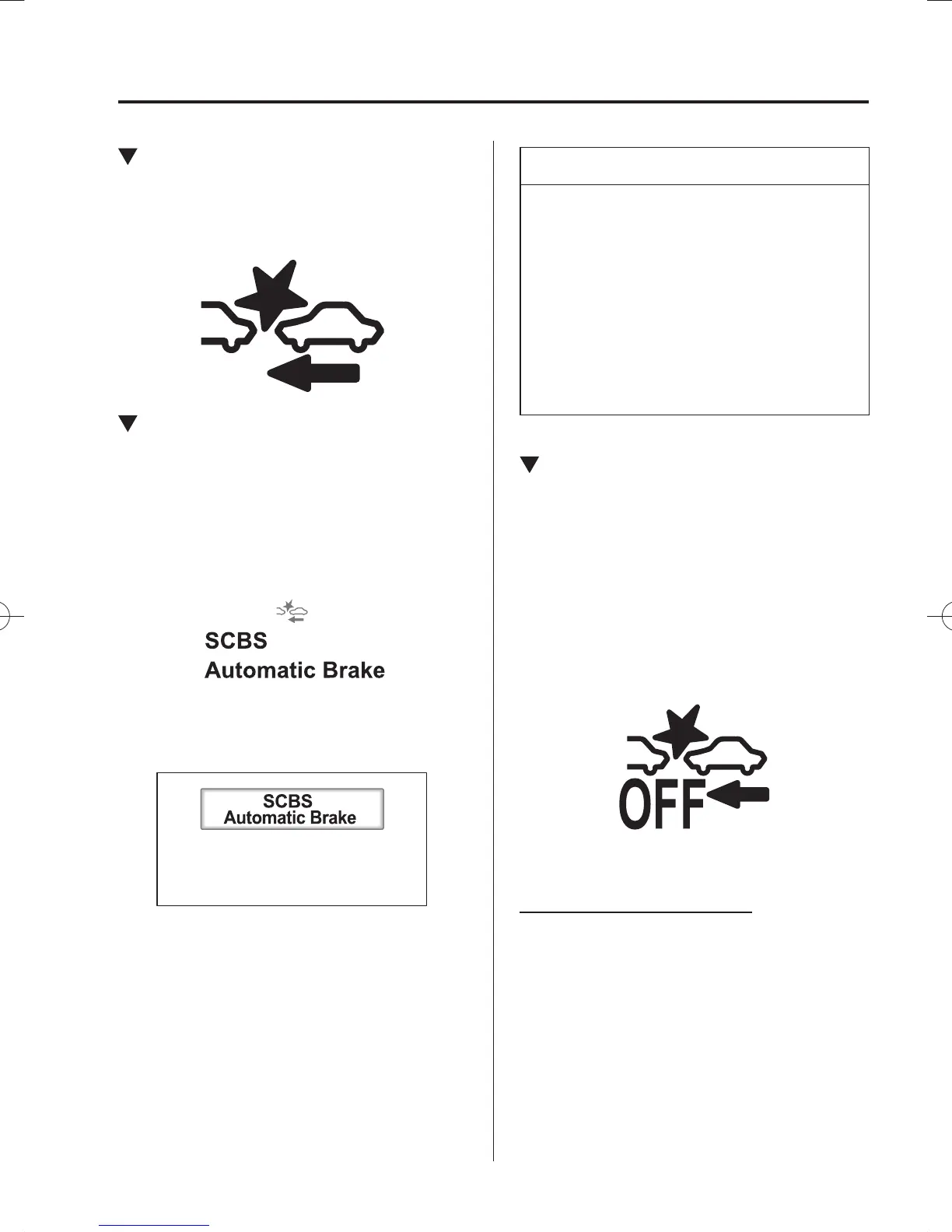
Indicator Light (Red)
If the Smart City Brake Support (SCBS) is
operating, the indicator light (red) À ashes.
Automatic Brake Operation
Display
“SCBS Automatic Brake” is indicated in
the multi-information display or the active
driving display after the SCBS brakes is
operated.
Active Driving Display
Multi-information Display
NOTE
The collision warning beep sounds
intermittently while the SCBS brake
is operating.
If the vehicle is stopped by the SCBS
operation and the brake pedal is not
depressed, the warning beep sounds
one time after about 2 seconds and
the SCBS brake is automatically
released.
Stopping the Smart City Brake
Support [Reverse] (SCBS R)
System Operation
The Smart City Brake Support [Reverse]
(SCBS R) system can be temporarily
deactivated.
When the Smart City Brake Support
[Reverse] (SCBS R) system is turned off,
the Smart City Brake Support (SCBS)
OFF indicator light turns on.
When the engine is restarted, the system
becomes operational.
Without SCBS OFF switch
Refer to Personalisation Features on page
9-13 .
/C\FCA(-''(A'FKVKQPKPFD/C\FCA(-''(A'FKVKQPKPFD



 To Next Page