5
–
90
Interior Features
Bluetooth
®
NOTE
If the volume is lower compared to other audio modes, increase the volume from the
device side.
(Type C/Type D)
Conversation volume and the volume of the voice guidance and ringtone can each be set in
advance.
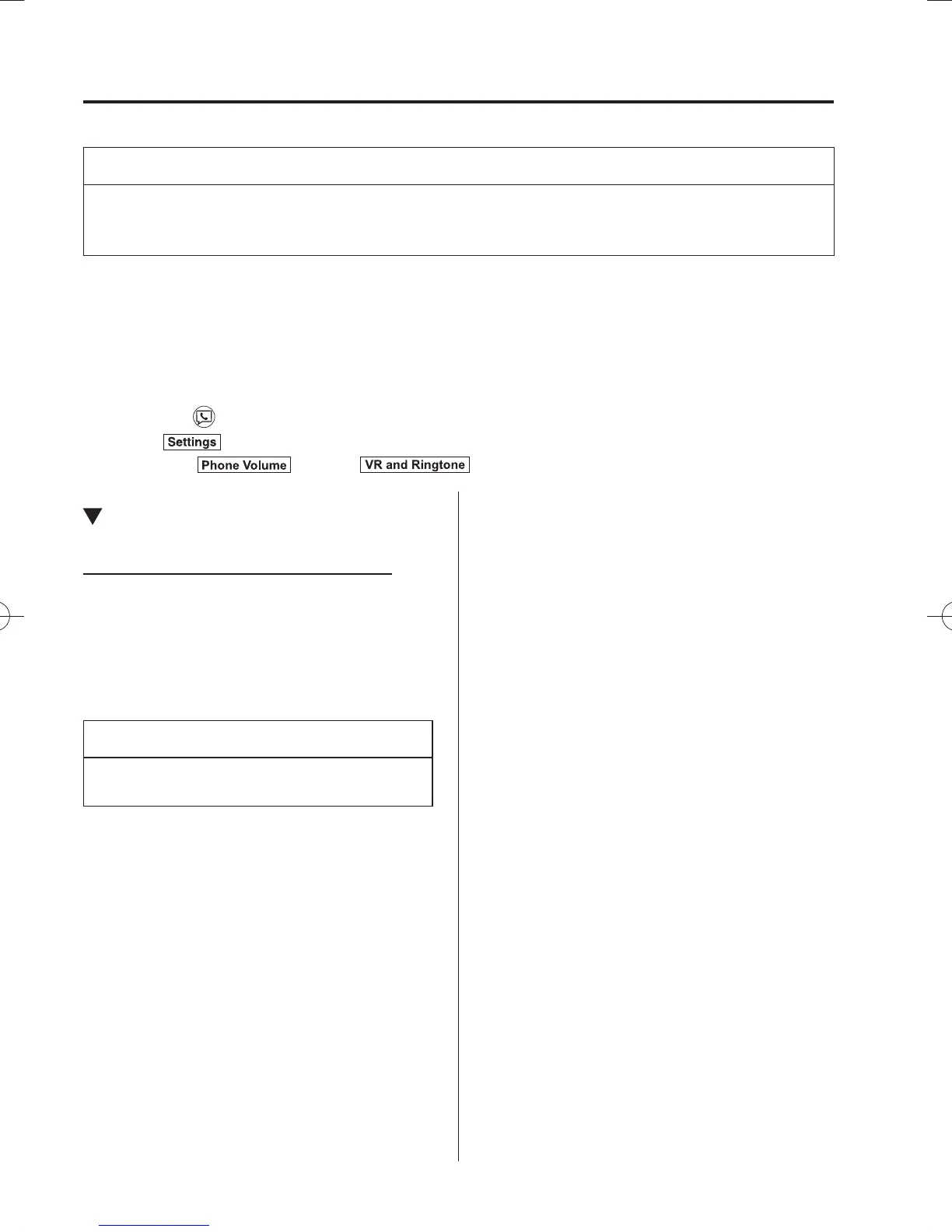
1. Select the icon on the home screen to display the Communication screen.
2. Select
.
3. Adjust the
and the using the slider.
Bluetooth
®
Preparation (Type A)
Bluetooth
®
Hands-Free Preparation
Pairing code setting
The 4-digit pairing code setting for
registration of your cell phone (pairing)
can be set beforehand.
NOTE
The initial setting value is “0000”.
1. Press the pick-up button or talk button
with a short press.
2. Say: [Beep] “Setup”
3. Prompt: “Select one of the following:
Pairing options, con¿ rmation prompts,
language, password, select phone or
select music player.”
4. Say: [Beep] “Pairing options”
5. Prompt: “Select one of the following:
Pair, Edit, Delete, List, or Set pin
Code.”
6. Say: [Beep] “Set pin code”
7. Prompt: “Your current pin code is
XXXX. Do you want to change it to a
different pairing pin code?”
8. Say: [Beep] “Yes”
9. Prompt: “Please say a 4-digit pairing
code.”
10. Say: [Beep] “YYYY”
11. Prompt: “YYYY is this correct?”
12. Say: [Beep] “Yes” or “No”
13. If “Yes”, go to Step 14. If “No”, the
procedure returns to Step 9.
14. Prompt: “Your new pairing pin code is
YYYY. Use this pin code when pairing
devices to the Hands free system. Do
you want to pair a device now?”
15. Say: [Beep] “Yes” or “No”
16. If “Yes”, the system switches to the
device registration mode. If “No”, the
system returns to standby status.
/C\FCA(-''(A'FKVKQPKPFD/C\FCA(-''(A'FKVKQPKPFD



 To Next Page