5
–
53
Interior Features
Audio System
*Some models.
Operating the Digital Audio Broadcasting (DAB) Radio (Type D)
*
What is DAB radio?
DAB radio is a digital broadcasting system for radio.
DAB radio provides a high-quality radio sound source using an auto frequency switching
function in boundary areas.
By displaying the radio text, information such as the song name and artist name can be
displayed.
NOTE
This unit is also compatible with DAB radio.
Radio ON
1. Select
on the home screen to display the Entertainment screen.
2. Select
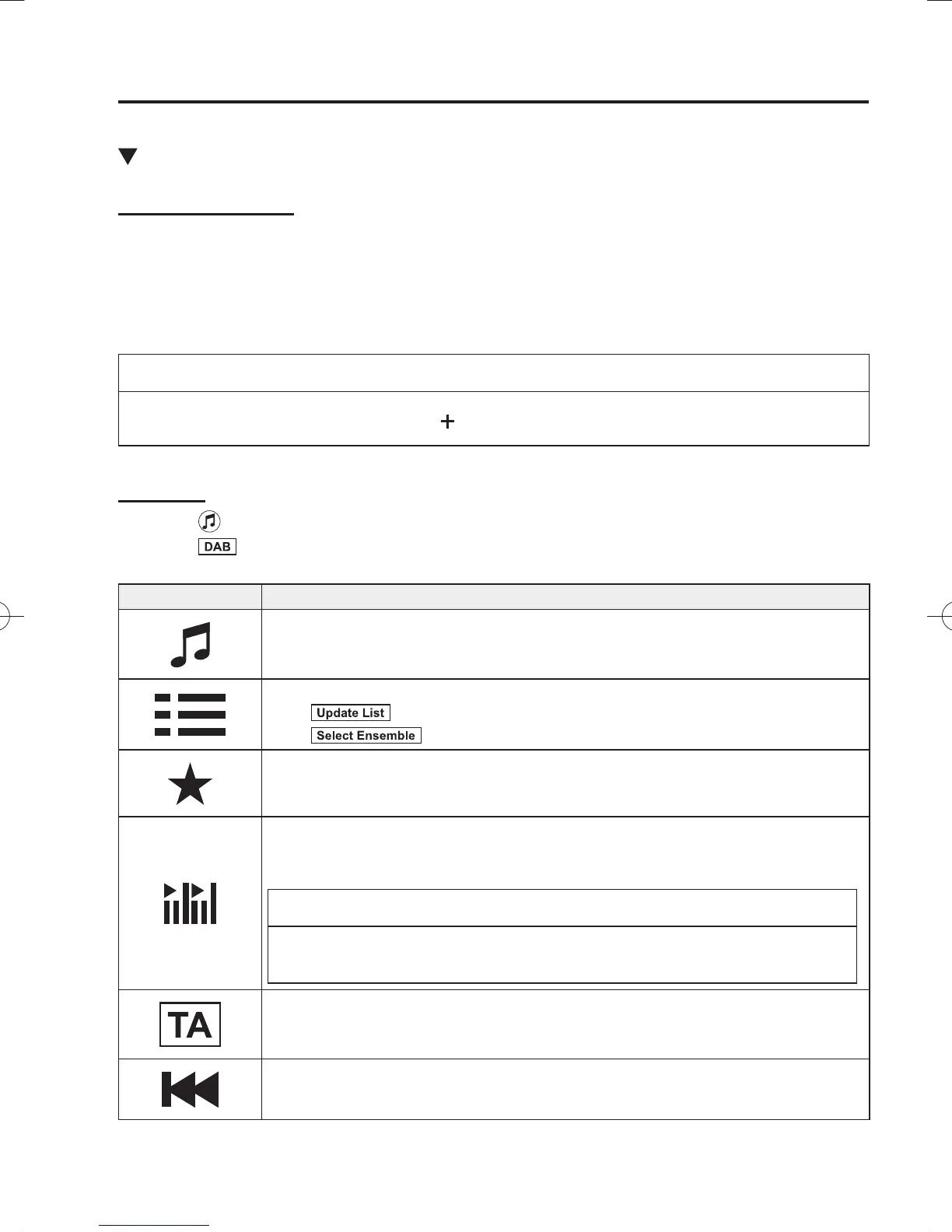
, the following icons are displayed at the bottom of the screen.
Icon Function
Displays the Entertainment menu. Use to switch to a different audio source.
Displays the station list (ensemble and station).
Select
to update the station list.
Select
to select the ensemble you want to display.
Displays the favourites list. Press and hold to store the currently tuned station to the
favourites list.
Refer to Operating the Radio (Type D) on page 5-50 .
Searches your desired station from the station list.
Tunes to each station in the station list for 10 seconds.
Select again when your desired station is tuned.
NOTE
If the station list is not available, it switches to the station list update screen. Perform
the station list updating.
Switches the TA mode on and off.
Refer to Operating the Radio (Type D) on page 5-50 .
Returns to the previous station.
Touch and hold to return to the top station in the previous ensemble.
/C\FCA(-''(A'FKVKQPKPFD/C\FCA(-''(A'FKVKQPKPFD



 To Next Page