5
–
128
Interior Features
Bluetooth
®
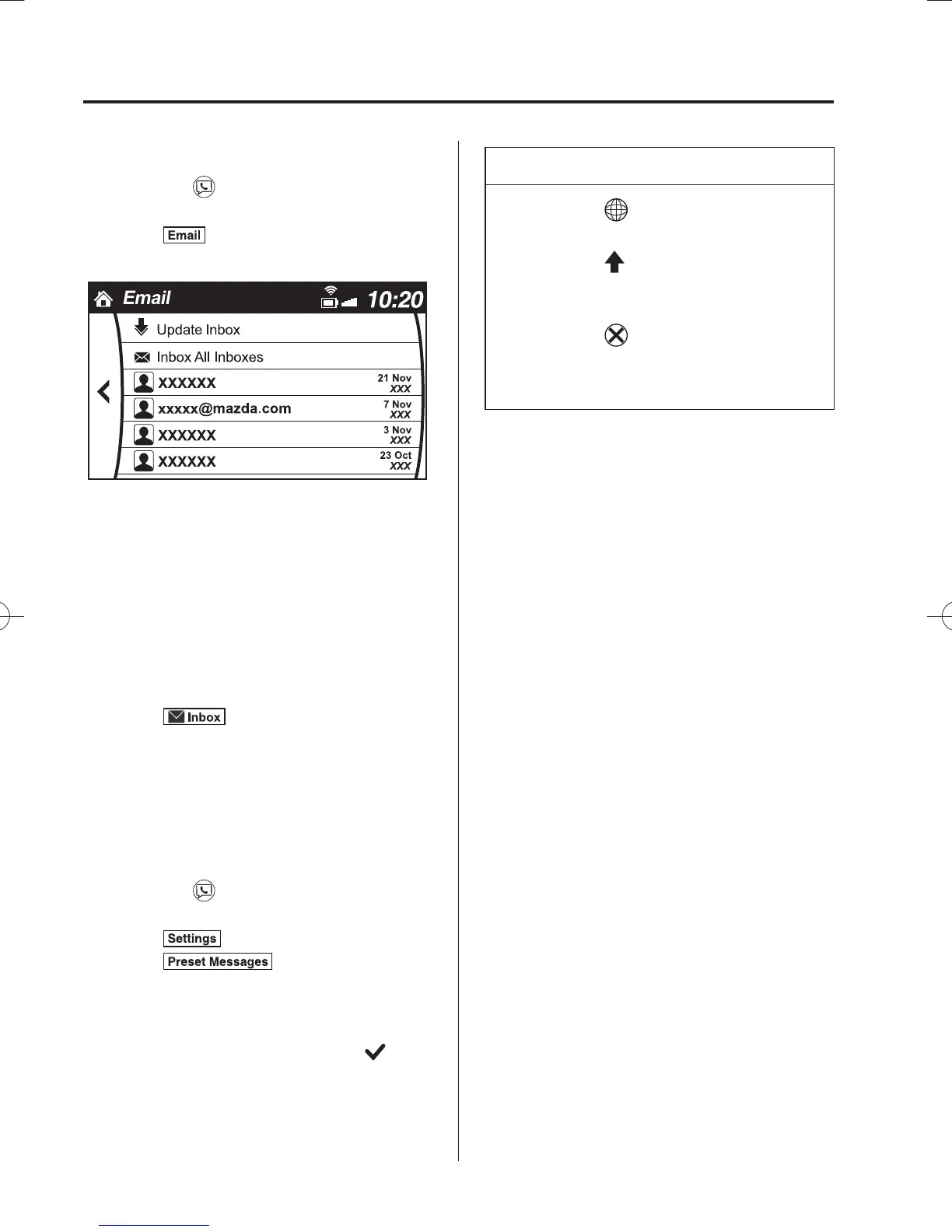
Example of use (verify unread E-mail)
1. Select the
icon on the home screen
to display the Communication screen.
2. Select
to display the inbox.
3. Select the unread message displayed in
bold.
4. The details of the message are
displayed and replying to the message,
making a call, or playback can be
performed.
Changing account for displaying
(E-mail only)
1. Select
.
2. Select the account which you would
like to display. Only the messages for
the selected account are displayed in
the inbox.
Editing preset messages
1. Select the
icon on the home screen
to display the Communication screen.
2. Select
.
3. Select
.
4. Select the preset message which you
would like to edit. The keyboard screen
is displayed.
5. When the message is input and
is
selected, the message is stored as a
preset message.
NOTE
Select the icon to change the
language.
Select the icon to switch between
capitalized and lower-case
characters.
Select the icon to return to the
previous screen without storing the
edit.
/C\FCA(-''(A'FKVKQPKPFD/C\FCA(-''(A'FKVKQPKPFD



 To Next Page