5
–
149
Interior Features
Interior Equipment
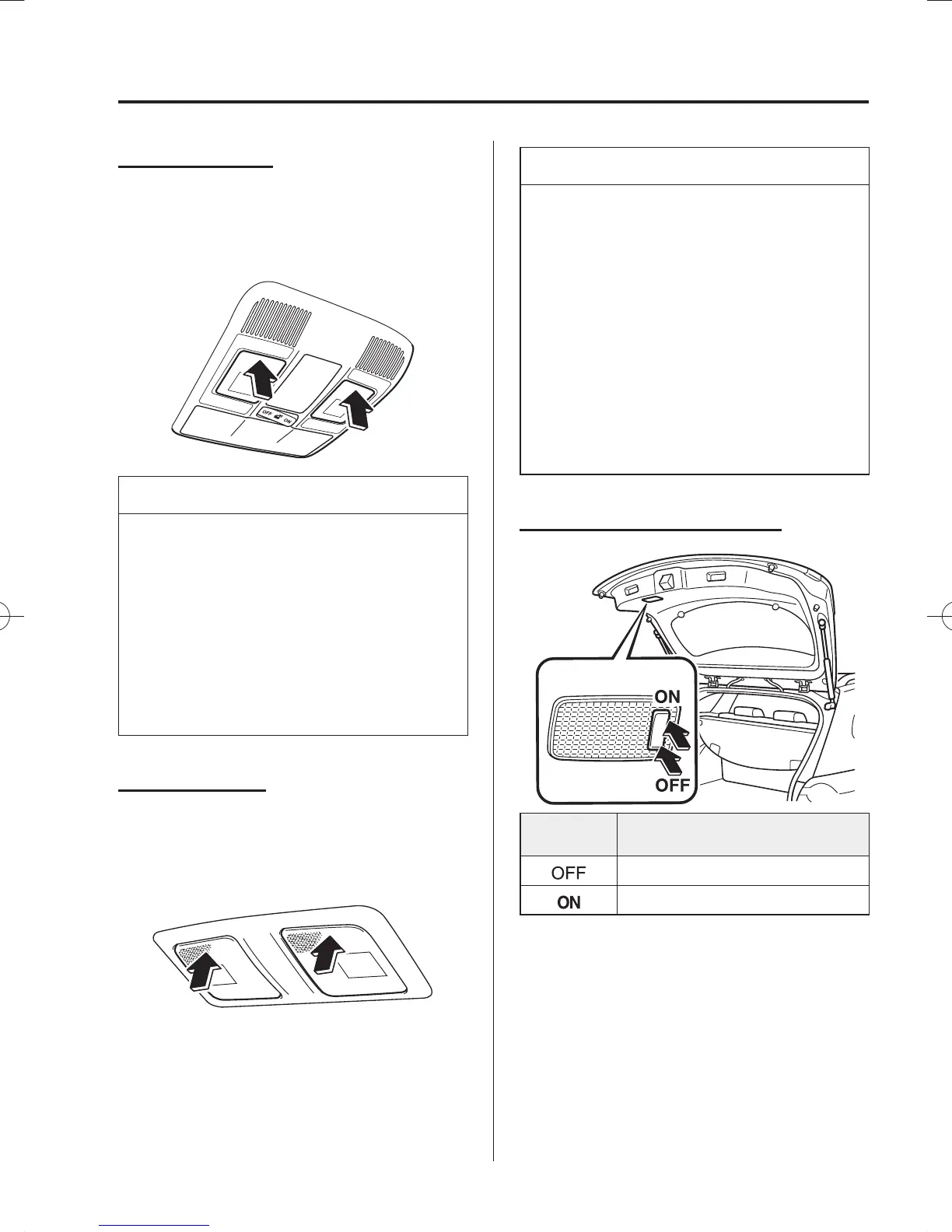
Front Map Lights
When the overhead light switch is in the
door or off position, press the lens to
illuminate the front map lights, and then
press the lens again to turn them off.
NOTE
The front map lights will not turn
off even if the lens is pressed in the
following cases:
The overhead light switch is in the
ON position.
The overhead light switch is in the
door position with the door open.
The illuminated entry system is on.
Rear Map Lights
When the overhead light switch is in the
door or off position, press the lens to
illuminate a rear map light, and then press
the lens again to turn it off.
NOTE
Once the rear map lights have been
turned off, they will turn on and off
depending on the position to which
the overhead light is switched.
The rear map lights will not turn
off even if the lens is pressed in the
following cases:
The overhead light switch is ON.
The overhead light switch is in the
door position with the door open.
The illuminated entry system is on.
Luggage Compartment Lights
Switch
Position
Luggage Compartment Light
Light off
Light on when the liftgate is open
/C\FCA(-''(A'FKVKQPKPFD/C\FCA(-''(A'FKVKQPKPFD



 To Next Page