5
–
121
Interior Features
Bluetooth
®
(Automatic downloading)
The “Auto Download Contacts”
setting must be on. When hands-free is
connected to the device, the phonebook is
downloaded automatically.
Refer to Communication Settings on page
5-129 .
(Manually downloading)
If the “Auto Download Contacts” setting
is off, download the phonebook using the
following procedure.
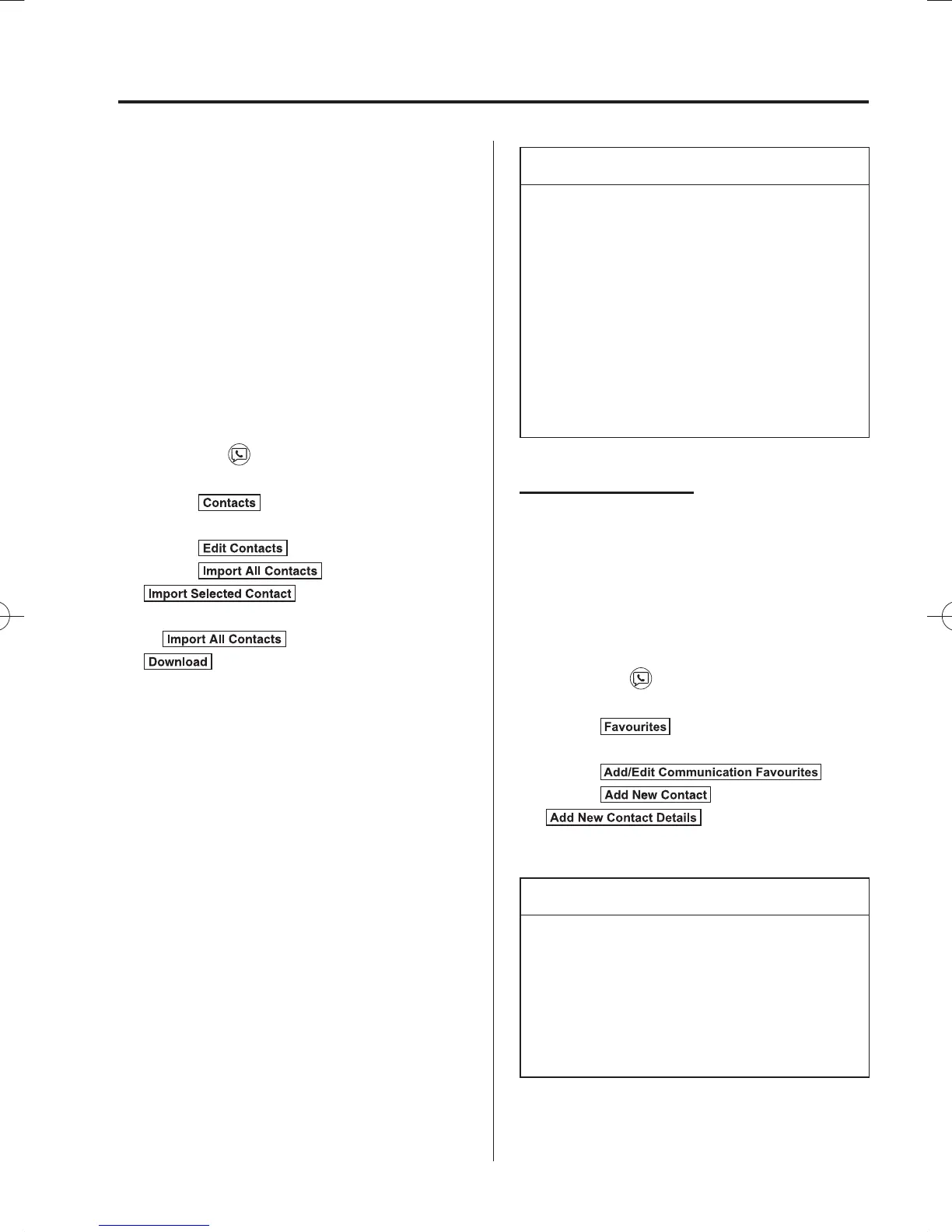
1. Select the icon on the home screen
to display the Communication screen.
2. Select
to display the contact
list.
3. Select
.
4. Select
or
to switch to the
device operation.
5. If
is selected, select
.
6. Download will be started from the
mobile phone.
NOTE
If “Import All Contacts” is performed
after saving the phonebook to the
Bluetooth
®
unit, the phonebook will
be overwritten.
A maximum of 1,000 contacts can be
registered to the phonebook.
Phonebook, incoming/outgoing call
record, and favourite memories are
exclusive to each mobile phone to
protect privacy.
Favourites Contacts
A maximum of 50 contacts can be
registered. It will take less time to make a
call after registering the telephone number.
In addition, you do not have to look for the
person you want to call in the phonebook.
Registering your favourites
1. Select the
icon on the home screen
to display the Communication screen.
2. Select
to display the
favourites list.
3. Select
.
4. Select
or
.
5. Select from the displayed list.
NOTE
When “Add New Contact” is selected,
information such as the selected person’s
name is also registered. In addition,
when “Add New Contact Details” is
selected, only the telephone number of
the selected person is registered.
/C\FCA(-''(A'FKVKQPKPFD/C\FCA(-''(A'FKVKQPKPFD



 To Next Page