4
–
240
When Driving
Rear View Monitor
NOTE
Because there may be a difference between the displayed image, such as indicated below,
and the actual conditions when parking, always verify the safety at the rear of the vehicle
and the surrounding area directly with your eyes.
In the image of the parking space (or garage) displayed on the screen, the back end and
distance guide lines may appear aligned in the monitor, but they may not actually be
aligned on the ground.
When parking in a space with a division line on only one side of the parking space, the
division line and the vehicle width guide line appear aligned in the monitor, but they
may not actually be aligned on the ground.
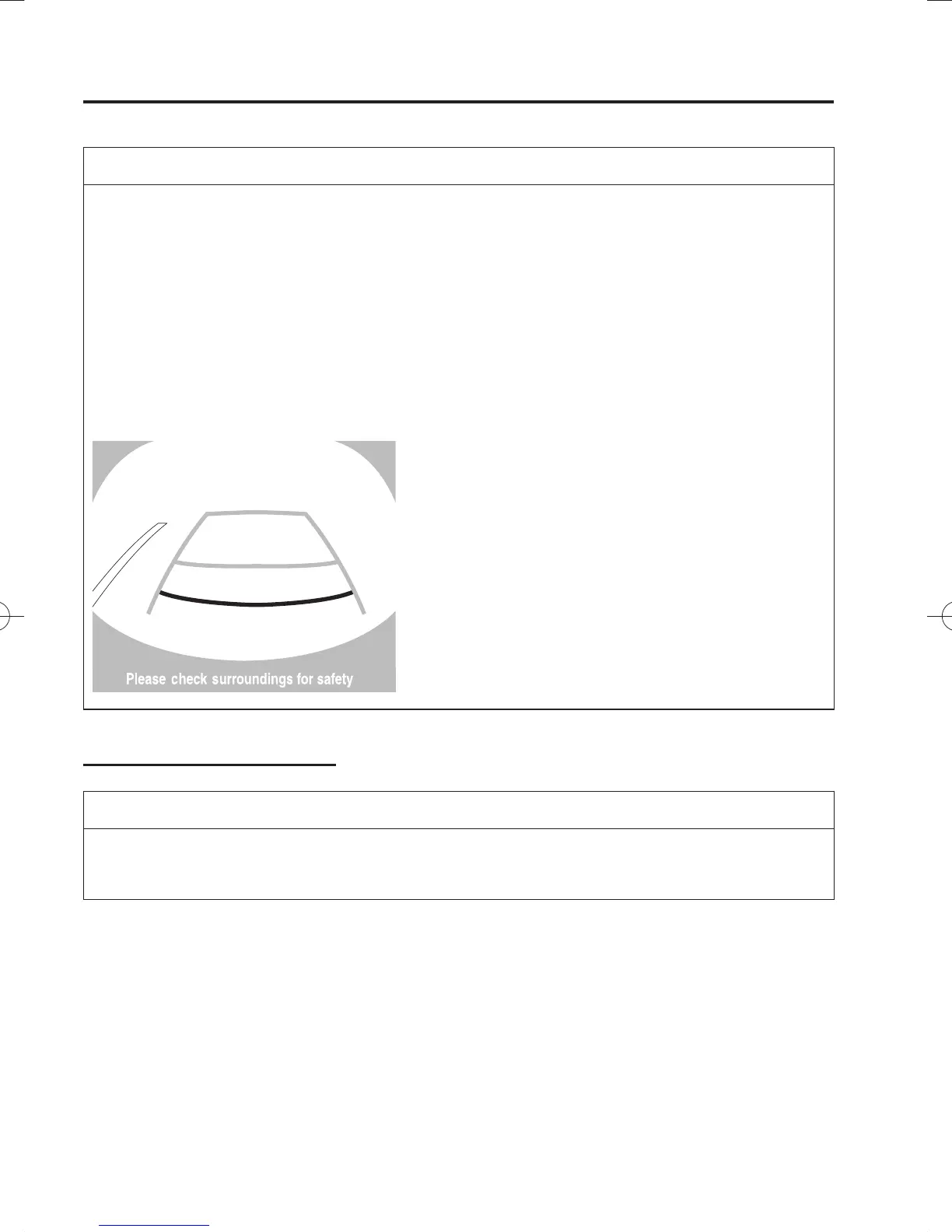
Fixed assist lines display type
NOTE
Images displayed on the monitor from the rear view parking camera are reversed images
(mirror images).
1. Shift the shift lever (manual transaxle) or the selector lever (automatic transaxle) to
reverse (R) to switch the display to the rear view monitor display.
/C\FCA(-''(A'FKVKQPKPFD/C\FCA(-''(A'FKVKQPKPFD



 To Next Page