106
Operation
Xtrashift warning lamps
Forwarninglampsandinformationontheinstrument
panel,seetheInstrumentsandProgrammingSectionin
thismanual.
Engagement of Powershift ranges under load
Thegearboxprovides3 Powershift ranges (underdrive,
direct drive and overdrive) that can be engaged under
loadinforwardgears.
Foreachengagedgear,3speedsareavailable:Underdrive
-Direct-Overdrive.
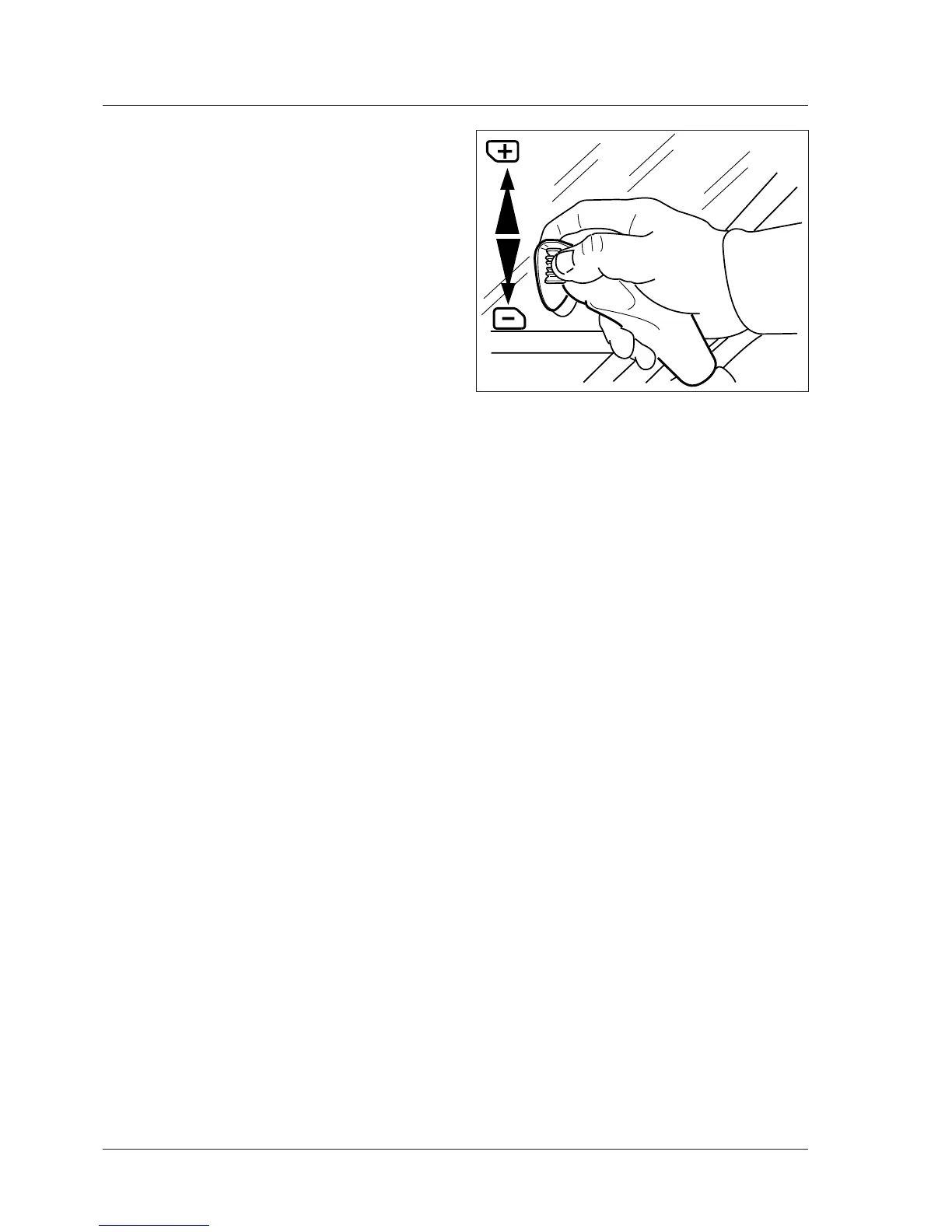
To select, turn the Powershift switch on the gearshift
lever:changesfromonerangetothenextareautomatic
andunderload(Fig.4-15).
Turntheswitchuptoshifttherangeup:+sign.
Turntheswitchdowntoshifttherangedown:--sign.
Theswitchalwaysreturnstothecentreposition.
ThePowershiftswitchcanbesetonanypositionwiththe
tractormoving,without depressing theclutchpedalor
theclutchpedalortheDeclutchdisengagementbutton.
Toensurethattherangesareshiftedinthecorrectse-
quence,movetheswitchonerangeatatimeinthe1,
2,3order.
IMPORTANT: To prevent excessive deceleration of
the tractor ALWAYS downshift one range at a time in
sequence 3, 2, 1.
On the digital instrument panel, the Powershift screen
displays the selected speed: see the Instruments and
ProgrammingSectioninthismanual.
Reaction to control settings
Themonitoringsystemautomaticallyanalyzesthecondi-
tionsinwhichthetractorisusedandchoosesreaction
timesmostsuitabletoanycondition.



 To Next Page