Operation
145
5
OPERATION2
Raisethehitchtomaximumheight.
IMPORTANT: Electronic power lift - Make sure LOAD
CONTROL is in the (0) off position, this will prevent
unwanted hitch movement when the tractor is moving
at more than 0.8 km/h (0.5 mph).
OPERATION3
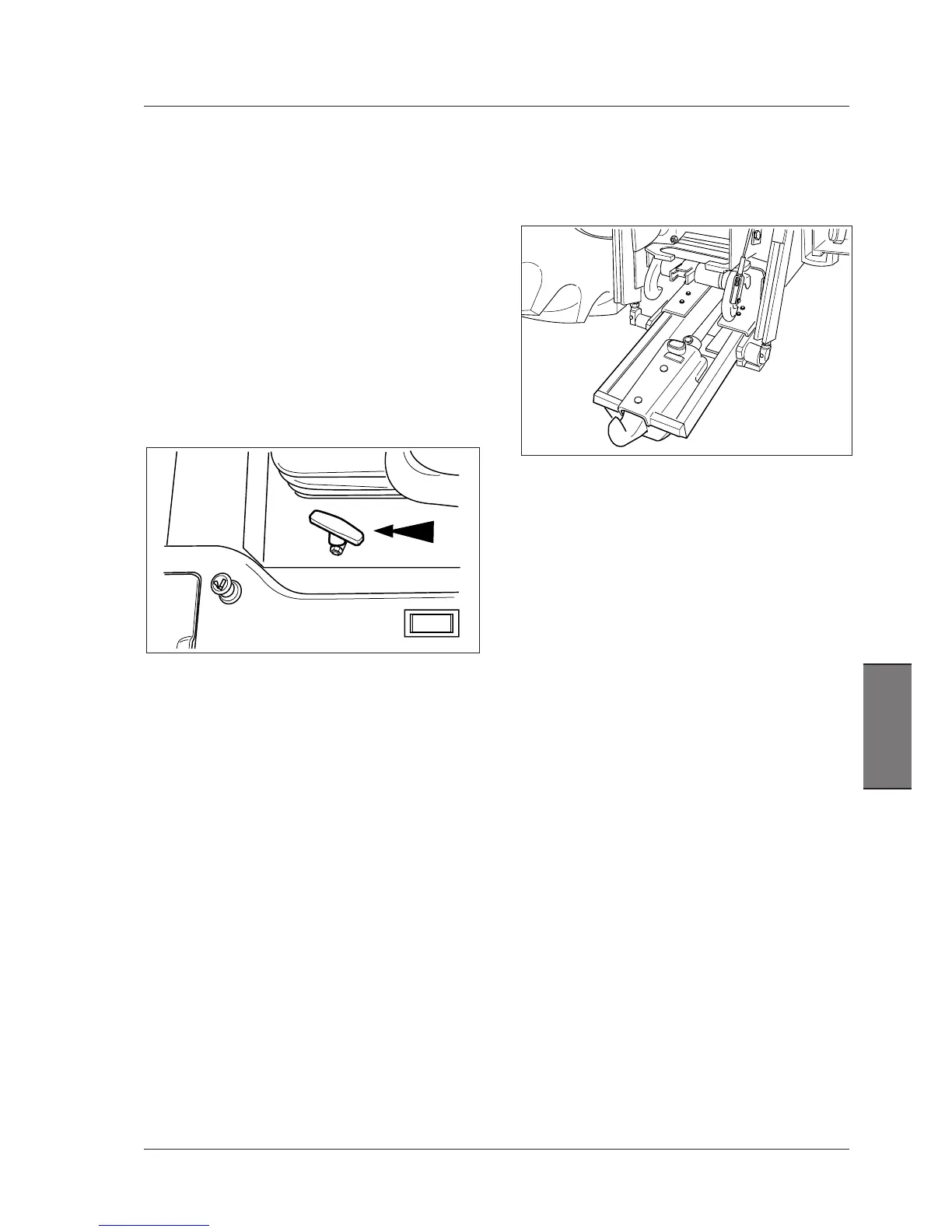
Makesuretheautohitchisraisedtomaximumheight.
Unlockthelockinglatches.
Tounlock,pullthelever(1).
OPERATION5
Lowerthepick-uphitchusingthepowerliftcontrols.
OPERATION6
-Mechanicalhitch-Reversethetractoruntilthehookis
alignedundertheimplementtowingeye.
-Hydraulichitch.
Extendthehookrearwards,bymovingthecorresponding
hydraulicremotecontroluntilthehookisalignedunder
theimplementtowingeye.
OPERATION7
Raise the auto hitch until the hook is engaged in the
implementtowingeye.
OPERATION8
Fullyretractthehookbymovingthecorrectremotelever
rearwards.
IMPORTANT: Always make sure the hook is fully
retracted before raising the hitch.
OPERATION9
Raisethepick-uphitchtomax.heightuntilthehitchstops
upwardmovementandthelockinglatchesarelatched.
Releasetheliftcontrols.



 To Next Page