McHale Fusion 3 Baler & Wrapper
67
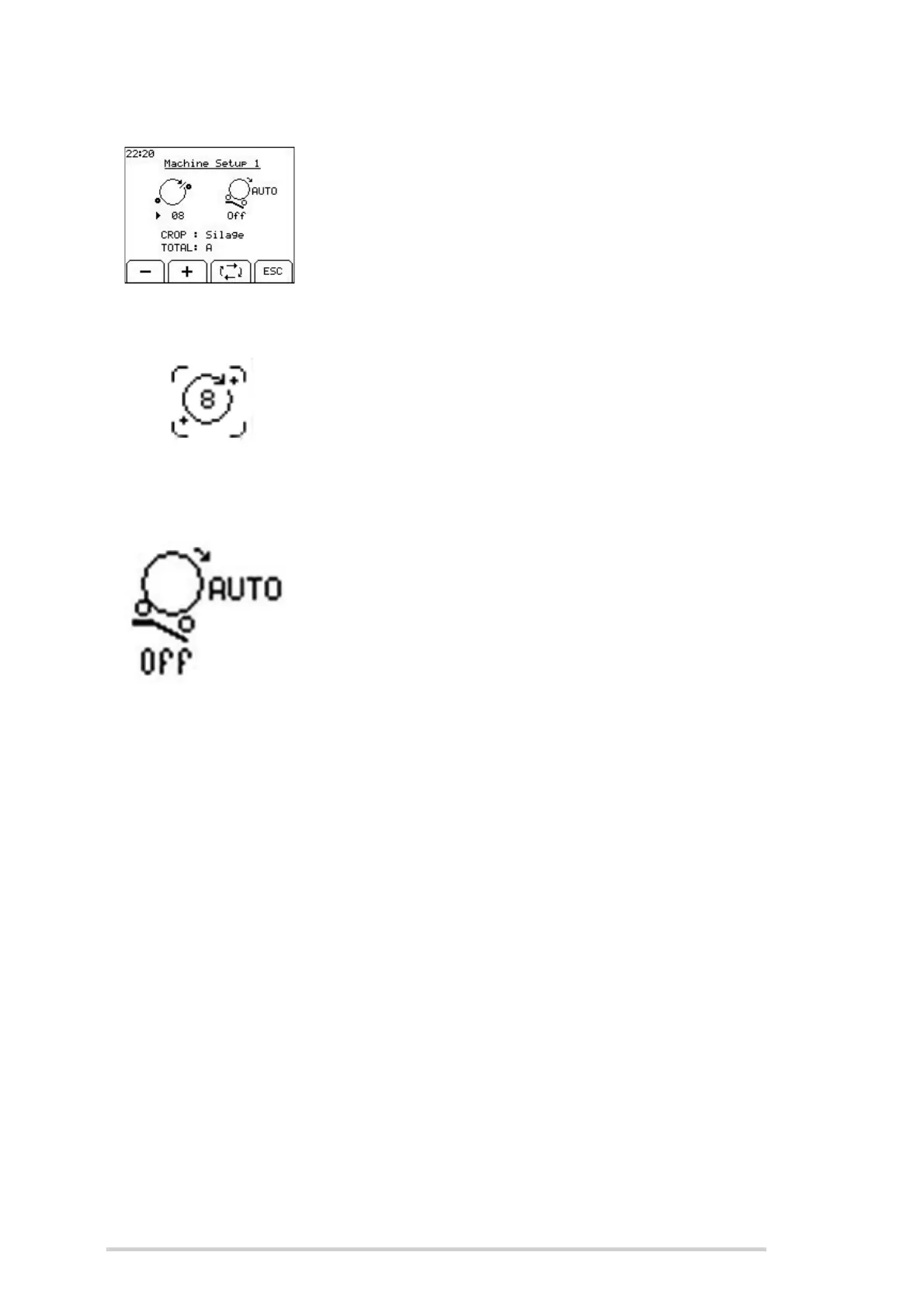
Machine Setup 1
Use the following buttons to navigate the Machine Setup 1:
Toggle key to move the arrow head to each of the
parameters
+ and - keys to change the value of the selected
parameter
ESC to return to the Machine Menu
Film Layers
Film layers are set by the number of ring rotations. Count
the number of rotations required to cover the bale once and
add 0.5 of a rotation, then multiply this resultant figure by
half the number of layers required, e.g. (3.5 + 0.5) x 2 = 8
rotations for four layers. Use the + and - soft keys to adjust
this figure.
Auto Tip
Auto Tip can be set on or off. When set to “Off”, the bale will
only be tipped when the bale tip button is pressed (Button
13). When Auto Tip is “On”, the wrapped bale on the
wrapping table will be automatically tipped off when the next
bale is being netted. Pressing the tip button will tip off the
bale earlier, if desired. In automatic mode, the auto tip can
be paused by pressing “tip up” (Button 12), if the conditions
are not suitable to tip off the bale. This stops the bale
transfer cycle after the net is applied. When the machine
has been moved to a suitable tip location then the tip button
can be pressed to a tip the bale and this will also resume the
automatic bale transfer. A small letter “A” will be shown on
the screen under the tip arm to indicate when Auto Tip is
switched on.
Crop
There are three crop options: Straw, Hay and Silage. Use the toggle soft key to move
the arrow head to the crop parameter, then use + and - soft keys to change the crop
type. When set to “Straw” and “Hay” the bales will not be wrapped. The straw setting
has only a one-second delay between the time the bale chamber switch opens and the
net is applied whereas the other options have a three-second delay.
Bale Sub Total
There are ten bale sub totals to choose from (A-J). Using the toggle soft key move the
arrow head to the parameter and then use the + and - soft keys to the change the sub
total.



 To Next Page