McHale Fusion 3 Baler & Wrapper
70
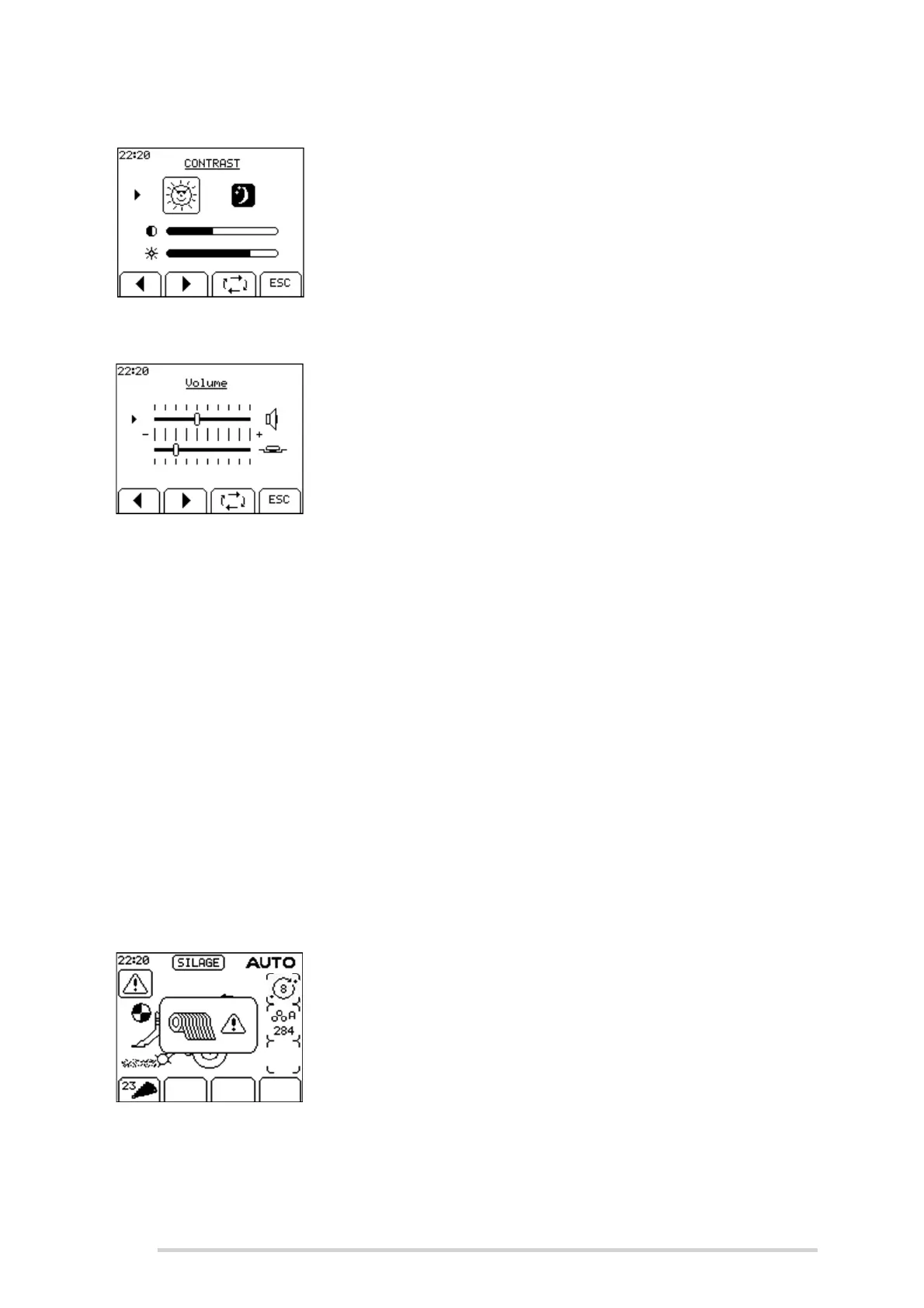
Contrast
Extremes of temperature may affect the contrast of the
display which is adjustable from the contrast menu. Day and
night options are also selectable. The brightness can also
be adjusted.
Volume
The volume of the beeper and the button tone can be
adjusted. Use the toggle key to select the beeper/button
tone setting. Use the left arrow head (Soft key A) to
decrease the volume and the right arrow head (Soft key B)
to increase the volume.
Clock
Use the left and right arrow head soft keys to set the time. The toggle soft key moves
from line to line in the menu.
Language
Use the arrow soft keys to move up or down to the required language and press the
enter soft key to select the language.
7.3.1 Technician Menu
The technician menu has a lot of critical settings and is reserved for McHale engineers
only. A pin code needs to be entered to access the menu.
7.4 Warning messages
Check net
The passage of net through the netting unit is monitored. If
the net cutting knife does not trip within 20 seconds of the
netter starting, the net warning is displayed, an alarm
sounds and the cycle is halted.
To correct this, complete the following:
Disengage the PTO
Replace the roll of net
Engage the PTO
Press the “Net” button



 To Next Page