McHale Fusion 3 Baler & Wrapper
74
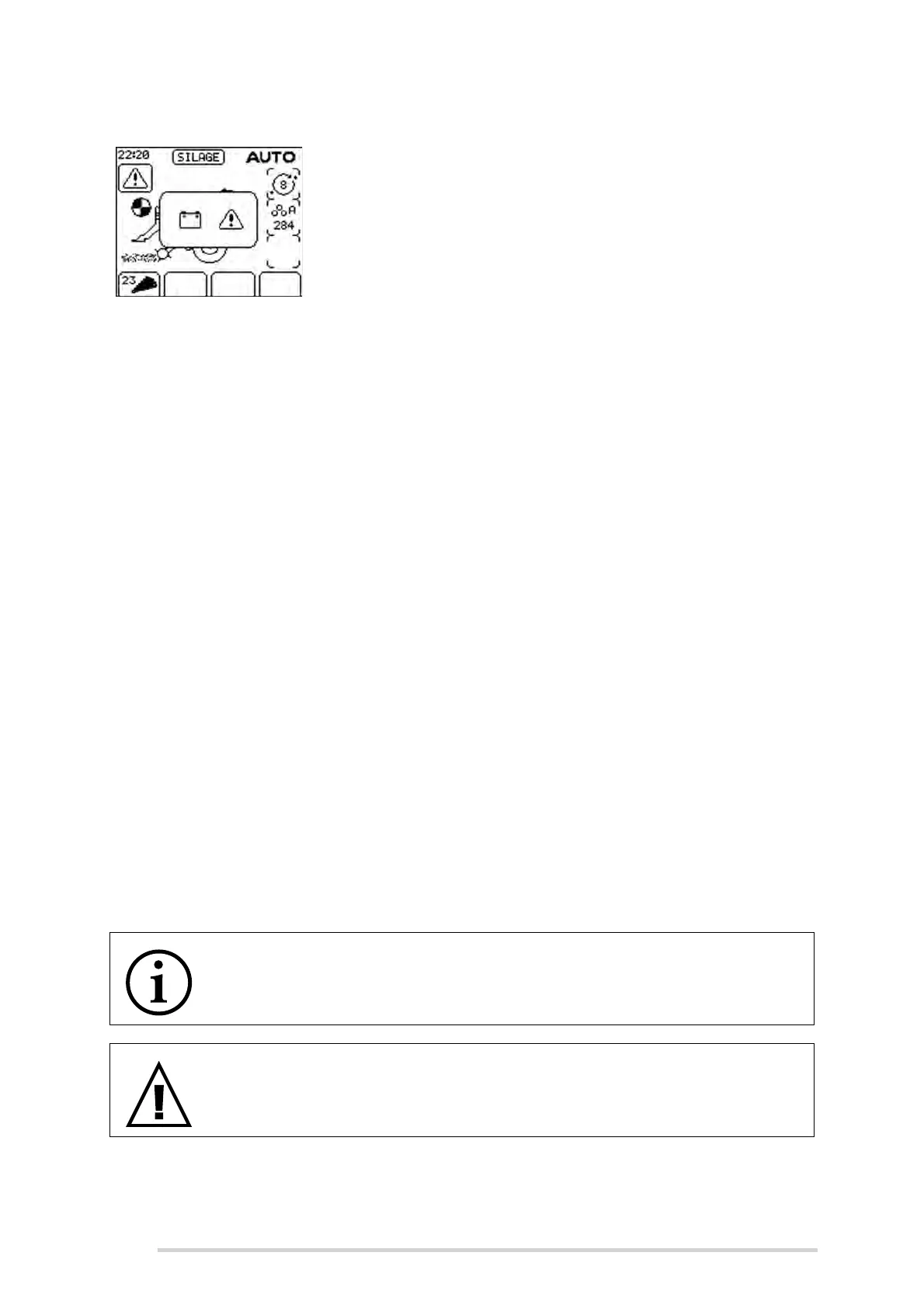
Low voltage
If the voltage drops below 10 volts, then this warning will be
displayed. The usual causes are nearly always either an
inadequate power lead cable or corroded connections.
Ensure the cable connection to euro socket is of good
quality.
7.5 Simulating a “bale to wrapping” cycle
The following procedure is used to test a full “bale to wrapping” cycle, in the absence
of any baling material. It can be used to determine the correct operation for nearly all
equipment, from the start of the baling cycle to the end of the wrapping cycle. The
following is the procedure used:
1. Before starting the tractor, remove the net roll from the netting unit; this is
important! Otherwise net may get tangled up in the netter unit rollers, creating
a mess and wasting net!
2. Turn on the control box and select manual mode, “MAN” will be displayed on
the control box display. (See Section “Control box features” on page 60)
3. Scroll through the control box menu and turn the film sensor to “Off” as in
Section “Film Sensor” on page 68.
4. Turn on PTO at a speed of 540 rpm.
5. While keeping an eye on the bill hook location, near the net set handle, (See
Section “Net cutter setting” on page 41 for details) press “Net feed” (Button 6)
until the bill hook is nearly set to trip (the hook is nearly as high as it will travel
on the knurled wheel before tripping downwards, do not allow to trip)
6. Press “Chamber door open” (Button 9) until the door raises slightly and an
audible beeping sound is heard.
7. Switch the control box to “Automatic” mode. If “Check Net” is displayed in the
control box display, switch the “Manual/Automatic” button twice. This will
ensure tripping of the bill hook.
8. Allow the machine to run its full cycle.
9. Press the “Tip bale” button once, on the control box.
NOTE: “Out of film” error
If an “Out of film” error is displayed, this means that step 3 above was not
carried out correctly and the film sensors are set to “On”.
WARNING: Keep out of the “Danger Zone”
Keep all persons outside of the “Danger Zone” during all machine
operations! See “Danger zone” on page 16 for description.



 To Next Page