McHale Fusion 3 Baler & Wrapper
71
The net feeds into the chamber, netting the bale and the
cutting knife trips. The operator then checks that the netting
is complete and advances the cycle by pushing “chamber
door open” (Button 9) for one second, work can then
continue as normal.
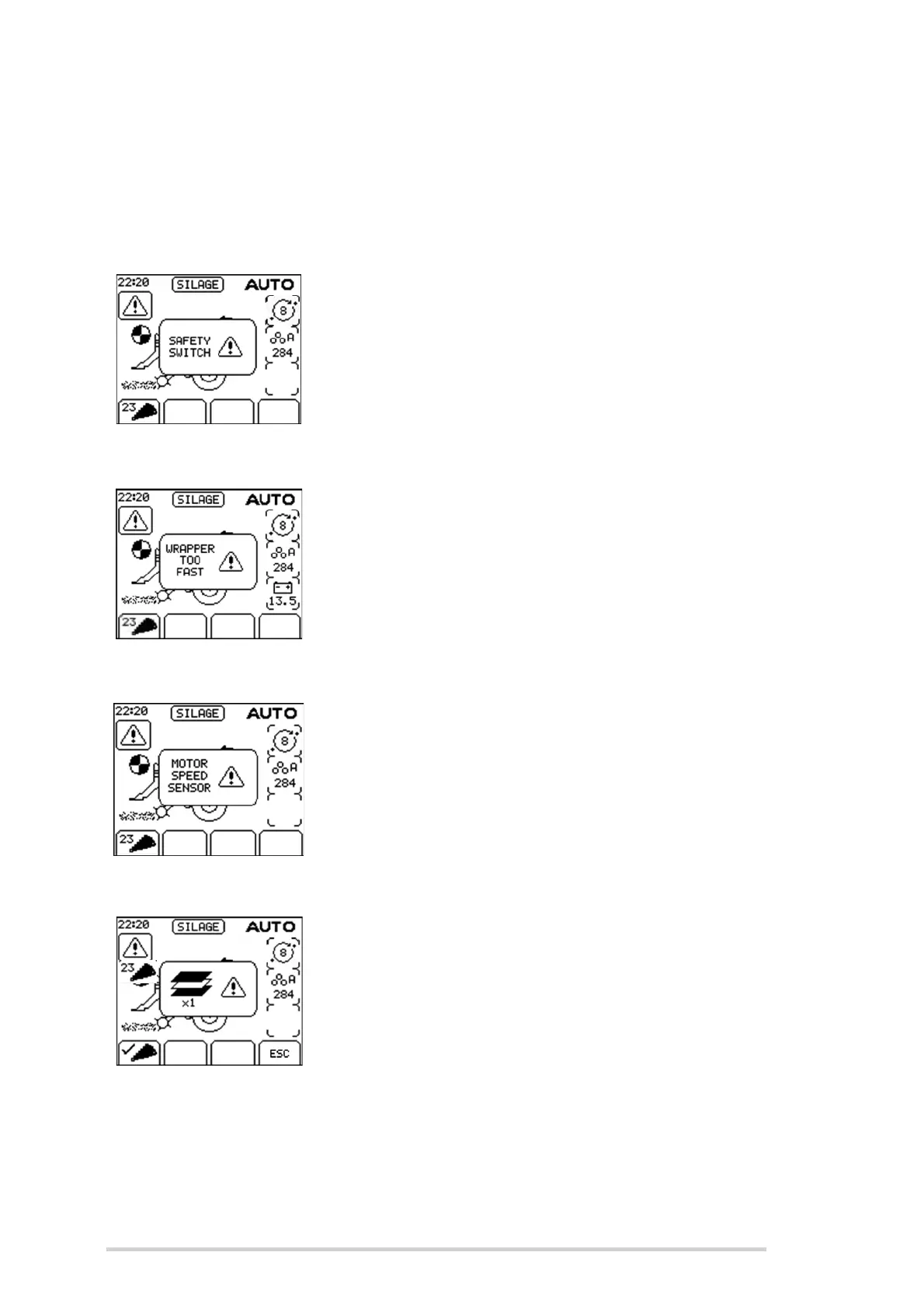
Safety switch
A mechanical safety switch on the rear door, where film is
loaded, prevents the dispenser ring rotating if it is open. If
the rear door is not correctly fastened, rotation is prevented
and “Safety Switch!” is displayed.
The cycle can be advanced by pressing “resume” (Button 7)
when the error is corrected.
Wrapper too fast
This warning message will be displayed if the wrapper
speed goes above 35 rpm. Speed is set at 30 rpm from the
factory so this warning will not usually be seen unless the
hydraulic settings have been tampered with.
Motor speed sensor
This warning will be shown if pulses are not seen from the
motor speed sensor, once the wrapper ring starts to rotate.
Contact your McHale dealer if you see this.
1 dispenser only
When the film sensor is switched on, failure of one
dispenser to feed film will flash this warning on the display
and the wrapping rollers will operate in 50/50 mode giving a
correct wrap with the remaining film roll. Press ESC
(Softkey D) to silence the alarm.



 To Next Page