Service Manual 800 series Rev. 1/01.07.2019
19
Medisoft RAM Italia S.r.l. - All rights reserved
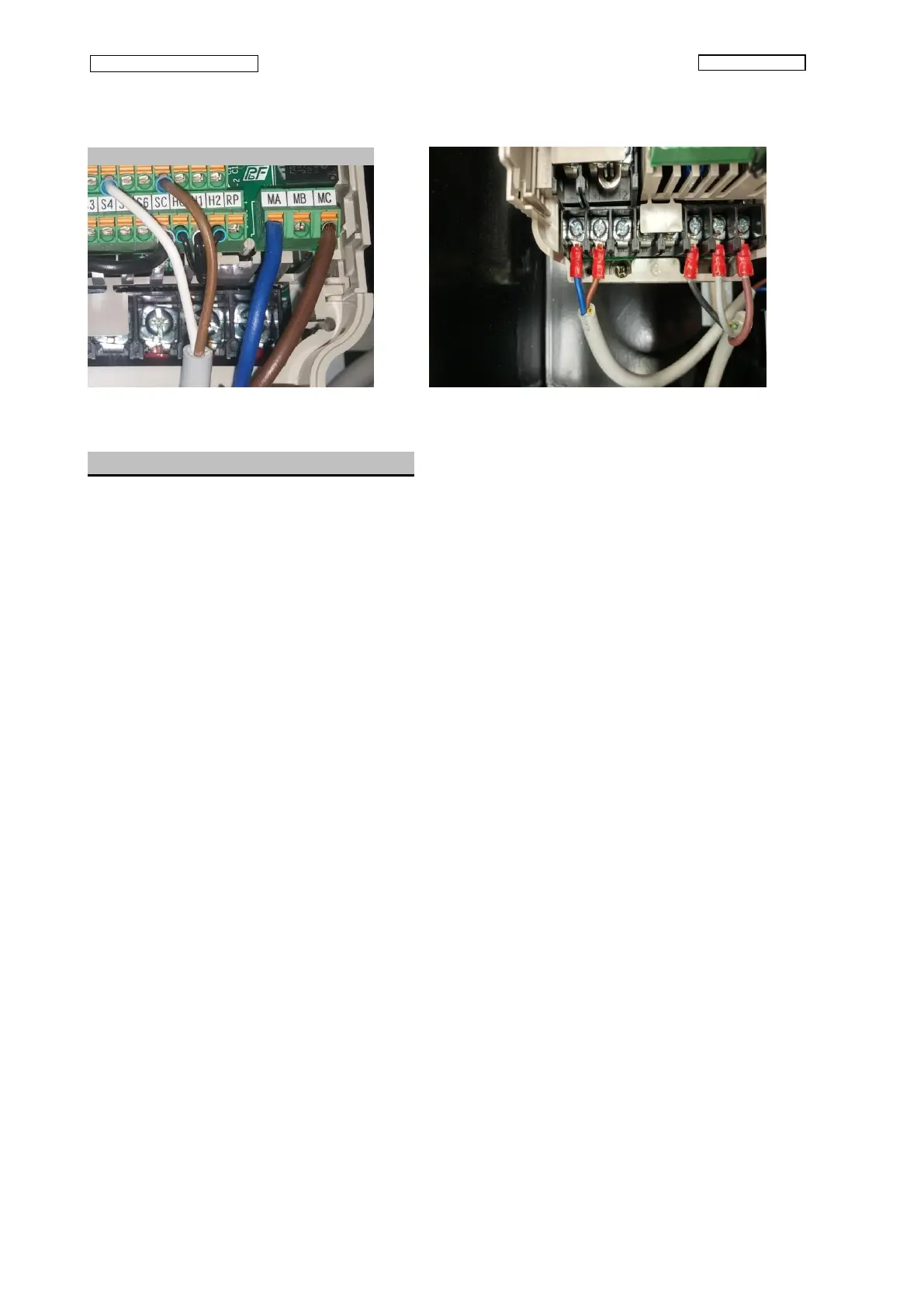
Fig.26
4.9 - Substitution of velocity motor
Essential tools:
• Philips screwdriver
• Two 10 mm wrenches
• 7 mm socket wrench
Essential replacement parts:
• Parts assembly – Velocity motor
Make sure the switch is OFF and the plug is disconnected.
Remove the 4 screws on the motor terminal box, then remove the cover.
Use the 7 mm socket wrench to disconnect the wires of the motor, then remove the power cord from
the motor unscrewing the cable-blocker.
With the 10mm spanner loosen the bolt tensioner to remove the support roller belt tensioner, then
remove the drive belt.
Disconnect the wires from the cooling fan motor
Use the 10 mm wrench to unscrew the four screws that fasten the velocity motor to the motor box
and remove the nuts present on the screws in order to remove the velocity motor.
Substitute the velocity motor with a new one
Recover the four insulators, the washers and the nuts from the motor you’ve just substituted
Use these materials to position the new motor on the motor box.



 To Next Page