16
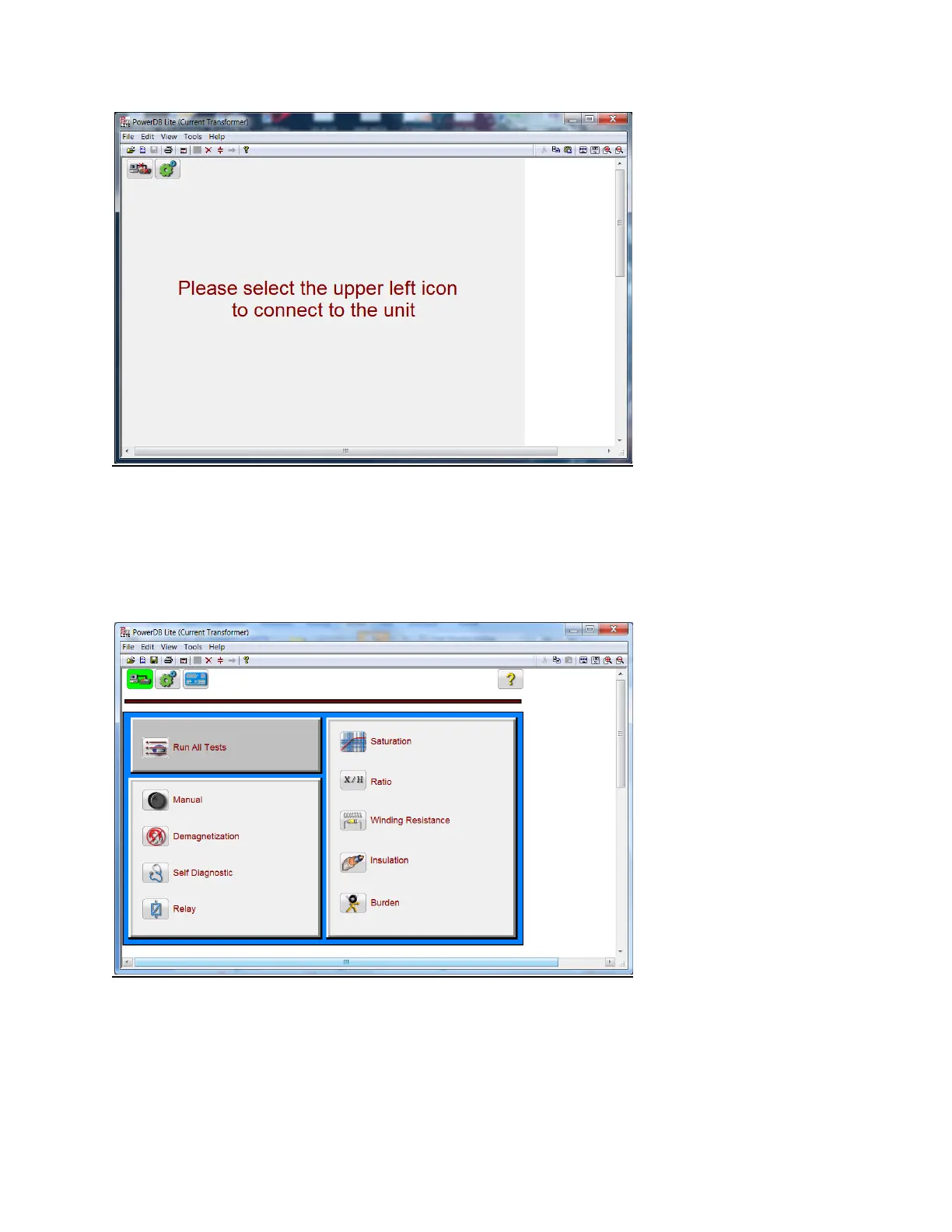
The user should select the connection icon in the top left conner to connect to the MRCT. The user will
then be brought to the “Home Screen”. If the MRCT has an integrated display, after powering up the
MRCT, the user will be brought to the “Homes Screen” automatically. Depending upon how the MRCT
was configured the user will see the “Home Screen” for CT testing or the “Home Screen” for combined
CT and VT/CVT testing.
Figure 6: Boot Up Home Screen CT only


 To Next Page