90
6. Turn Power ON/OFF switch to ON.
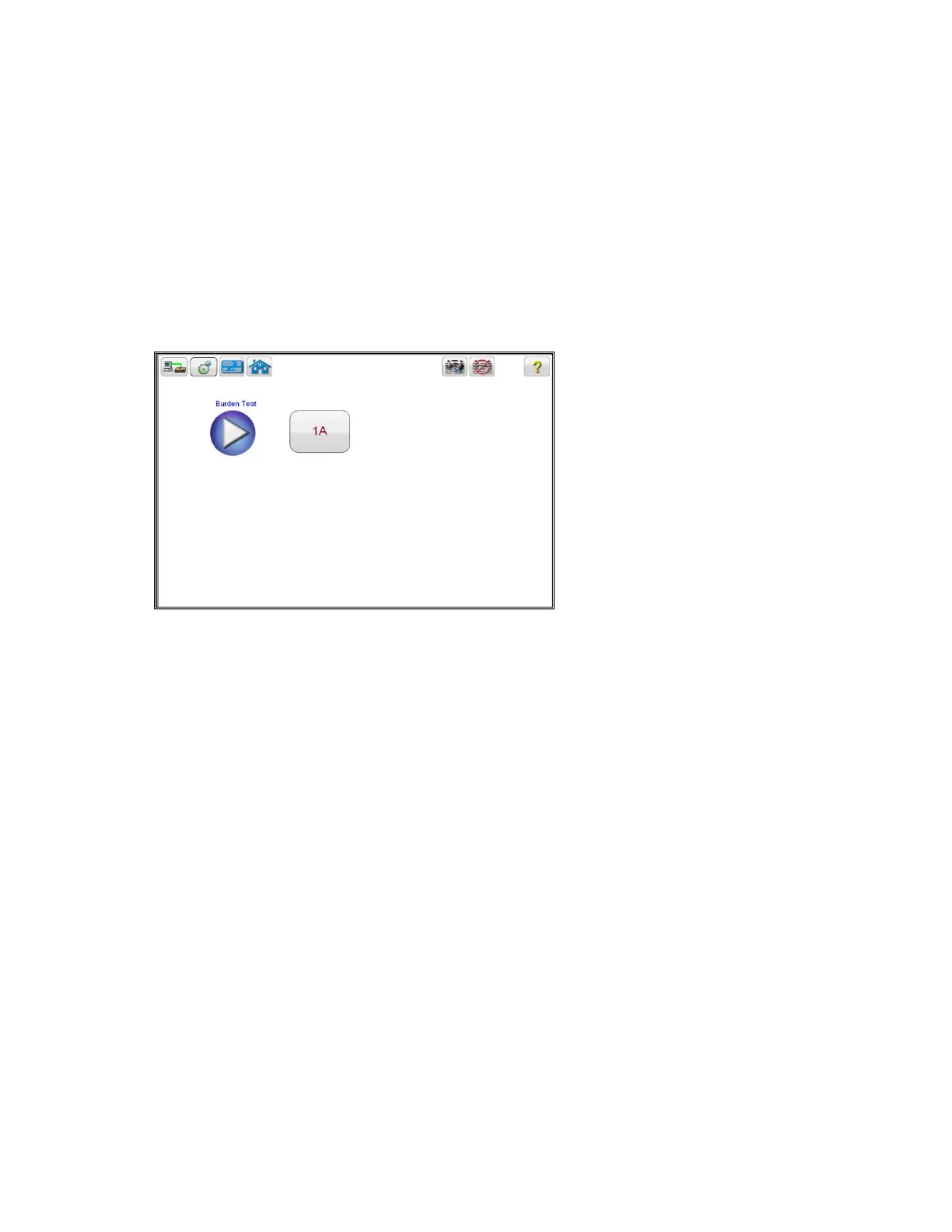
After the boot up, in the Home Screen select the “Burden Test” button
7. In the Burden test screen, select the appropriate test current of either
1 Amp or 5 Amp based upon secondary current rating of the CT under test
Figure 65: CT Burden Test Screen
8. Select the play button and a connection diagram will appear showing how to correctly connect the
MRCT to the CT


 To Next Page