94
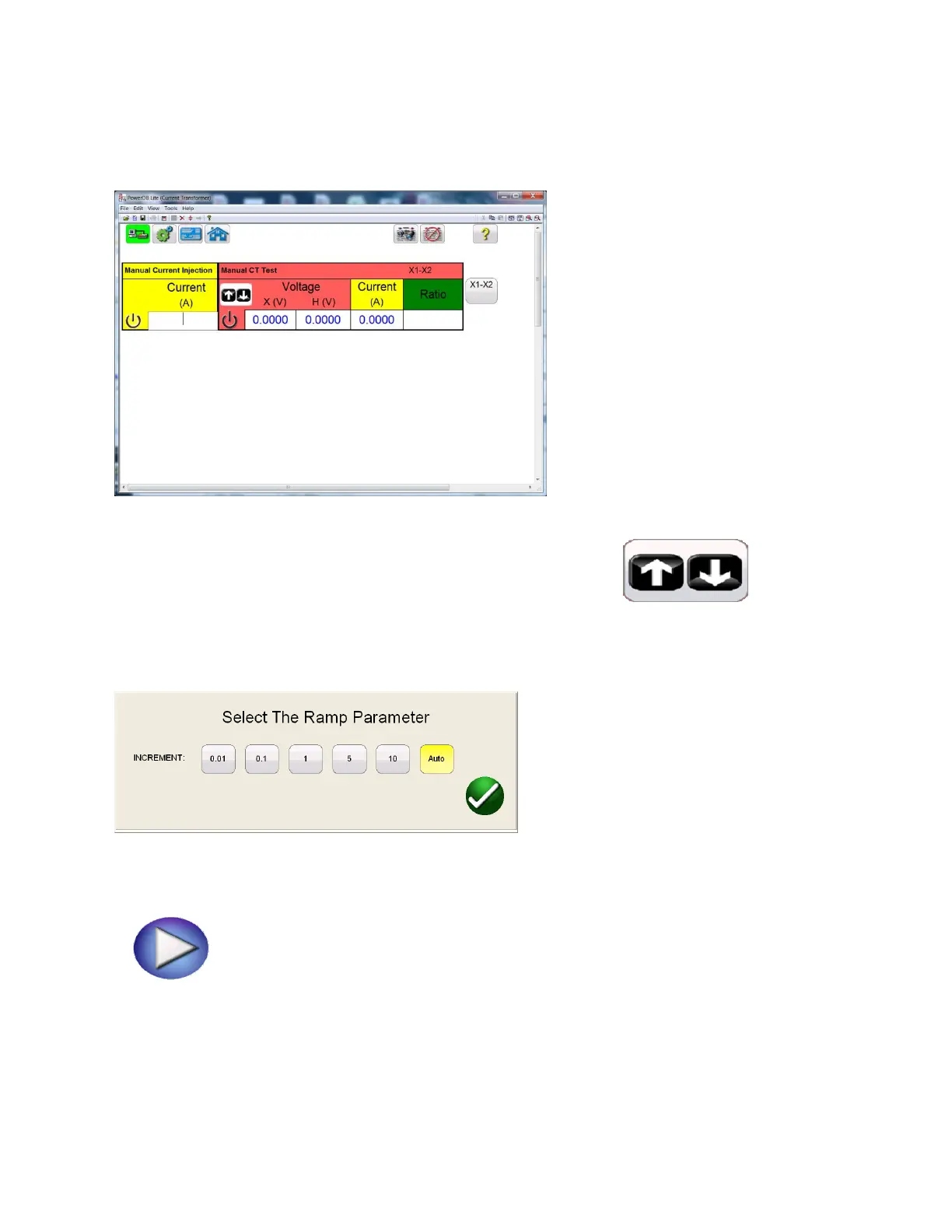
Figure 69: CT Manual Test Screen
8. In the Manual Test screen, by selecting the Ramp adjustment button , the user
may select the amount of increment the voltgae is either decreased ir increased by turning the knob
on the STVI.
9. After making this selection, select the appropriate tap to be tested,
10. Begin the test by selecting the blue play button.
A connection diagram will appear showing the correct connects



 To Next Page