M
AVTMTTR310 Rev 8 May 2016
94
Using PowerDB Lite
1. Home
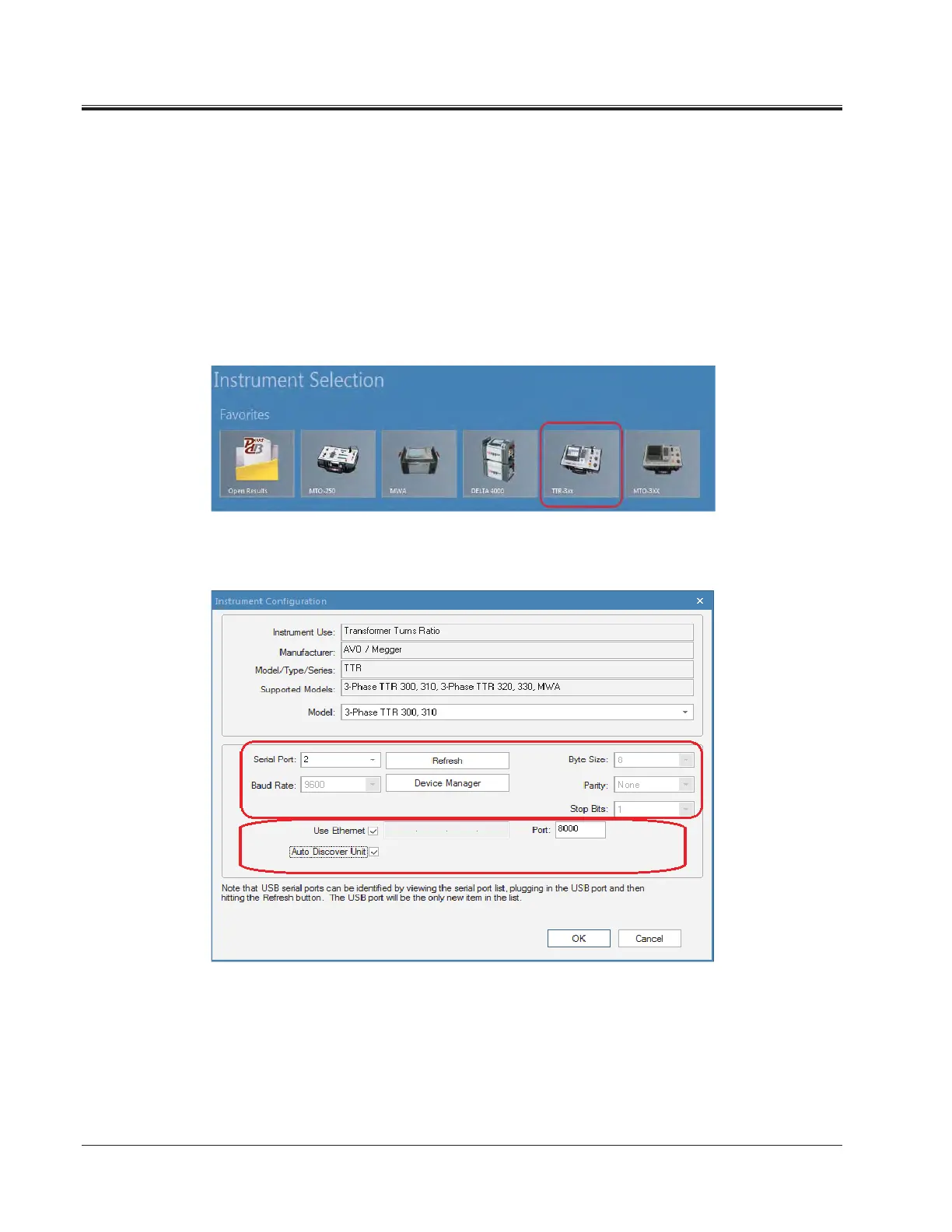
1. Select your Instrument from the Instrument Setup screen.
a. You can always view the Instrument Setup screen from the Tools
menu or F3.
b. Choose the appropriate selection from the screen below.
c. The TTR310E uses RS232 OR Ethernet communications (user
selectable).
a. Then Click OK on the Instrument Setup Screen to finish (Ethernet
only provided on TTR310E)



 To Next Page