TTR 300 Series PowerDB Lite User Manual
AVTMTTR310 Rev 8 May 2016
95
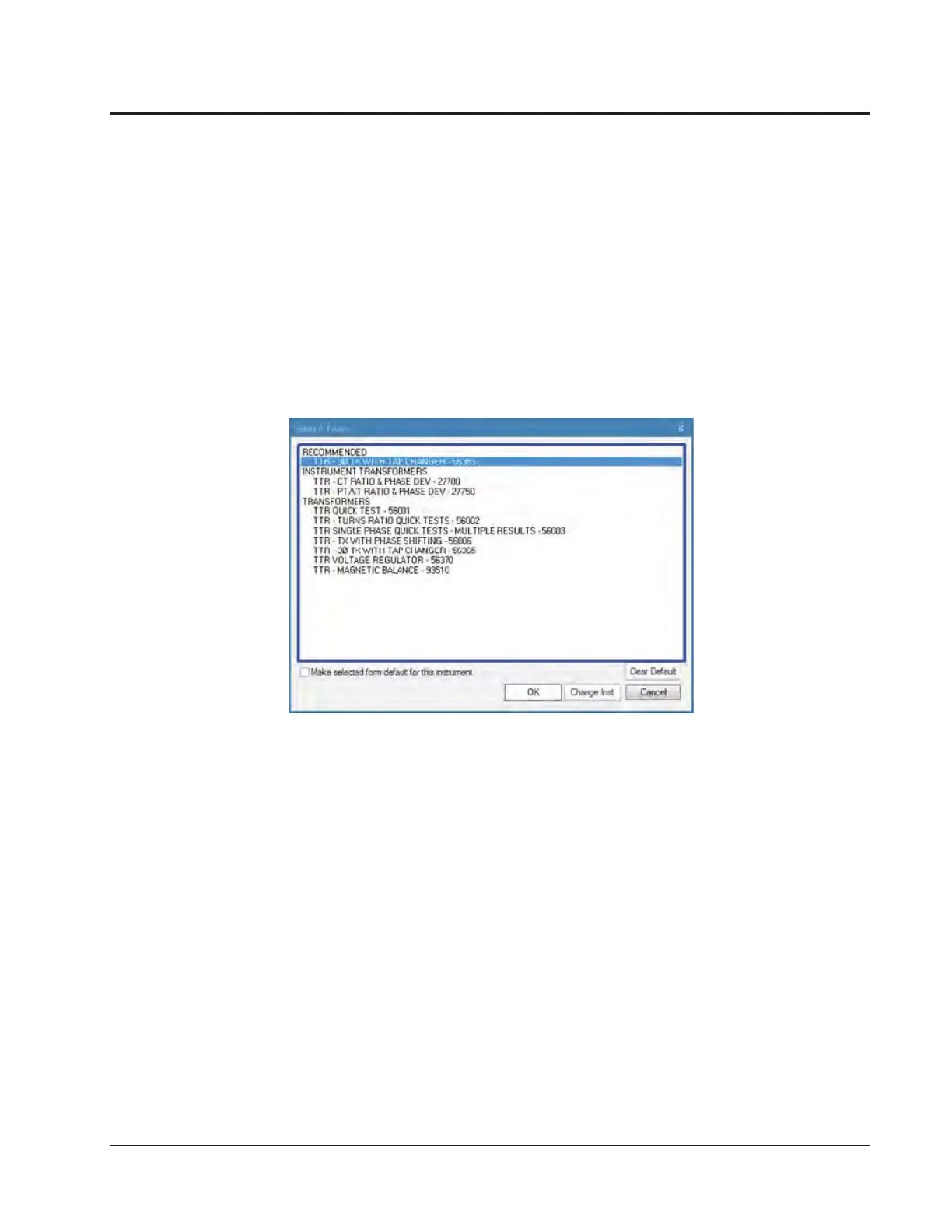
2. Open a New Form
a. Select the File>New menu item, or type CTRL+N, or press the New
toolbar button.
b. The forms associated with the detected instrument will be shown in
the Select a Form screen.
c. Choose a form by double-clicking or by navigating with the arrow
keys and pressing the OK key.
d. See Specific Form Help Instructions for further instruction on test
steps. You can view the Form Help by pressing the F1 key once the
form is loaded.



 To Next Page