M
AVTMTTR310 Rev 8 May 2016
96
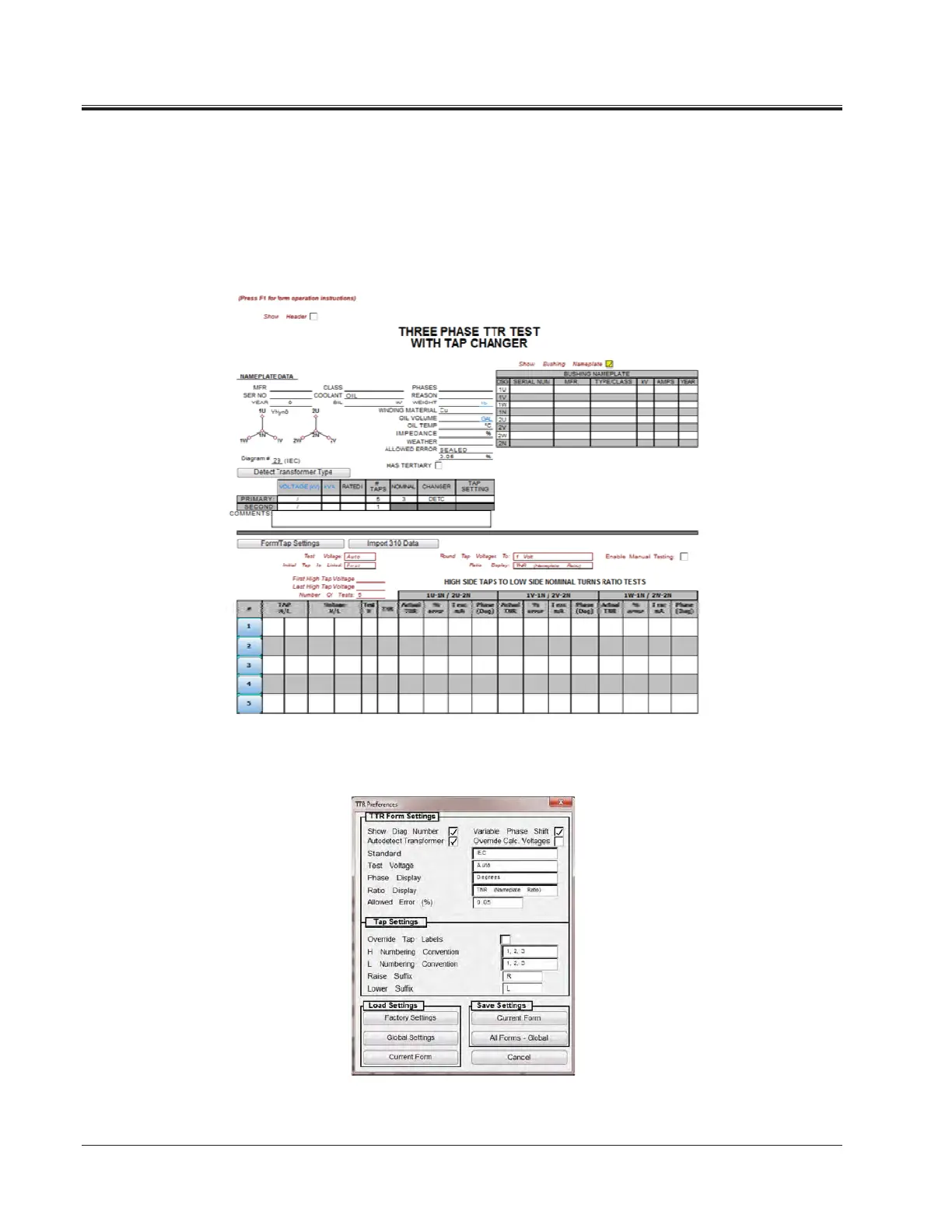
3. Enter Test Data
a. Header and nameplate information can be manually typed into a
form.
b. Form fields with automation will now be colored cyan. Right-clicking
these fields will start the test.
c. To change the settings of the TTR place the mouse on the form and
right-click. Then select “TTR Settings”.
d. This dialog box allows you to change the TTR settings.
4. Comments and Deficiencies



 To Next Page