M
AVTMTTR310 Rev 8 May 2016
98
6. Opening an Existing File
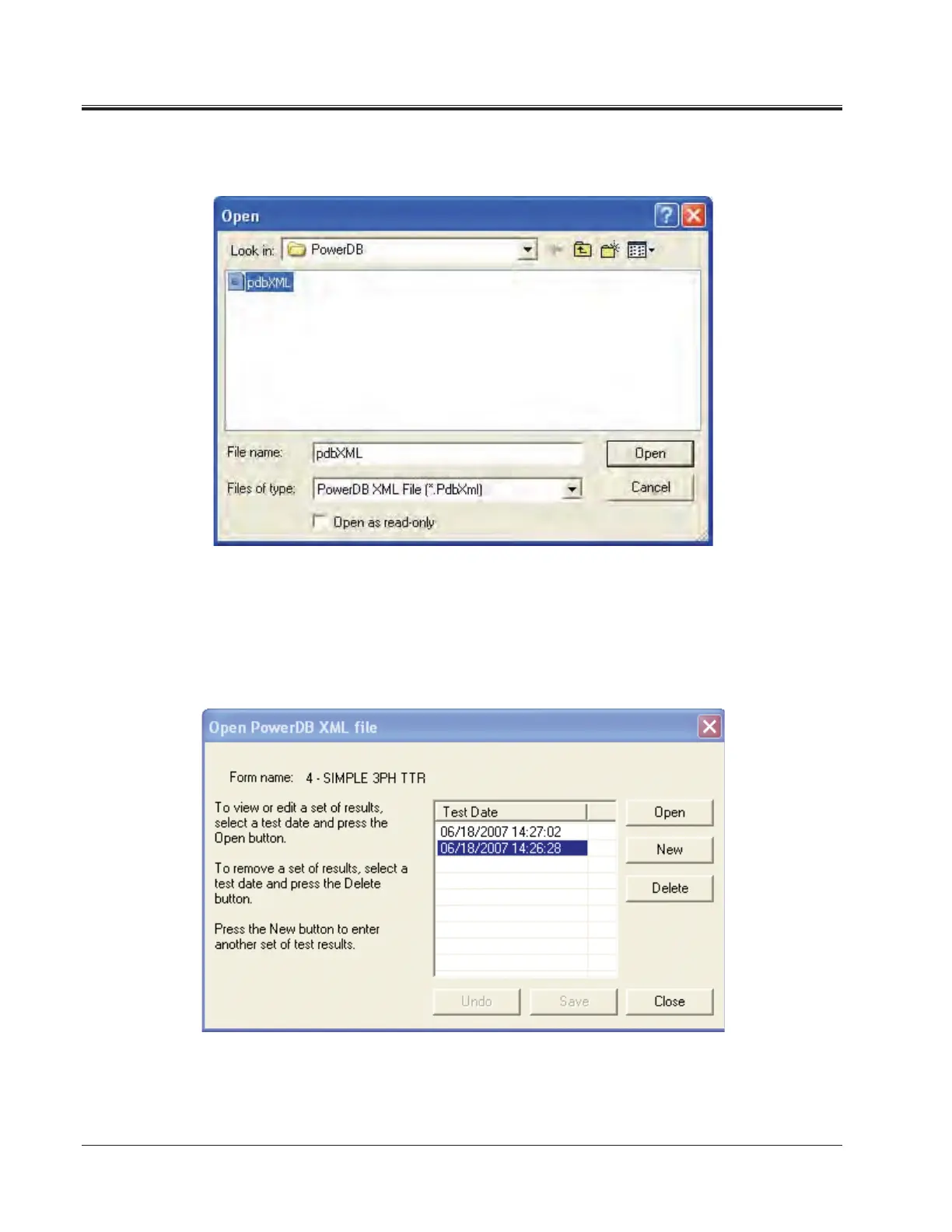
a. Select the File> Open menu item.
b. Browse to the file you would like to open.
c. Press the Open dialog button.
d. If the file contains multiple test dates, select the date that you would
like to open for editing or select New to append a new set of results
to the file. To remove a set of results, click on the selected file and
press the delete button.



 To Next Page