M
AVTMTTR310 Rev 8 May 2016
100
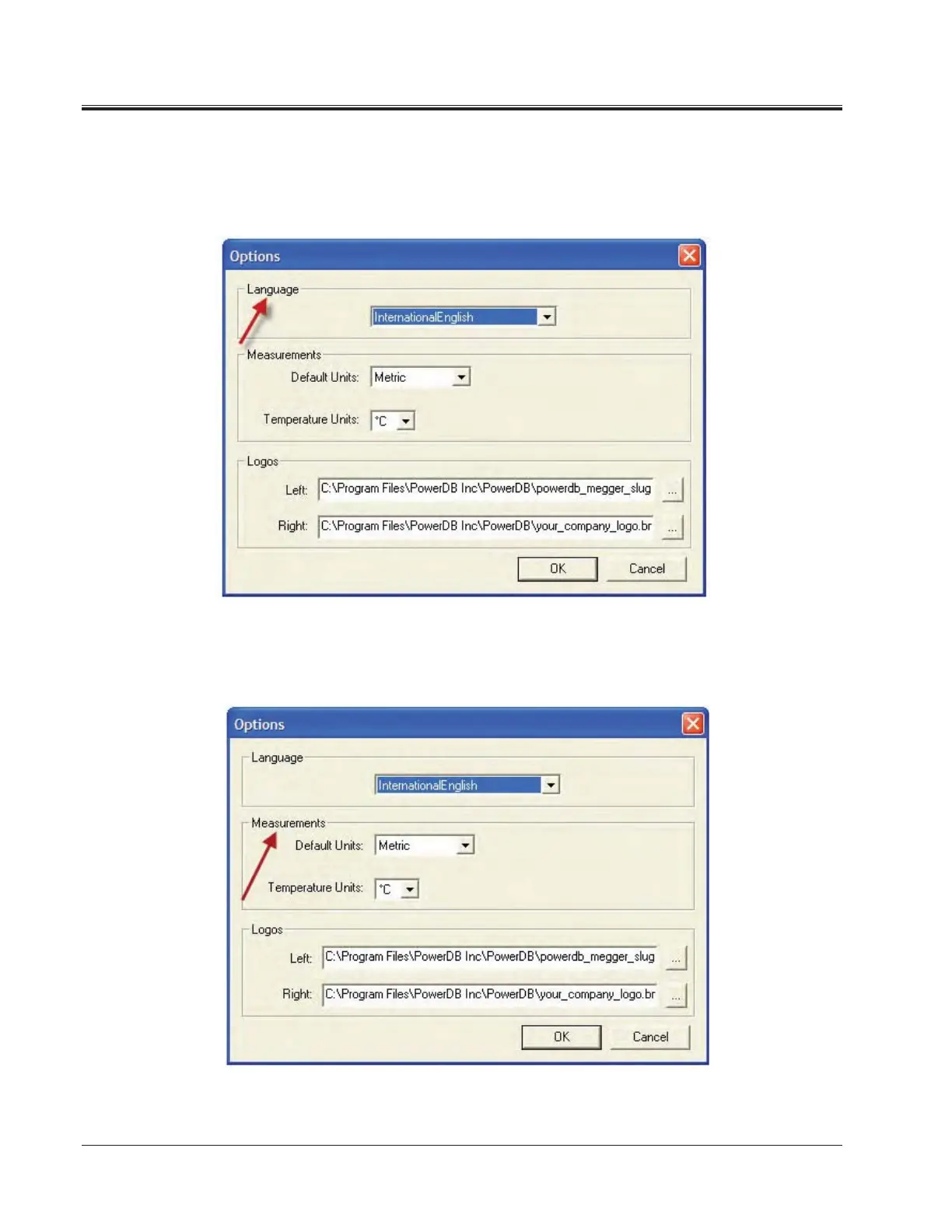
9. How to change Languages
a. Select the Tools>Options menu item.
b. Select the appropriate language in the dropdown menu.
10. How to change units of measurement
a. Select the Tools> Options menu item.
b. Select the units in the drop down Default Units under Measurements.
.



 To Next Page