Chapter 4 – Sterilization
28
Select by rotating between the initial state and the desired program with
the program selection button (P).
Select the sterilization program according to how the
sterilized are wrapped. Furthermore, consider the resistance to high
temperature of the items to be sterilized.
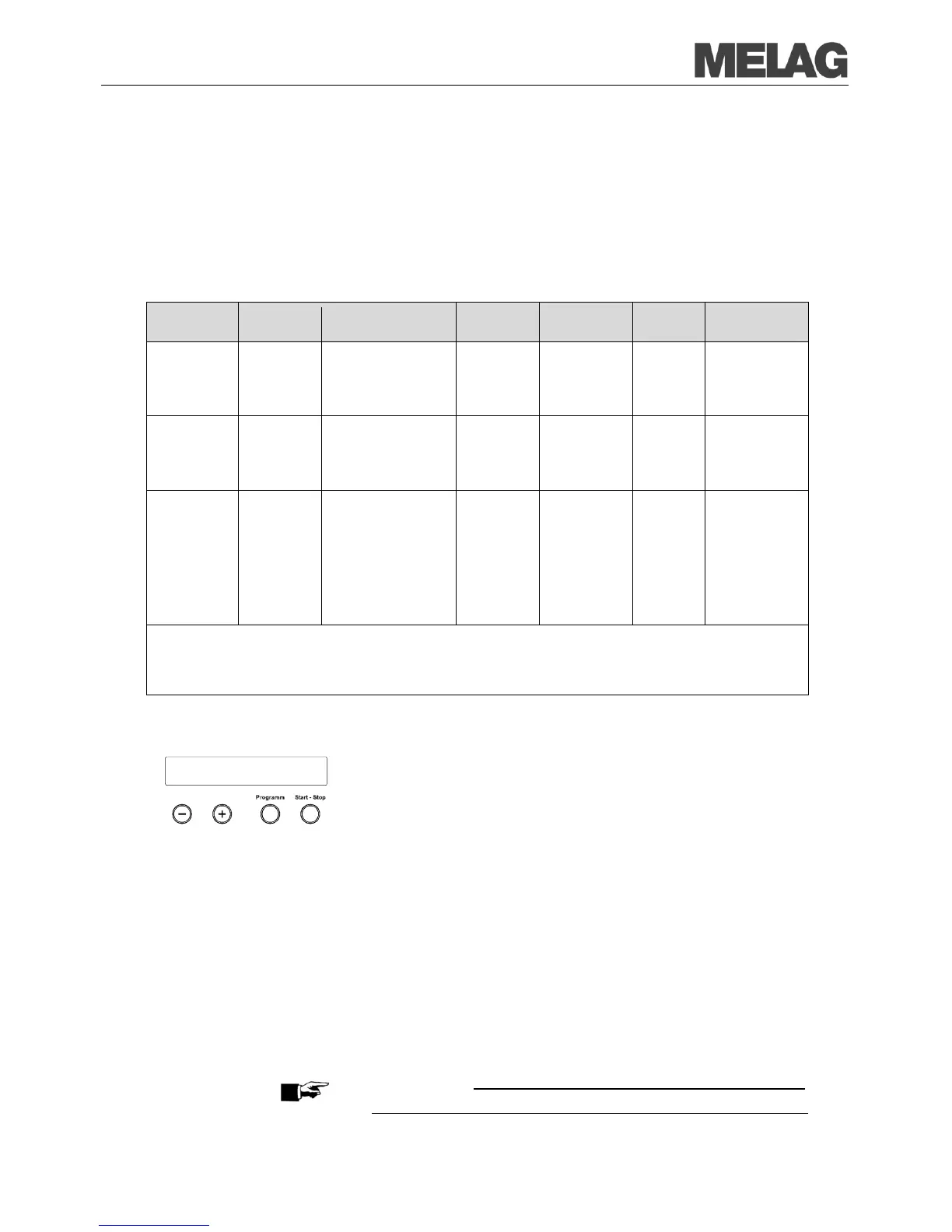
The following table shows which program to use for which items to be
steriliz
simple hollow items,
dental transfer
instruments
2)
instruments, simple
hollow items, dental
transfer instruments
2)
danger of infection by
pathologically-
modified proteins is
suspected (e.g.
Creutzfeld-Jacob,
BSE), dental transfer
instruments
2)
1) Without drying and dependent on loading and installation conditions such as mains voltage, air pressure, feed
water supply
for example. We reserve the right to technical modifications. After a cold start, this can take up to 2
) For further information please refer to the certificate of suitability in the appendix.
Select automatic pre-heating
Using automatic pre-heating, the chamber of the steam sterilizer is heated
up to the program
-specific pre-heating temperature before a program start
or maintained at this temperature between two program runs.
steam sterilizer remains continuously switched on.
The condensate formation at the chamber wall is reduced and drying is
supported. The cycle times shorten.
-heating is activated in the factory settings.
To alter this setting proceed as follows:
menu by short simultaneous pressing of the (+)
and (-) KEYS.
The display shows Function: Last batch number..
Navigate with the KEY (+) or (-), up to the display
Function: autom. Pre-heating is displayed.
For confirmation press the KEY (P). The display shows the current
preset option, e.g. Pre-heating YES.
Press the KEY (P) once again, switch the display to Pre-heating
NO. The pre-heating is deactivated.
In order to end the menu Function: autom. Pre-heating
and return to the initial state, press the KEY (S) twice.
PLEASE NOTE
MELAG recommends the activation of automatic pre
Function:
autom. Pre-heating














 To Next Page