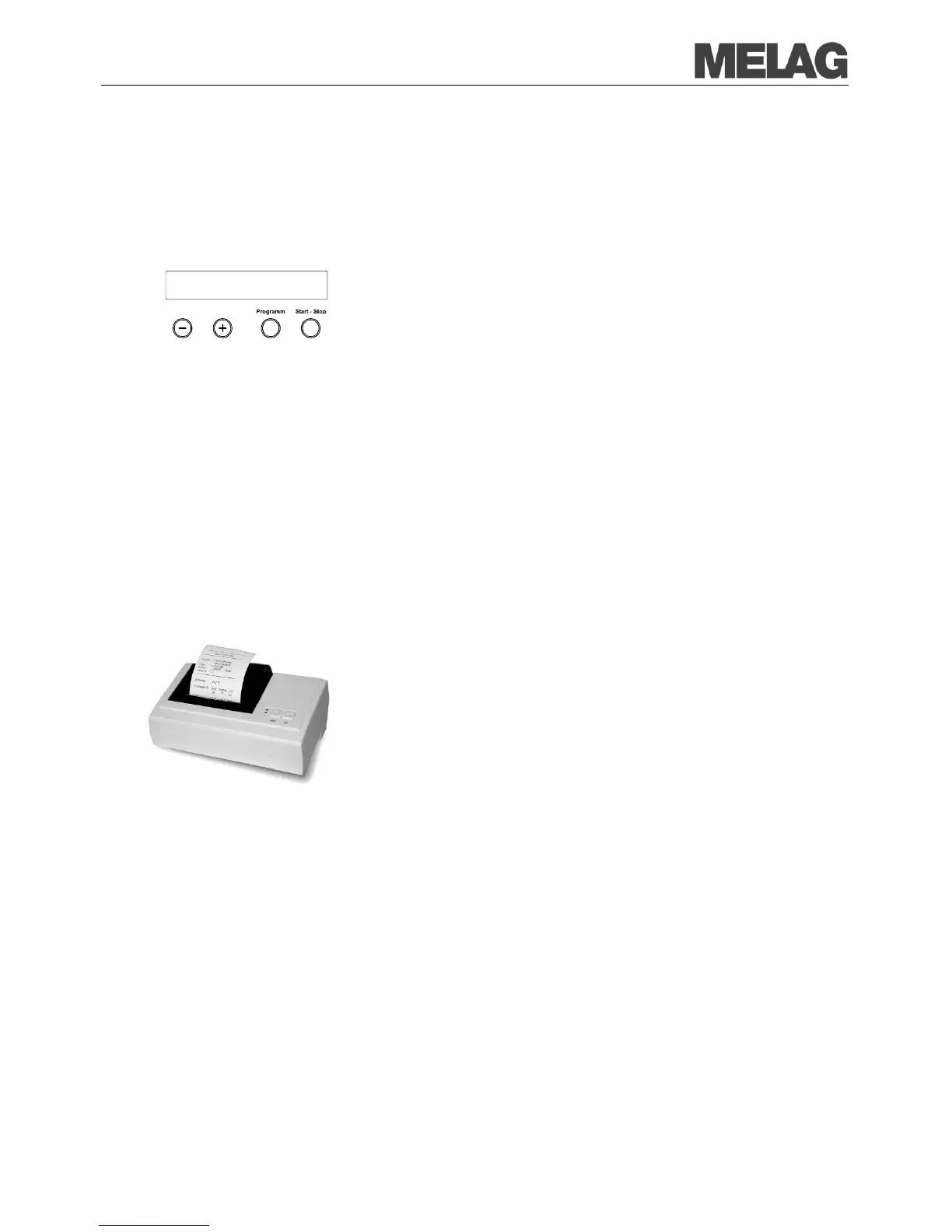
Setting the date and time
Observe changing the clock
Date and time of the steam sterilizer must be correctly set for proper batch
documentation. Observe the time re
-settings in autumn and spring
("daylight saving time"), since this is not reset automatically Set date and
time as described below:
Select the menu Function by simultaneous brief pressing of the
KEYS (+) and (-).
The display shows Function: Last batch number..
Navigate with the KEY (+) or (-) in the Menu Function, up to the
display Function: Date/Time are displayed.
Press the KEY (P) in order to confirm. The current hour is displayed.
Select between the following setting possibilities using the (+) or (-)
Key: Hour, minute, second, day, month, year
In order to adjust the hour parameter, press the KEY (P) for the
confirmation.
The value can be increased or reduced with the KEYS (+) and (-).
In order to store the value, confirm with the KEY (P).
The current preset value on the display no longer blinks.
In order to adjust the other parameters, proceed analogously.
After finishing the settings, press the KEY (S) to leave the menu.
Function: Date/Time are again displayed.
KEY again you leave the menu completely and the
display shows its starting position again.
Use log printer as output medium
If you want to employ the log printer MELAprint
42/44 as the output
medium, connect it to the
steam sterilizer as follows:
Connect the cables of the log printer to the printer connection (RS232
interface) on the rear side of the steam sterilizer.
Close the log printer MELA
print
42/44 according to the pertinent operating
In order to be able to print out logs on the connected log printer, you must
initialise MELA
print
42/44 once by making the following setting at the
If the steam sterilizer is still not switched on, switch it on.
Wait until the display shows the basic settings (page 14, Control
panel).
Select the menu Function by simultaneous brief pressing of the
KEYS (+) and (-).
The display shows Function: Last batch number..
Navigate with the KEY (+) or (-) in the Menu Function, up to the
display Function: Batch output is shown.
Press the KEY (P) to select the submenu Batch output –
Press the KEY (P) again. The display shows Output medium – No
, in case no printer was yet selected.














 To Next Page