(+) or (-), until the display shows as output
For confirmation press the KEY (P). The display changes back to the
menu Batch output – Output medium.
Press the Key (S), in order to confirm and return to the menu
Function: Batch output.
ter renewed pressing of the KEY (S) the display again shows the initial
Test outputs on the
log printer
In order to verify the functional reliability of the log printer MELAprint
42/44
and its communication with the
steam sterilizer, a test output can be
Select the menu Function by simultaneous brief pressing of the
KEYS (+) and (-).
The display shows Function: Last batch number..
Navigate with the KEY (+) or (-) until on the display Function:
Batch output is shown.
Press the KEY (P). to select the submenu Batch output –
Press the KEY (P) in order to confirm.
Navigate with the KEY (+) or (-) until the display Test output is
shown.
In order to start the output, press the (P) KEY.
An appropriate display with Test output appears.
In order to cancel the test output or leave the menu after finished
printout, press the KEY (S). The display shows Function: Batch
output.
he KEY (S), you completely leave the menu and return
to the starting position of the display.
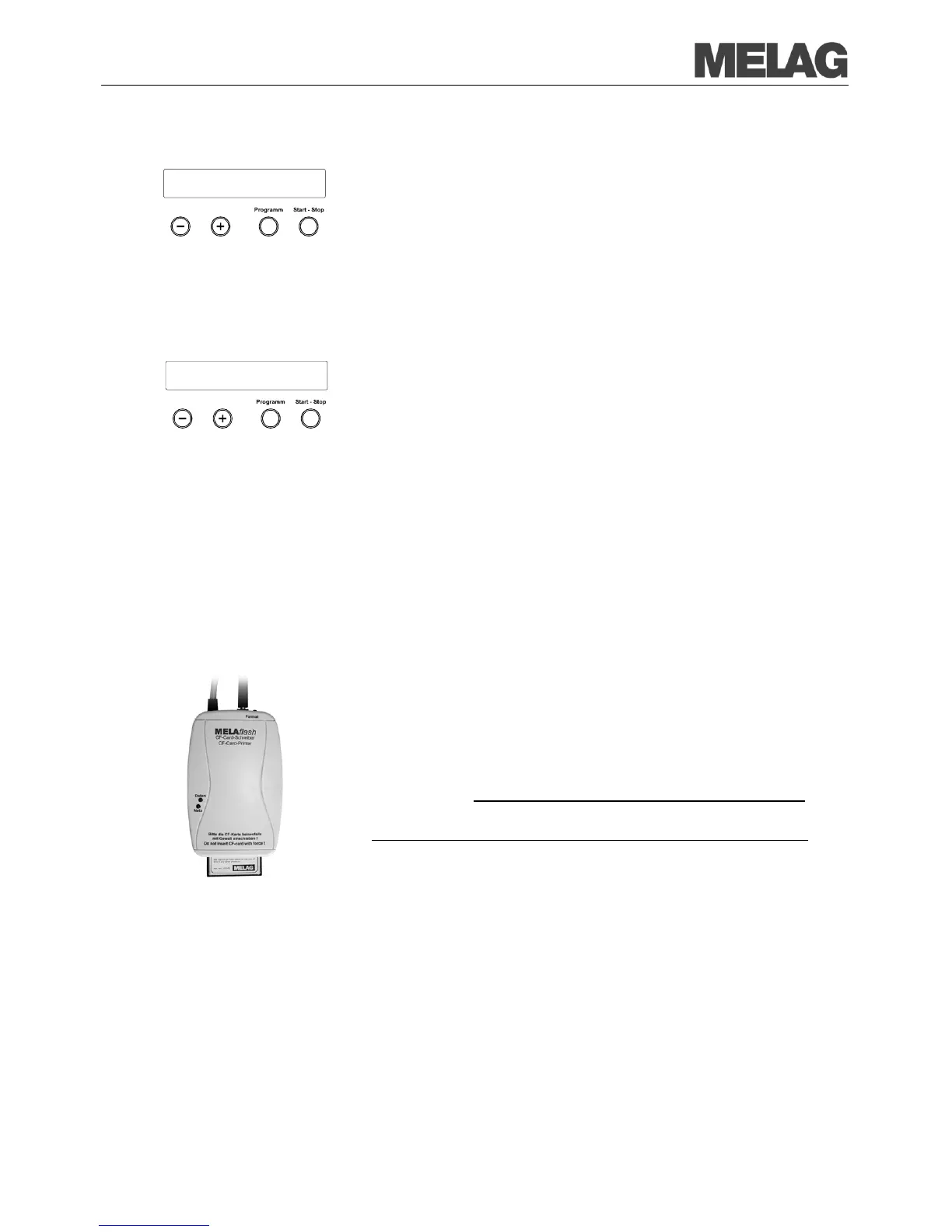
The MELAflash CF card printer serves for storage of sterilization logs on
the MELA
flash CF card. The readout of the logs from the CF card to the
practice computer is carried out with the MELA
In addition, you can use the
software MELAview/MELAtrace (from
software to read out log data.
You can download a current version
of the software on the internet page of
MELAG on www.melag.de in the download area.
Connect the MELAflash CF c
ard printer via the serial interface (similar to
print
42/44, see page 35).
steam sterilizer, set the output media in the Function menu to
MELAflash. Detailed information can be found in the operating manual for
the MELA














 To Next Page