MELAnet Box as output medium
The MELAnet Box enables the connection of the steam sterilizer to the
computer network of the practice or clinic via an Ethernet interface.
The logs which are created during a program run can be saved by means
of a
→FTP server or over →TCP via the MELAnet Box on the computer.
net Box there runs a small web server program, which
displays status information of the connected
steam sterilizer and settings
Box via a web browser. Thus, you can display the current
progress of a program sequence or current measured values.
Connect the MELAflash CF card printer with the serial interface like the log
printer MELA
print
42/44 (see page 35) and set at the steam sterilizer as
MELAflash in the SETUP menu. On the steam sterilizer,
set the output media in the
Function menu to MELAnet. Detailed
information can be found in the operating manual for the MELA
Computer as output medium
In order to be able to employ a computer as output medium, the computer
must be connected via the serial interface to the
MELAview/MELAtrace (from software version 3) can be installed
In order to register the computer at the steam sterilizer, proceed as
described under
Use log printer as output medium on page 35.
Observe that for the output medium in the SETUP
steam sterilizer as output medium Computer.
Reading out a text log on the computer
All text logs can be opened and printed out using a text editor, a word
processing program or a spreadsheet program
. Graphic logs can only be
displayed with the MELAtrace/MELAview documentation software
Each text log (e.g. PRO, .STR, .STB etc.) must be linked with the text
editor to enable the computer
to open them automatically with a text editor
ndings are outlined in the section Subsequent log
(page 39). The following examples show how you can link the
editor with a specific text log.
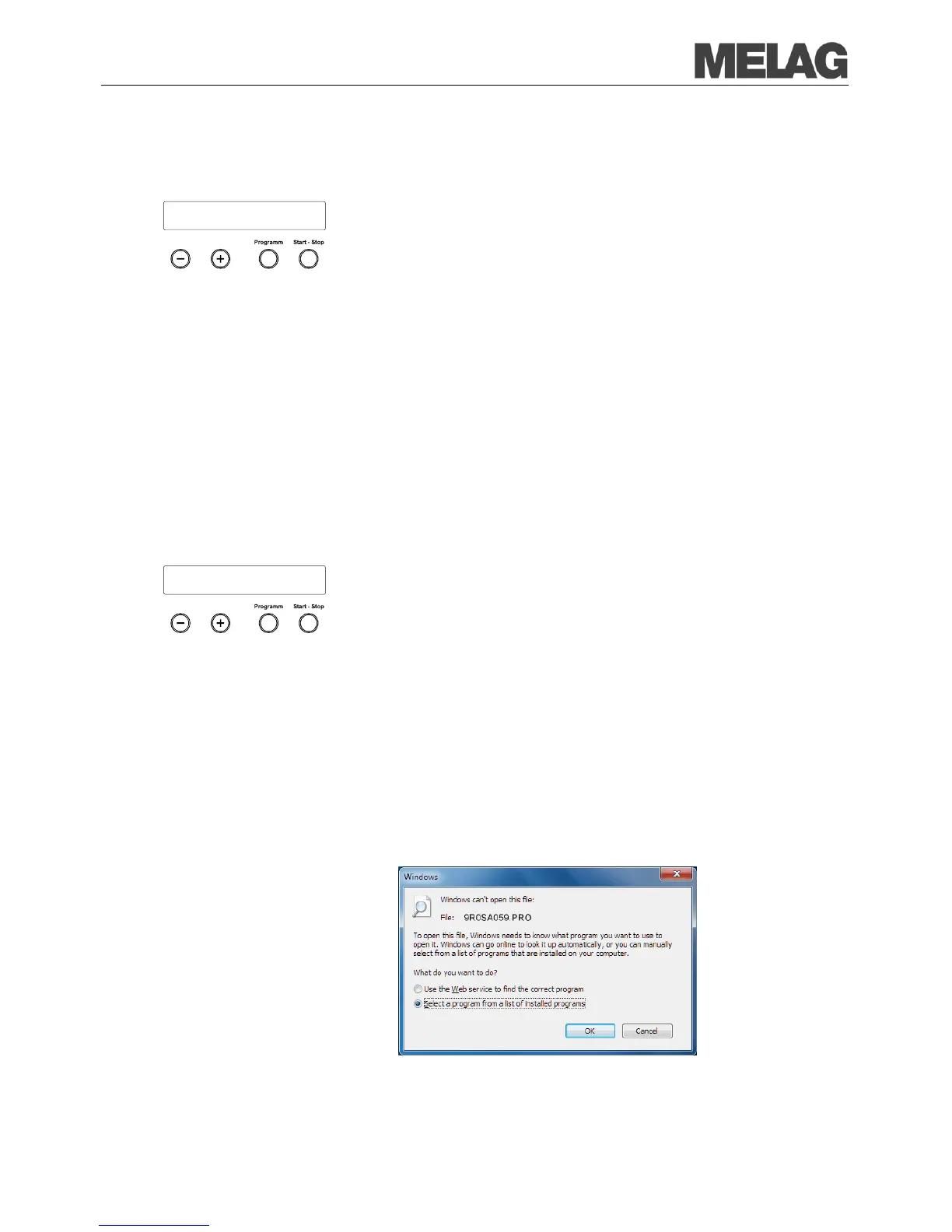
Working in Windows Explorer, double click on the log file.
If the file ending is unfamiliar, Windows 7 will display the following
message:
Output medium
MELAnet+graphic data














 To Next Page