EasyManua.ls Logo

MELAG MELAquick 12+ p - Display water quality

MELAG MELAquick 12+ p
66 pages
Print Icon
To Next Page IconTo Next Page
To Previous Page IconTo Previous Page
Loading...
Chapter 8 Function test
48
Display water quality
The water quality can be displayed on the display of the switched on
steam sterilizer
at any time - even while a program is running.
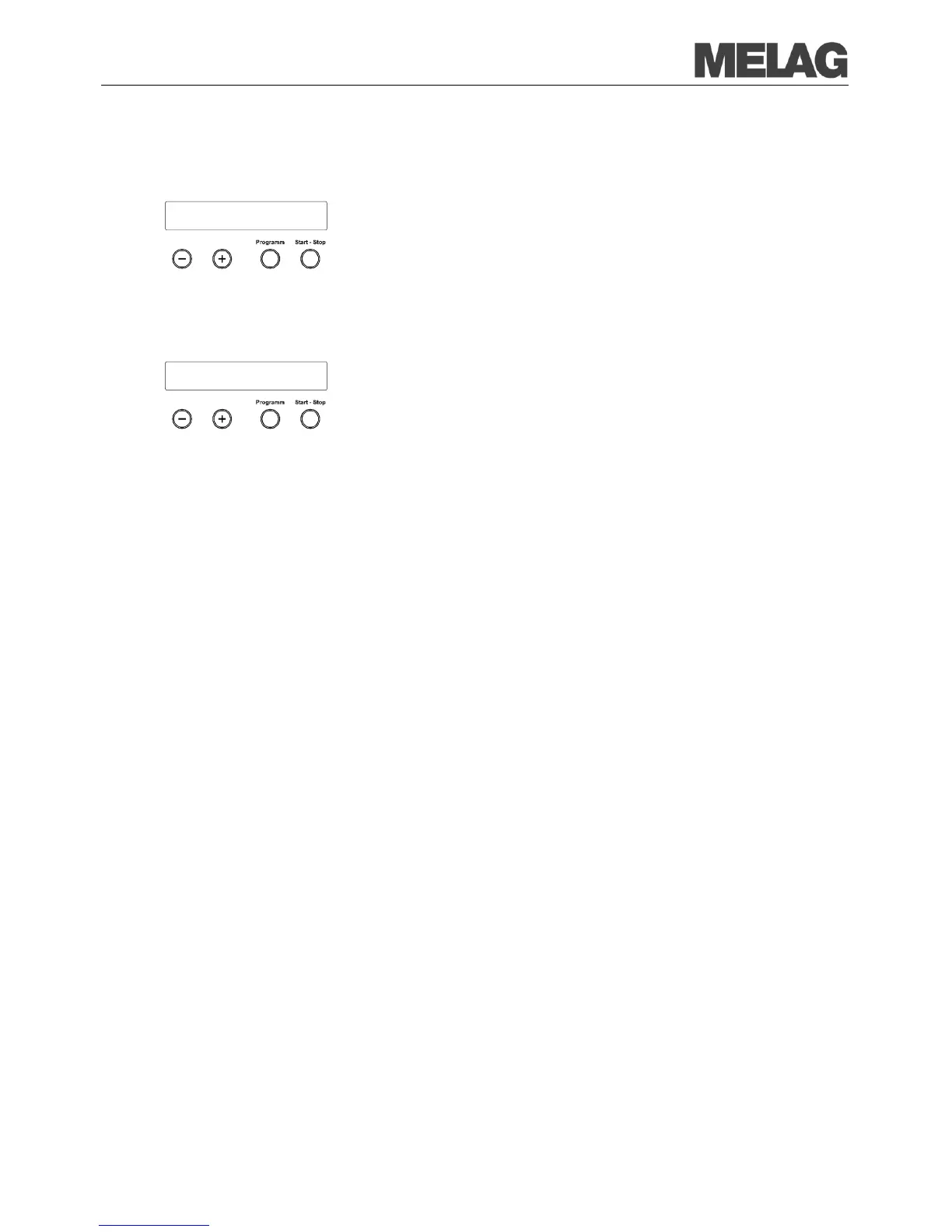
To do this keep the
KEY (-) pressed until the display shows the
c
onductivity. The conductivity is stated in µS/ cm.
As soo
n as you release the (-) KEY, the display returns to its previous
status (e.g. initial state).
Pre-heating temperature of
the chamber
If you press the K
EY
(-) twice shortly and the second time keep it pressed,
the pre
-heating temperature of the chamber is shown instead of the
conductivity.
AIN6: Conductivity
7 µS/cm
AIN4: Temp. Preheat.
120°C

Table of Contents

Related product manuals