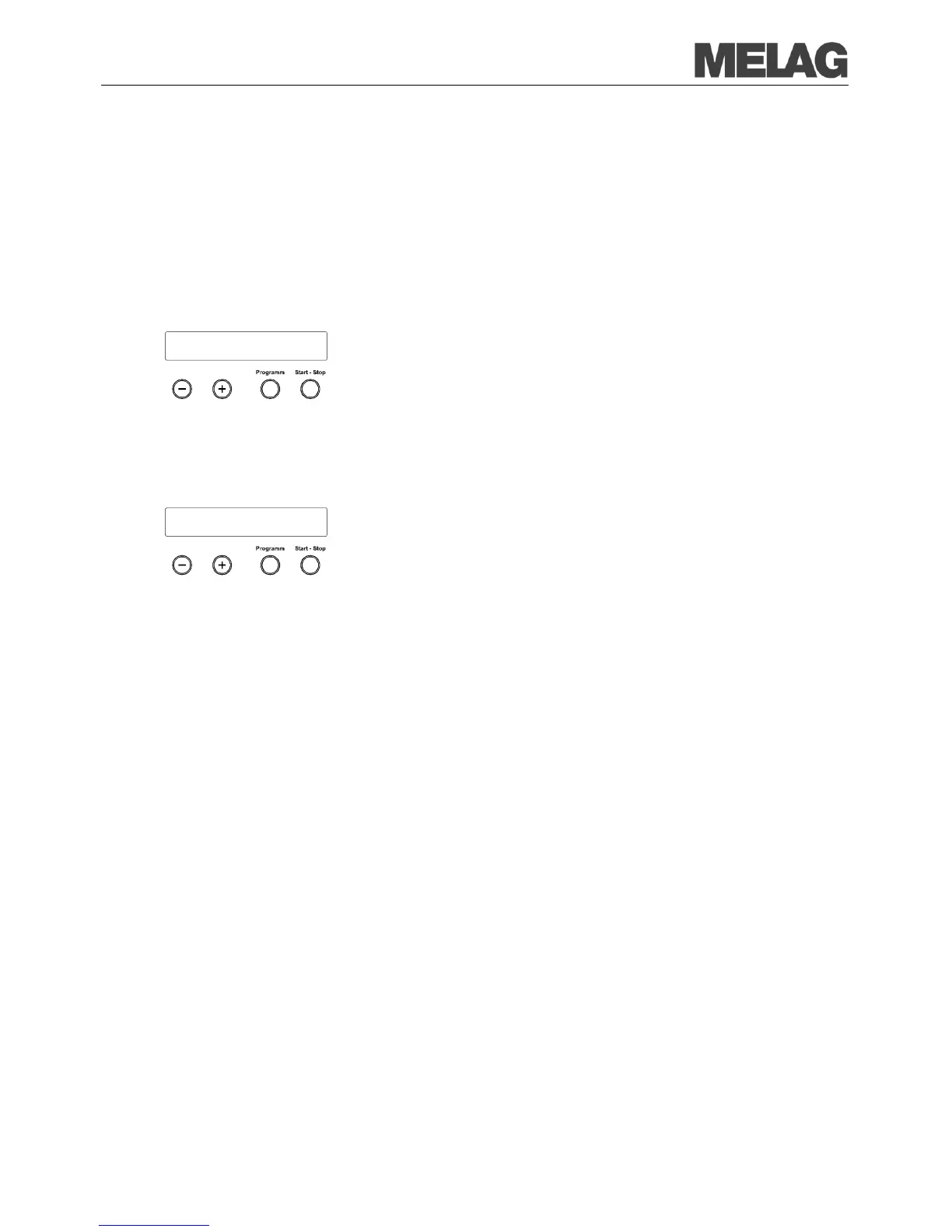
In order e.g. to suppress the warning text Protocol memory full for
preset option
Immediate output No, the saved logs can be manually
the following example you can read how you can delete all saved logs.
Select the menu Function by simultaneous brief pressing of the
KEYS (+) and (-).
The display shows Function: Last batch number..
Navigate with the KEY (+) or (-), up to the display
Function: Batch output is shown and press the K
EY (P).
Navigate with the KEY (+) or (-) until on the display All cycles
delete is shown.
Press the KEY (P) in order to delete all logs now.
In order to cancel the submenu without deleting, press the KEY (S).
In order to leave the menu after deletion, press the KEY (P). The
display shows Function: Batch output.
By again pressing the KEY (S), you completely leave the menu and
return to the starting position of the display.
With a connected and initialised printer or another output medium you can
verify how many logs are already saved in the log memory of the steam
sterilizer.
Select the menu Function by simultaneous brief pressing of the
KEYS (+) and (-).
The display shows Function: Last batch number..
Navigate with the KEY (+) or (-) until on the display Function:
Batch output is shown and press the KEY (P).
Navigate with the KEY (+) or (-), up to the display for the storage
occupancy (see left display figure) are shown.
In order to leave the menu again, press the KEY (S) twice.
The head of the program listing includes the general fundamental
information for the
completed program such as for example current date,
the selected program, the daily batch number and the steam sterilizer
type.
During the program the program sequence phases are recorded with the
accompanying values for steam
pressure, temperature and time (relative
The summary states whether the program was successfully concluded.
Furthermore the values of the required sterilization time, the sterilization
temperature and the pressure including
its maximum deviations are














 To Next Page