Chapter 4 – Sterilization
30
Manual program termination
You can manually terminate a running program in any of the phases.
PLEASE NOTE
Do not interrupt a running program by switching off the mains switch! In
case of non
-observance, an malfunction message of power loss is
steam sterilizer is switched back on.
■ Take heed that when opening the door after terminating a running
program, hot water steam can escape out of the chamber, depending
on when the program was terminated.
■ Use the basket lifter to remove the insert basket and the package
holder. Never touch the →sterilized items, the chamber or the door
with unprotected hands. The elements are hot.
Failure to observe this requirement can result in burns.
Manual termination before
beginning of drying
If you terminate a program before the beginning of drying, then the
items
to be sterilized are still unsterile.
To terminate the program, carry out the following steps:
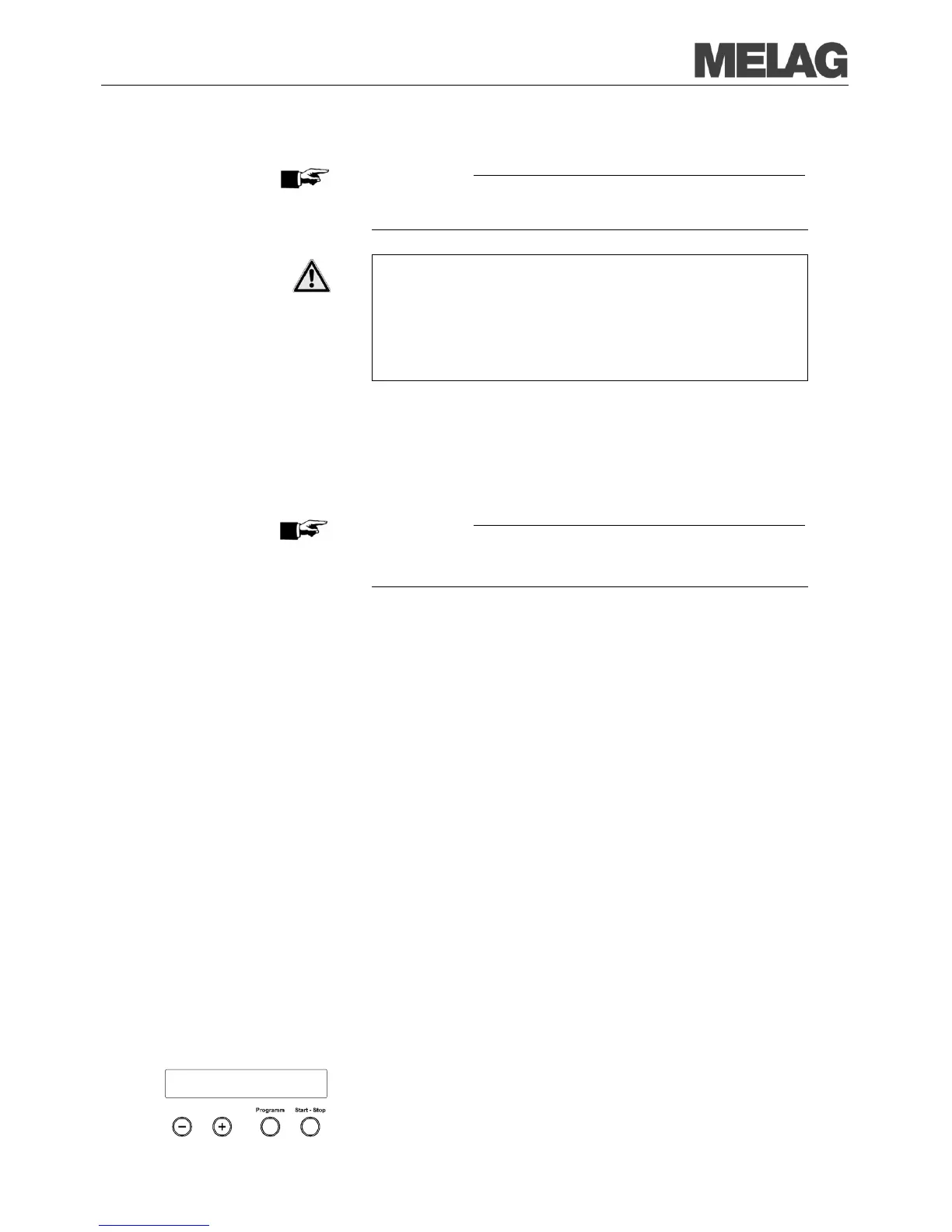
Confirm the following prompt Stop program? Repeatedly press
"Stop" with the KEY (S).
PLEASE NOTE
The confirmation prompt is
shown for about 5 seconds on the display. If
the key is not pressed again, the program continues with the normal
process.
Depending on the point in time of termination, a pressure release of the
device is carried out. An appropiate display is shown on the screen.
release is carried out, there is a request for an
acknowledgement of the program termination.
The screen alternately displays
Stop End and Acknowledge with
Unlocking door with button ’+’ is displayed in
alternation with the previously
(+) you can open the door. If the door is not opened
within 40 seconds, the (+)
KEY must be pressed again.
“Program stopped/load not sterile” is issued to the logging
Manual termination
during drying
In the drying phase you can cancel the program without the steam
sterilizer
You must then expect insufficient drying, especially for wrapped
items. Sufficient drying is a prerequisite for sterile storage.
Therefore, if possible, always let sterilization programs with wrapped items
continue up to the end of the drying phase.
In a Quick program, sterilized unwrapped instruments dry from their ow
heat after removal from the
In the drying phase, the expired drying time is shown in alternation with the
message
Immed. Removal Press "Stop" is displayed.
To terminate the program, carry out the following steps:
Confirm the following prompt Immediate removal? Repeatedly
press "Stop" with the KEY (S).
The termination is confirmed with
Drying stopped on the display.
Immediate removal
Press STOP














 To Next Page