Chapter 4 – Sterilization
32
At the end of a program run the chamber pressure is adapted to the
ambient pressure. If the program was successfully finished, an appropriate
notification appears on the →display.
The report of the completed program is issued to the selected output
medium for activated immediate output (see page
Display last batch number
After every completed program you automatically see on the display the
last batch number of the day.
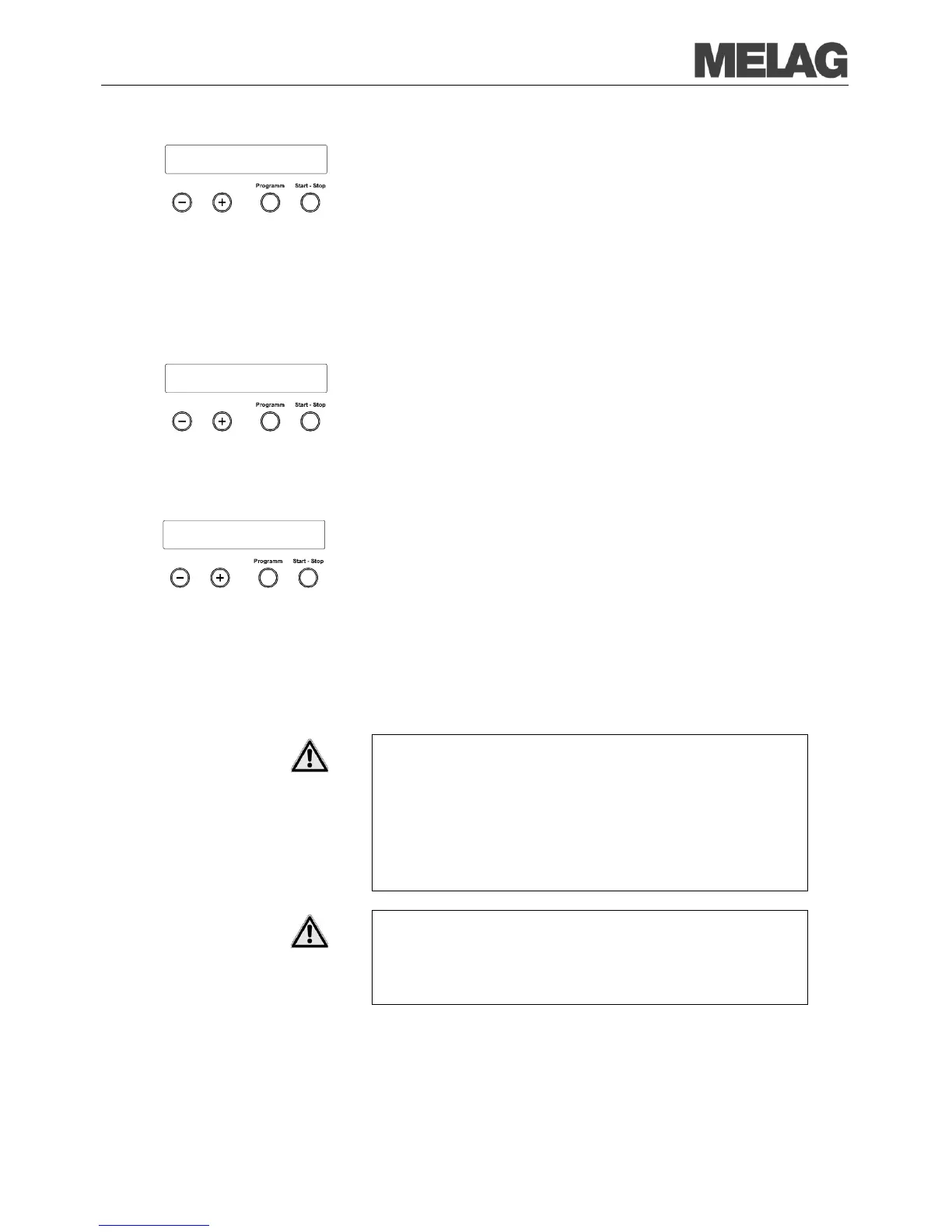
display the last batch number:
Select the SETUP Menu Function
by short simultaneous pressing of
the KEYS (+) and (-). The display shows Function: Last batch
number.
Press the KEY (P) to display the current batch number of the day.
In order to reach the starting position again, press the
Display total batch number
You can display the total number of
Select the SETUP Menu Function by short simultaneous pressing of
the KEYS (+) and (-). The display shows Function: Last batch
number.
Navigate with the KEY (+) or (-), up to the display where the submenu
Batch counter is shown.
You see the current counter reading of the total batch number on the
display.
In order to reach the starting position again, press the KEY (S) twice.
After the end of a program observe the following instructions for removing
the →sterilized items:
■ Never use force to open the door. The steam sterilizer could be
damaged and/or hot steam could escape.
■ Use the basket lifter to remove the universal basket.
■ Never touch the sterilized items, the chamber or the door with
unprotected hands. The elements are hot.
Failure to observe this requirement can result in burns.
■ Check the wrapping of the sterilized objects for damage when
removing them from the steam sterilizer.
■ If a wrapping is damaged, wrap the object again and re-sterilize it.
Non-observance can result in unsterile instruments.
This endangers the health of the patients and the practice team.
Universal-Program S
run successfully














 To Next Page