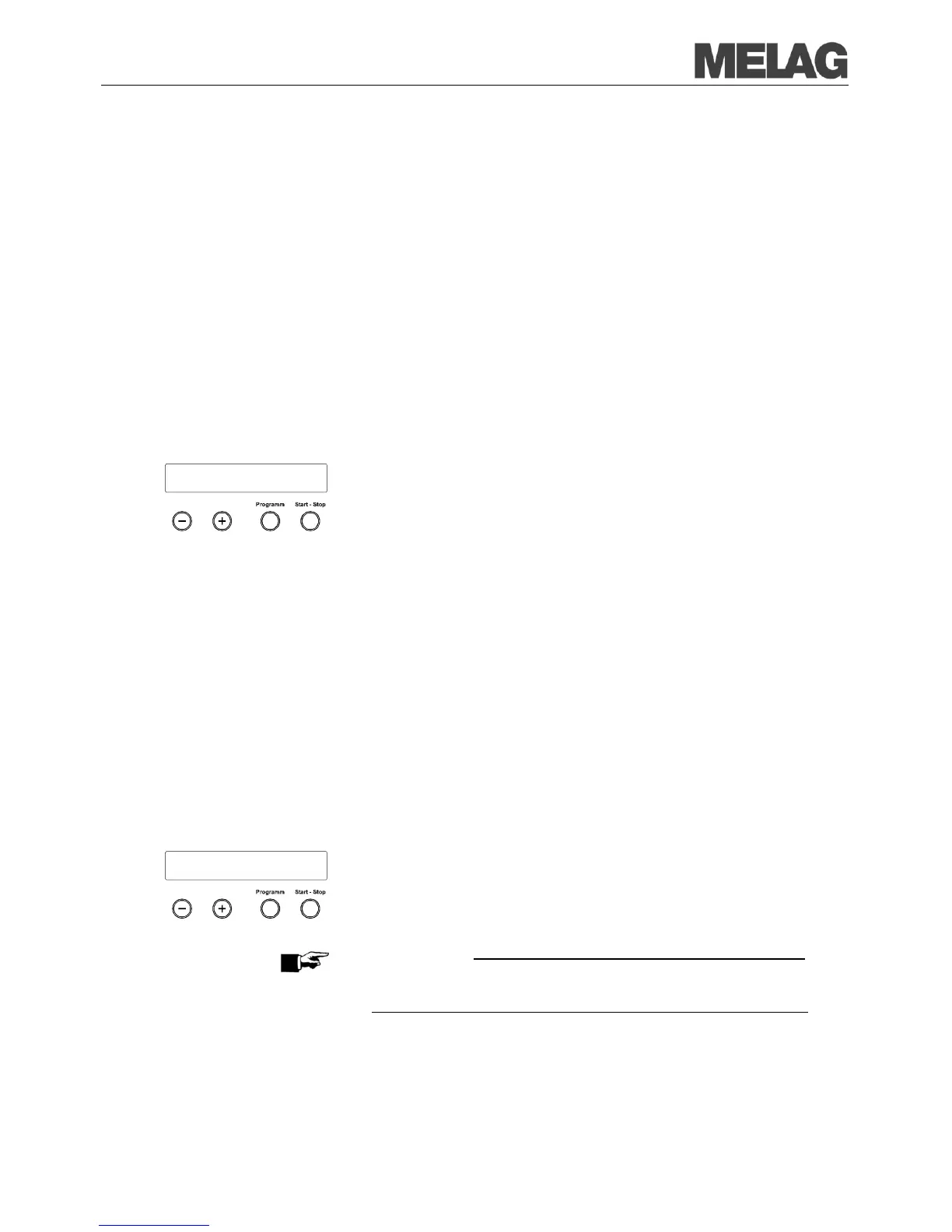
You also have the option of outputting the logs subsequently and
independently from the time of
program end. You can select whether
selected or all saved logs (up to 40 logs) should be printed.
For this purpose the connected output medium is used, e.g. the log printer.
In order to subsequently print selected logs of certain programs, proceed
as follows:
Select the menu Function by simultaneous brief pressing of the
KEYS (+) and (-).
The display shows Function: Last batch number..
Navigate with the KEY (+) or (-) until on the display Function:
Batch output is shown and press the KEY (P).
The Menu Batch output – Output medium is displayed.
Navigate with the KEY (+) or (-) until the display
Last cycle output: No. 40 is shown (as example No. 40).
Press the KEY (P). The current report number blinks.
In order to output a log of another cycle, navigate with the KEYS (+) or
(-) up to the desired number, here e.g. 25.
Press the KEY (P) in order to start the output of the selected program.
The display shows Output.
After finished printout, the display changes again to its previous setting
Last cycle output: No. 25
In order to output additional logs, repeat the last three steps.
In order to leave the submenu without outputting, press
the K
EY (S).
In order to leave the menu after the output, press the KEY (S).
The display shows the menu Function: Batch output.
KEY (S), you completely leave the menu and return
back to the basic position of the display.
In order to subsequently output all saved logs, proceed as follows:
Select the menu Function by simultaneous brief pressing of the
KEYS (+) and (-).
The display shows Function: Last batch number..
Navigate with the KEY (+) or (-) until on the display Function:
Batch output
is shown and press the KEY (P).
Navigate with the KEY (+) or (-), until the display Output stored
cycles is displayed.
Press the KEY (P) in order to start the output of the selected program.
The display shows Output.
After finishing the output the display again shows Output stored
cycles.
In case you would like to leave the submenu without printing, press
the K
EY (S).
PLEASE NOTE
A termination during the output on the log printer is only possible by
disconnecting the unit at the mains switch or interrupting the power supply
of the printer.
In order to leave the menu, likewise press the K
shows the menu Function: Batch output.
KEY (S), you completely leave the menu and return
to the starting position of the display.
Last cycle
output: No. 25














 To Next Page