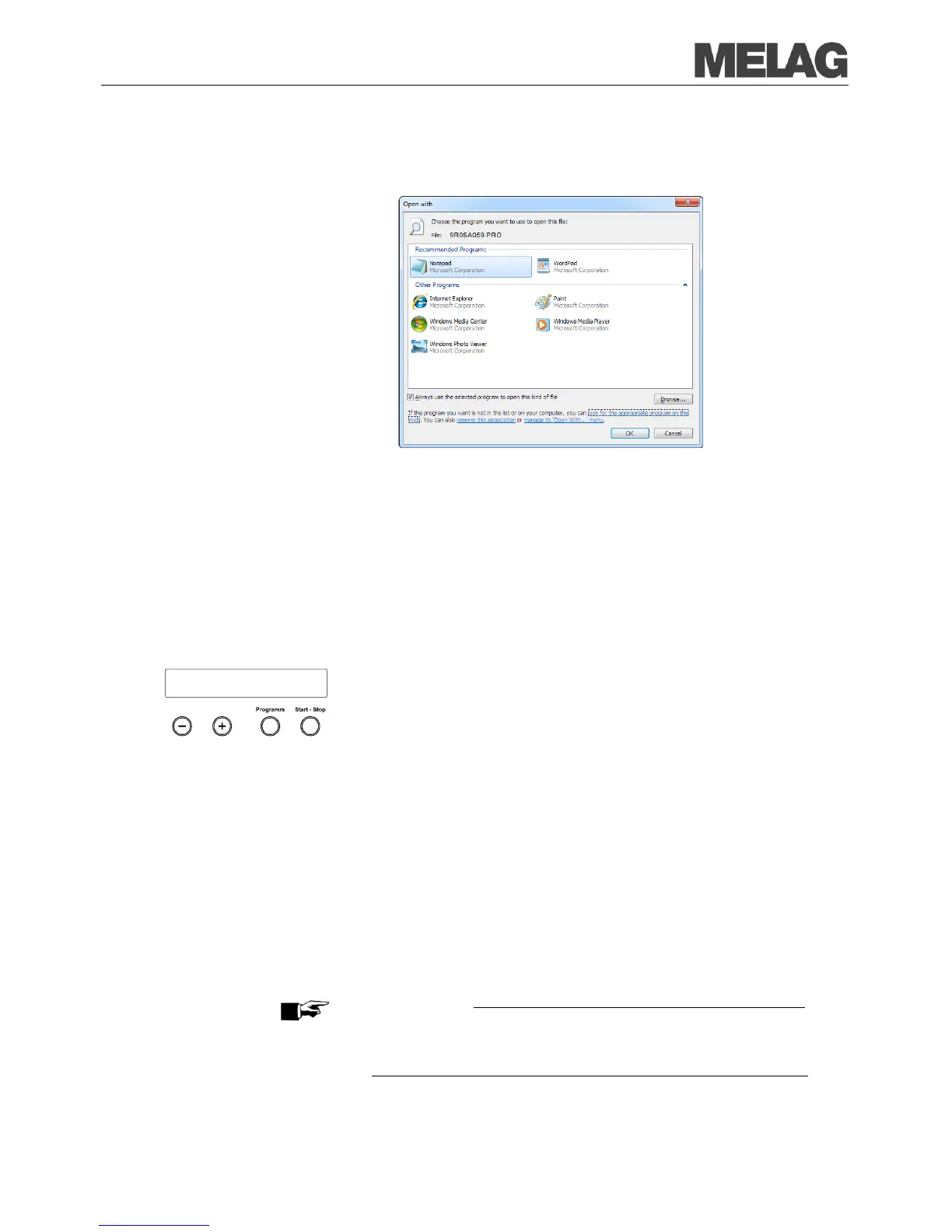
Select "Select a program from a list of installed programs" and confirm
You can then open files with this ending via a double-
Automatic immediate log output
If you immediately would like to output the associated report automatically
on an output medium after the end of a program, use the function
Immediate output YES
. This is not preset in the initial delivery state.
Prerequisite for
automatic
put of the logs
after the end of the program
The following prerequisites must be satisfied for the immediate log output
after the end of a program:
The computer, the log printer MELAprint
42/44 or the MELAflash CF
card printer must be connected and initiated as output medium.
Proceed as follow in order to set the option for immediate log output after
program end:
Switch on the steam sterilizer at the mains.
Select the menu Function by simultaneous brief pressing of the
KEYS (+) and (-).
The display shows Function: Last batch number..
Navigate with the KEY (+) or (-) until on the display Function:
Batch output is shown and press the KEY (P).
Navigate with the KEY (+) or (-) until on the display the submenu
Immediate output YES/NO is shown.
Press the Key (P), in order to switch between Immediate output
NO and Immediate output YES.
In order to output logs immediately,
In order to save the setting and to leave the menu again, press the
K
EY (S). The display shows Function: Batch output.
By again pressing the KEY (S), you leave the menu completely and
return back to the initial state.
PLEASE NOTE
If it is not possible to output a log report for the immediate output because
for example the
activated output medium is not connected, a warning
message appears. MELAG recommends that you employ the immediate
output of logs.














 To Next Page