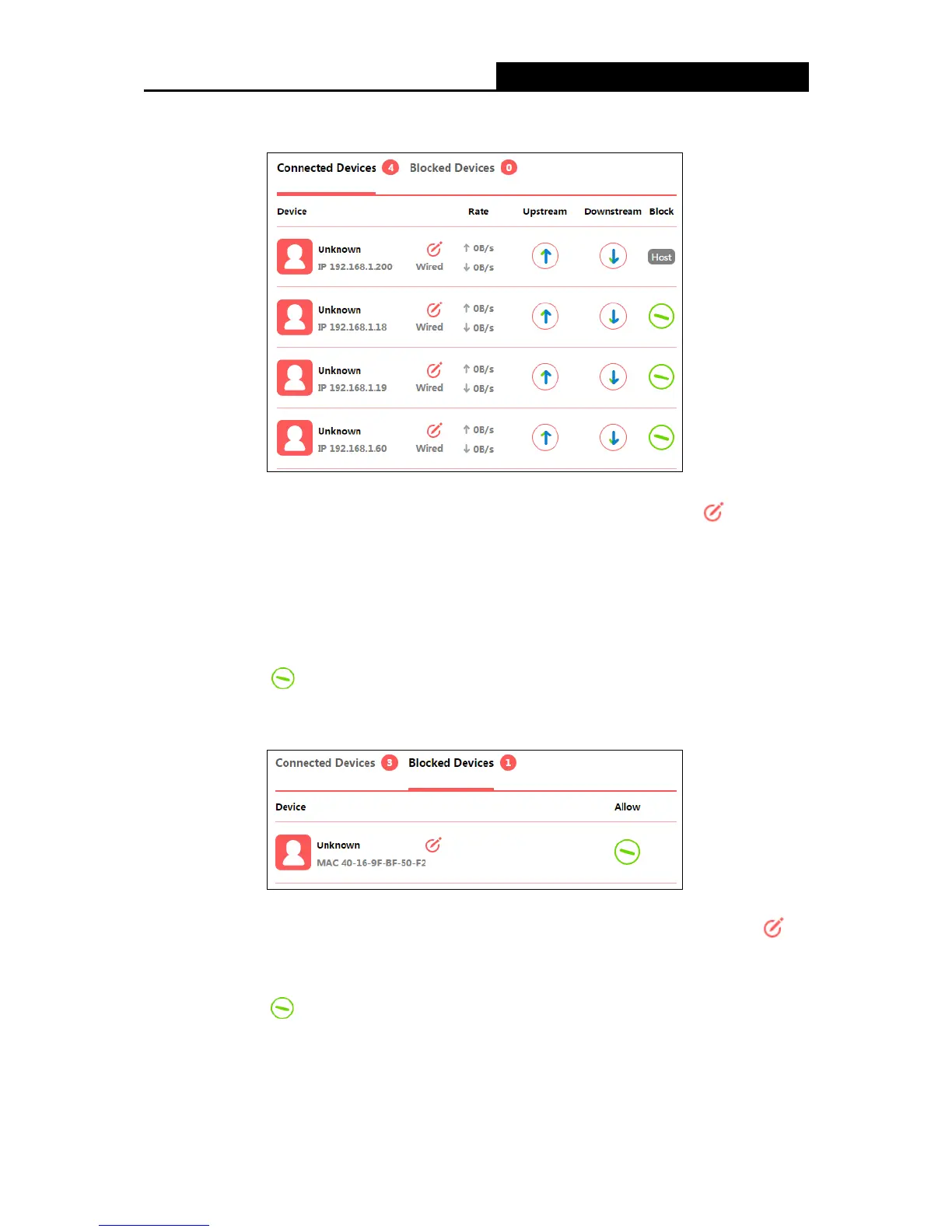
1. Connected Devices
Device - Displays the name and IP address of the device. You can click to edit the
device name.
Rate - Displays the current upstream and downstream speed of the device.
Upstream/Downstream - You can click the button in the column to set the upstream or
downstream speed for the device.
Block - Click to remove the device from the list.
2. Blocked Devices
Device - Displays the name and MAC address of the blocked device. You can click to
edit the device name.
Allow - Click to remove the device from the list.
- 9 -


 To Next Page
 Loading...











