300Mbps Wireless N Router User Guide
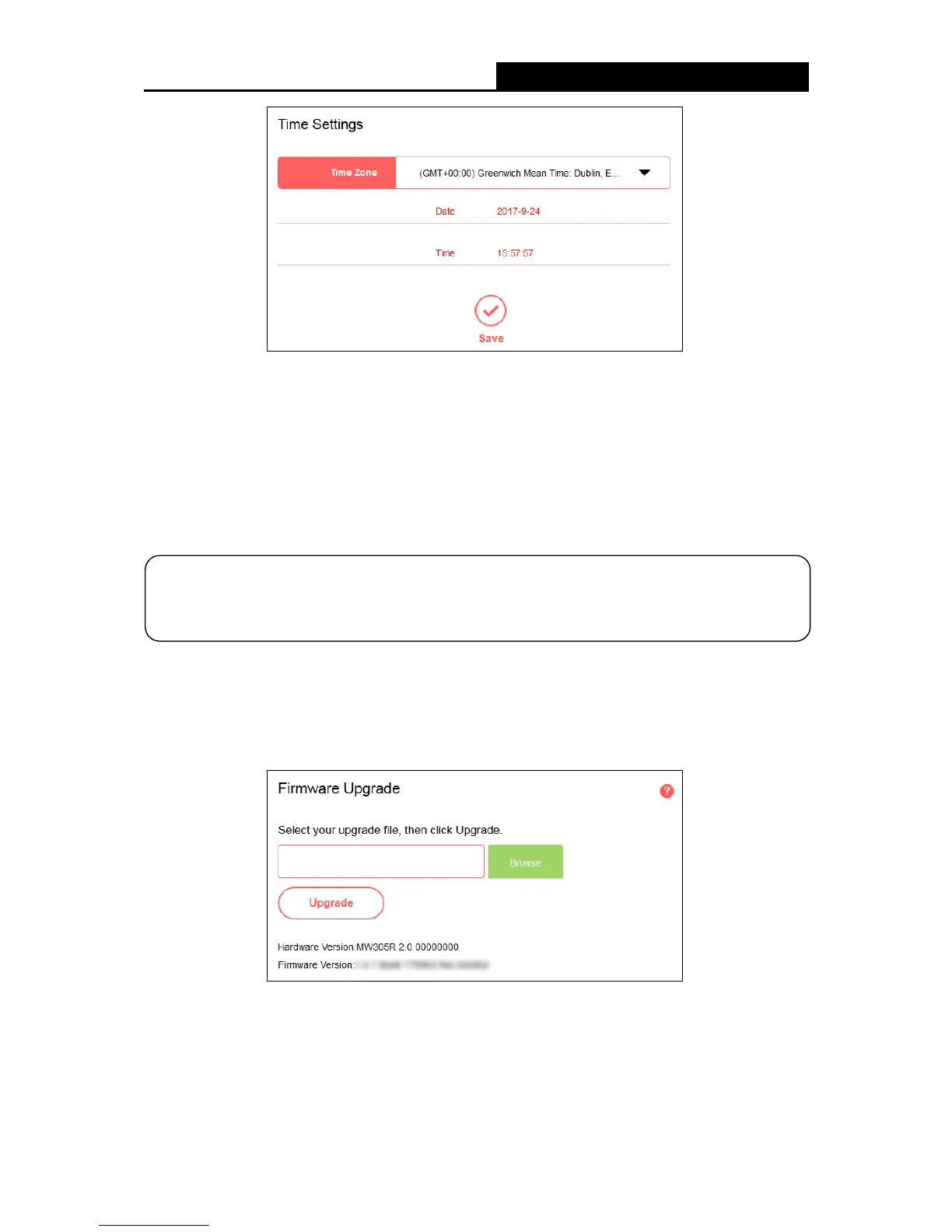
Time Zone - Select your local time zone from this drop-down list.
Date/Time - The router automatically obtains GMT from the internet based on the time zone
you select.
To change the time settings, follow these steps:
1. Select your local time zone from the drop-down list.
2. Click Save.
5.5.3 Firmware Upgrade
Go to System Tools
Firmware Upgrade, and then you can update the latest version of
firmware for the router on the page.
Hardware Version - Displays the current hardware version. The version of the upgrade file
must accord with the router’s current hardware version.
Firmware Version - Displays the current firmware version.
To upgrade the router's firmware, follow the steps below:
This setting will be used for some time-based functions such as Parental Controls and
Access
Control. Please specify your time zone before you configure these functions.


 To Next Page
 Loading...











