Chapter 1. Introduction
1.1 Product Overview
The router integrates 3-port Switch, Firewall, NAT-Router and Wireless AP. Powered by 2x2
MIMO technology, the router delivers exceptional range and speed, which can fully meet the need
of Small Office/Home Office (SOHO) networks and the users demanding higher networking
performance.
1.2 Product Appearance
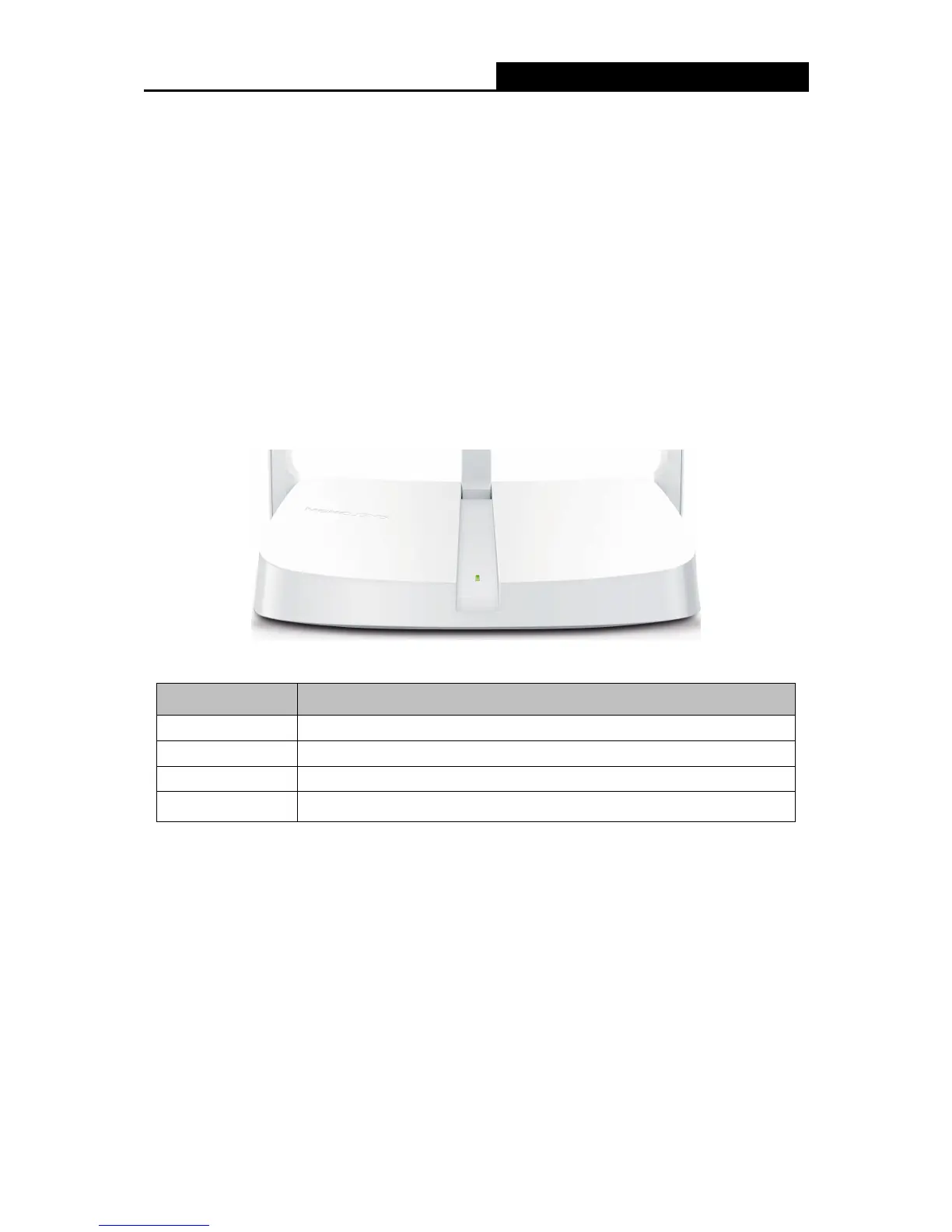
1.2.1 The Front Panel
The router’s LED is located on the front panel.
Status Indication
Off
Power is off.
On Power is on.
Flashing Slowly WPS is in progress. This may take up to 2 minutes.
Flashing Quickly
Flashing quickly for 3 seconds indicates a successful WPS connection.
- 2 -



 To Next Page