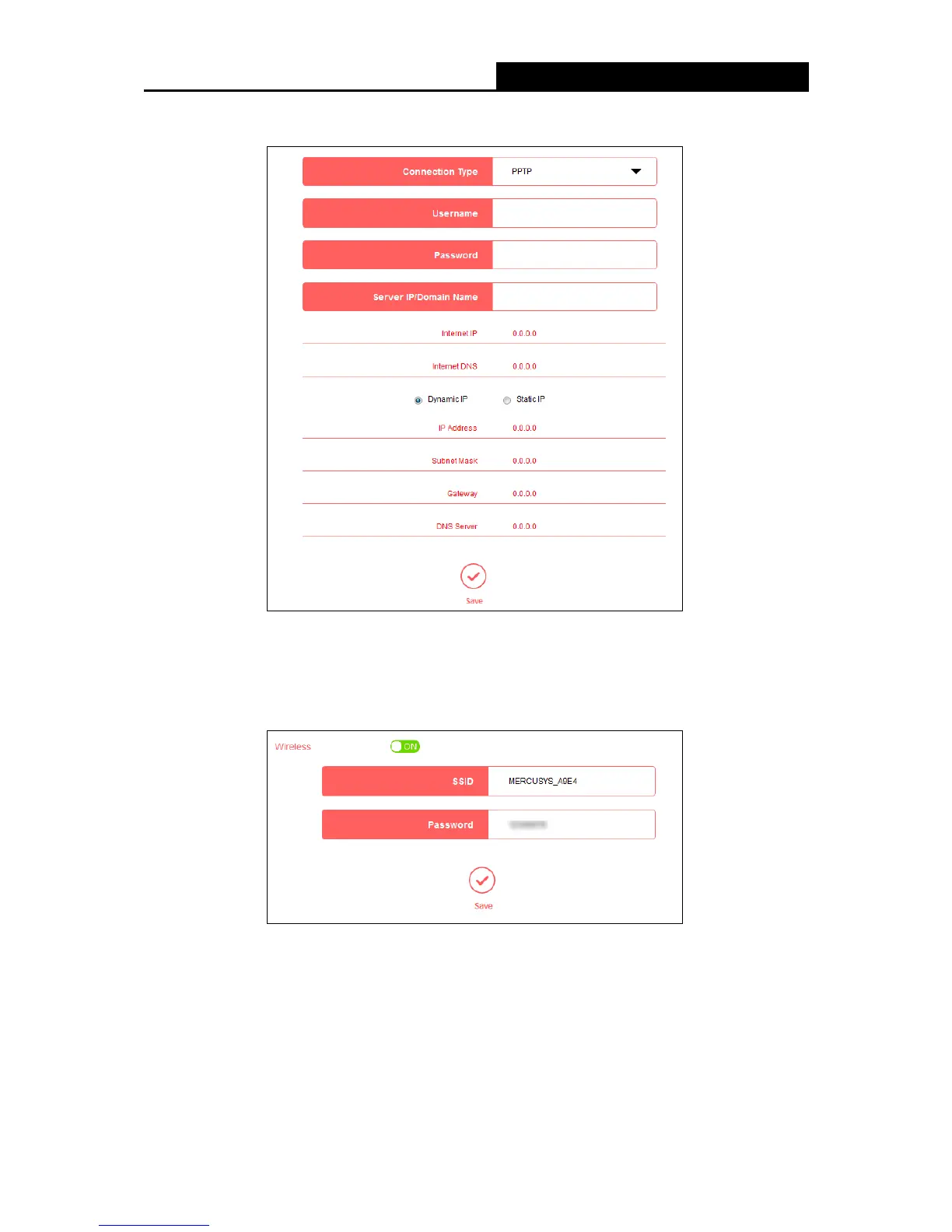
password, and IP address/domain name of the server by the ISP.
4.3 Wireless
Choose Wireless, and you can change the SSID (network name) and password on the page.
SSID - Enter a value of up to 32 characters. The default SSID is MERCUSYS_XXXX. This
field is case-sensitive.
Password - Enter 8-63 characters using a combination of numbers, letters and symbols. The
security version is WPA2-PSK/WPA-PSK, which supports AES encryption that provides a
good level of security. If you select No Security, the filed will be left blank.
- 12 -


 To Next Page
 Loading...











