Chapter 4. Basic Configuration
After your successful login, you will see the basic configuration page. The main menus are on the
left of the page. On the right you can configure the corresponding function.
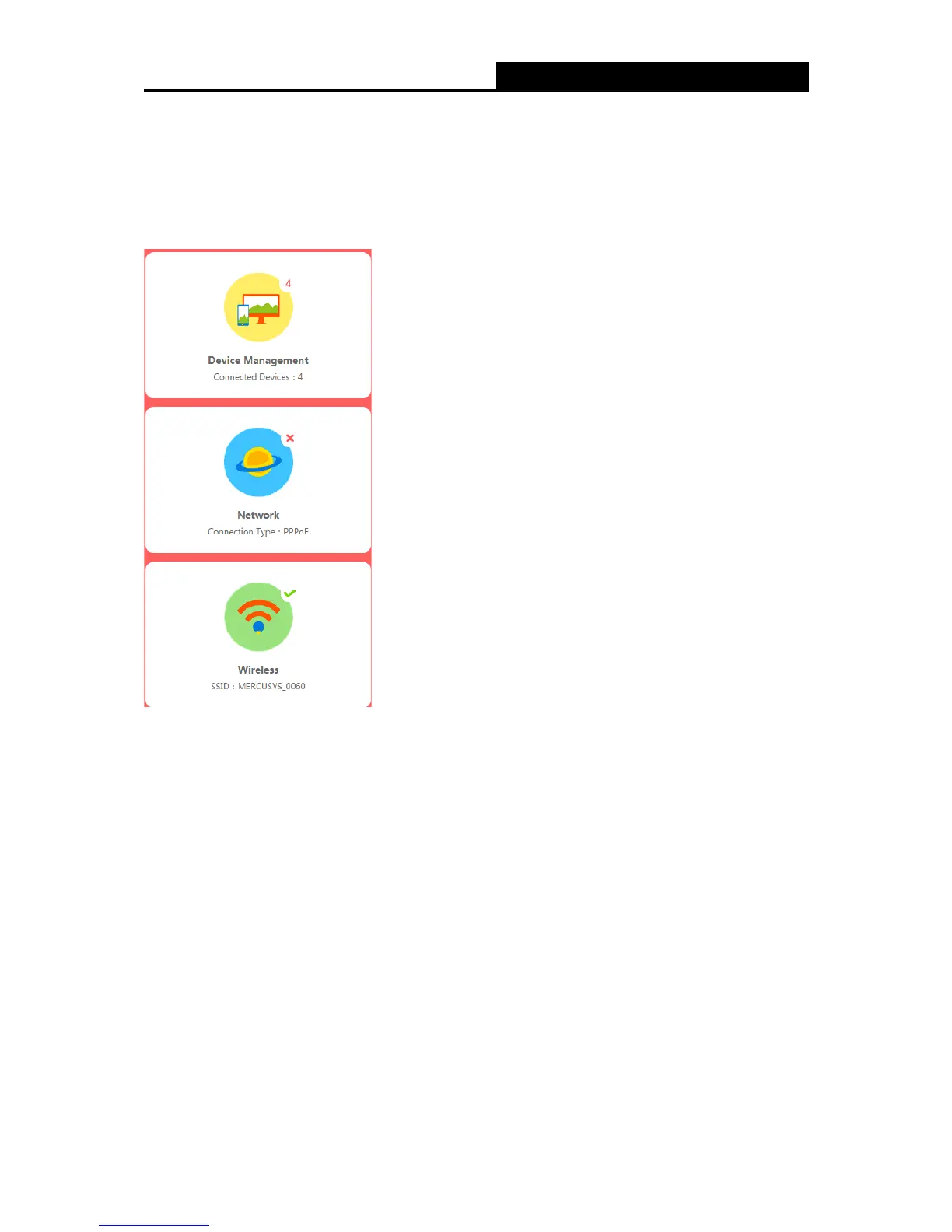
There are three functions on the Basic page: Device Management, Network and Wireless. The
detailed explanations for each function are listed below.
4.1 Device Management
Choose Device Management, you can view and manage the connected or blocked devices on
the page.
- 8 -


 To Next Page
 Loading...











