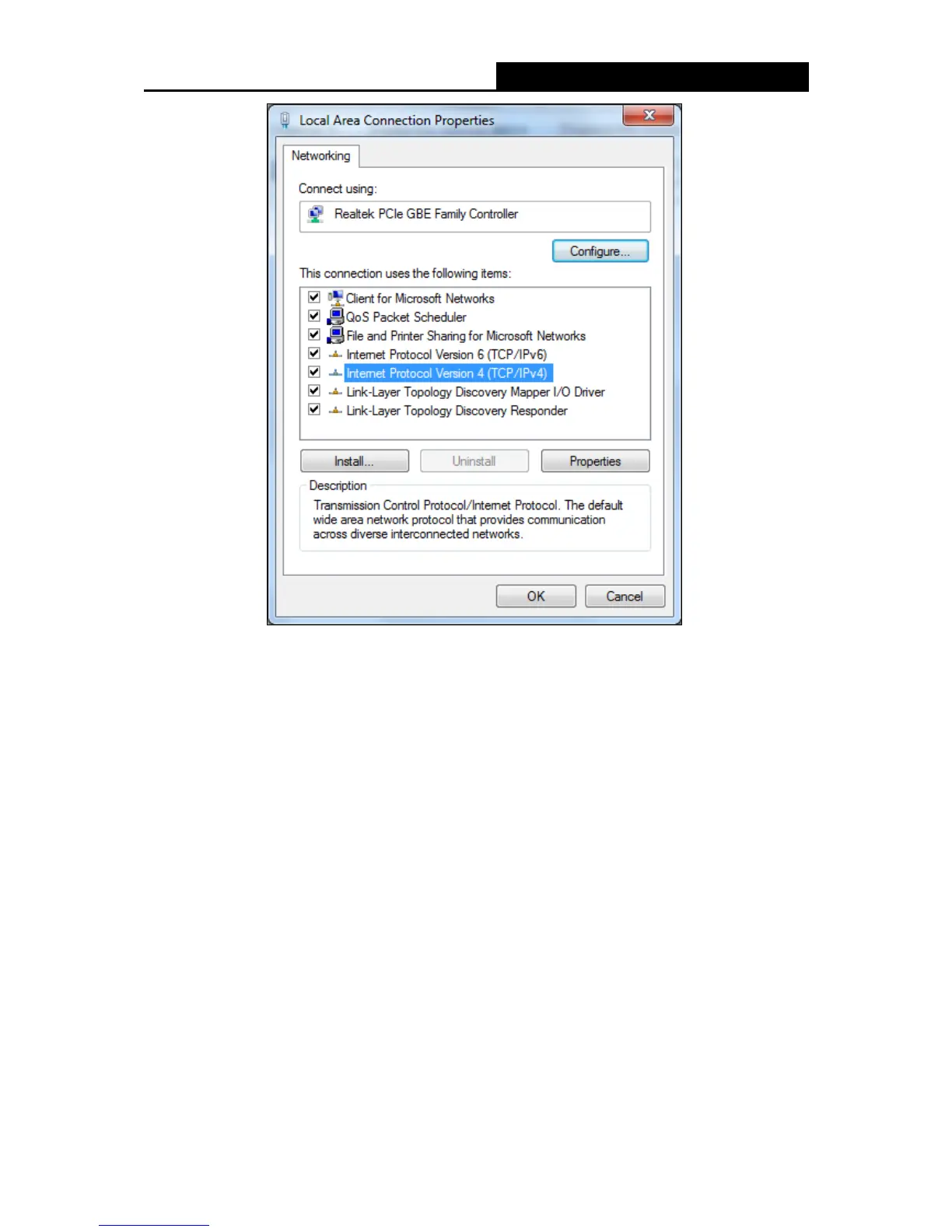
5) The following TCP/IP Properties window will display and the IP Address tab is open on
this window by default.
Now you have two ways to configure the TCP/IP protocol below:
Setting IP address automatically
Select Obtain an IP address automatically, Choose Obtain DNS server automatically, as
shown in the Figure below:
- 52 -


 To Next Page
 Loading...











