MI 3290 Earth Analyser Tests and Measurements
95
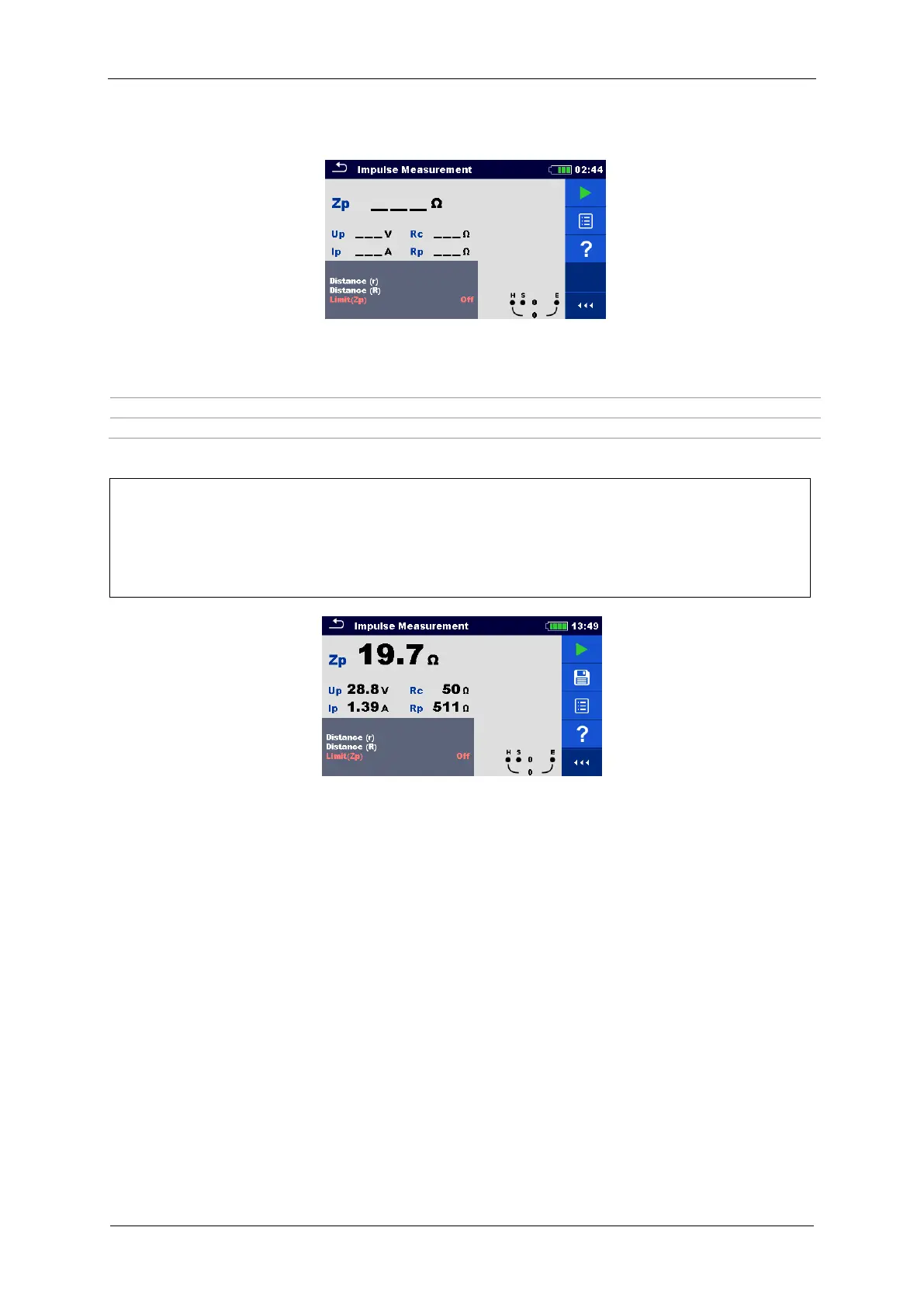
Test can be started from the Impulse measurement window. Before carrying out a test the
parameters (Distance and Limit (Zp)) can be edited.
Figure 11.50: Impulse measurement menu
Test parameters for Impulse:
Distance between E and S probe (user defined).
Distance between E and auxiliary earth rod H (user defined).
Limit value selection: [OFF, 1 Ω – 100 Ω]
Impulse Measurement procedure:
Select the impulse Measurement function.
Set the test parameters (distance and limit).
Connect the test leads to the instrument and to the test object.
Press the Run key to start the measurement.
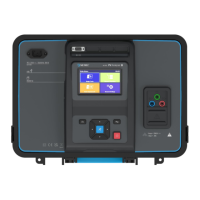
Wait until the test result is displayed on the screen.
Save results (optional).
Figure 11.51: Example of Impulse measurement result
Notes:
Consider displayed warnings when starting the measurement!
High noise currents and voltages in earth could influence the measurement results. The
tester displays the “noise” warning in this case.
Notes (Probes):
High impedance of S and H probes could influence the measurement results. In this
case, “Rp” and “Rc” warnings are displayed. There is no pass / fail indication in this
case.
Probes must be placed at sufficient distance from the measured object.














 To Next Page