5.2 Fundamentals of operation
■■■■■■■■■■■■■■■■■■■■■■
30
■■■■■■■■
899 Coulometer
5.2 Fundamentals of operation
5.2.1 The keypad
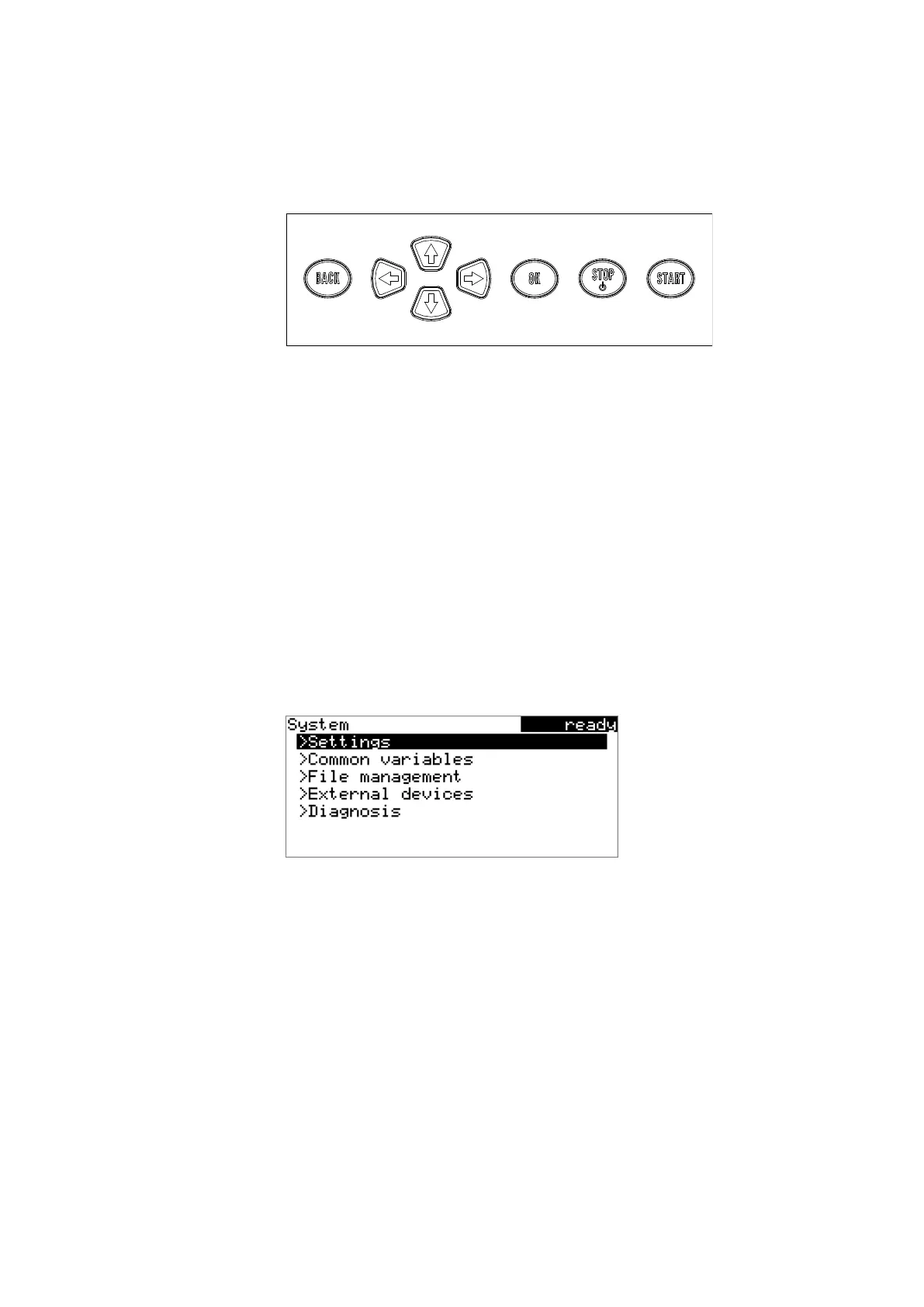
Figure 23 Keypad 899 Coulometer
BACK Apply the input and exit the dialog.
⇧ ⇩ Move the selection bar either up or down by one
line at a time. Select the character to be entered
in the text editor.
⇦ ⇨ Select the character to be entered in the text and
number editor. Select the individual functions in
the function bar.
OK Confirm the selection.
STOP Stop an ongoing method run or a manual func-
tion. Switch the instrument on or off.
START Start a method run or a manual function.
5.2.2 Structure of the dialog windows
The current dialog title is displayed on the left-hand side of the title bar.
The current status of the system is displayed in the upper right-hand cor-
ner:
ready The instrument is in normal status.
cond.busy The working medium is being conditioned.
cond.ok The working medium is conditioned.
busy A method has been started.
hold A method has been paused.












 To Next Page