5.10 Results
■■■■■■■■■■■■■■■■■■■■■■
50
■■■■■■■■
899 Coulometer
3
Editing the method parameters
■ Select the menu item Parameters and press [OK].
■ Change the desired parameters accordingly.
4
Displaying the live dialog
■ Select the menu item Live dialog in the main menu and press
[OK].
or
■ Press [BACK] in the main dialog.
The live dialog is displayed once again.
5.10 Results
Menu ▶ Results
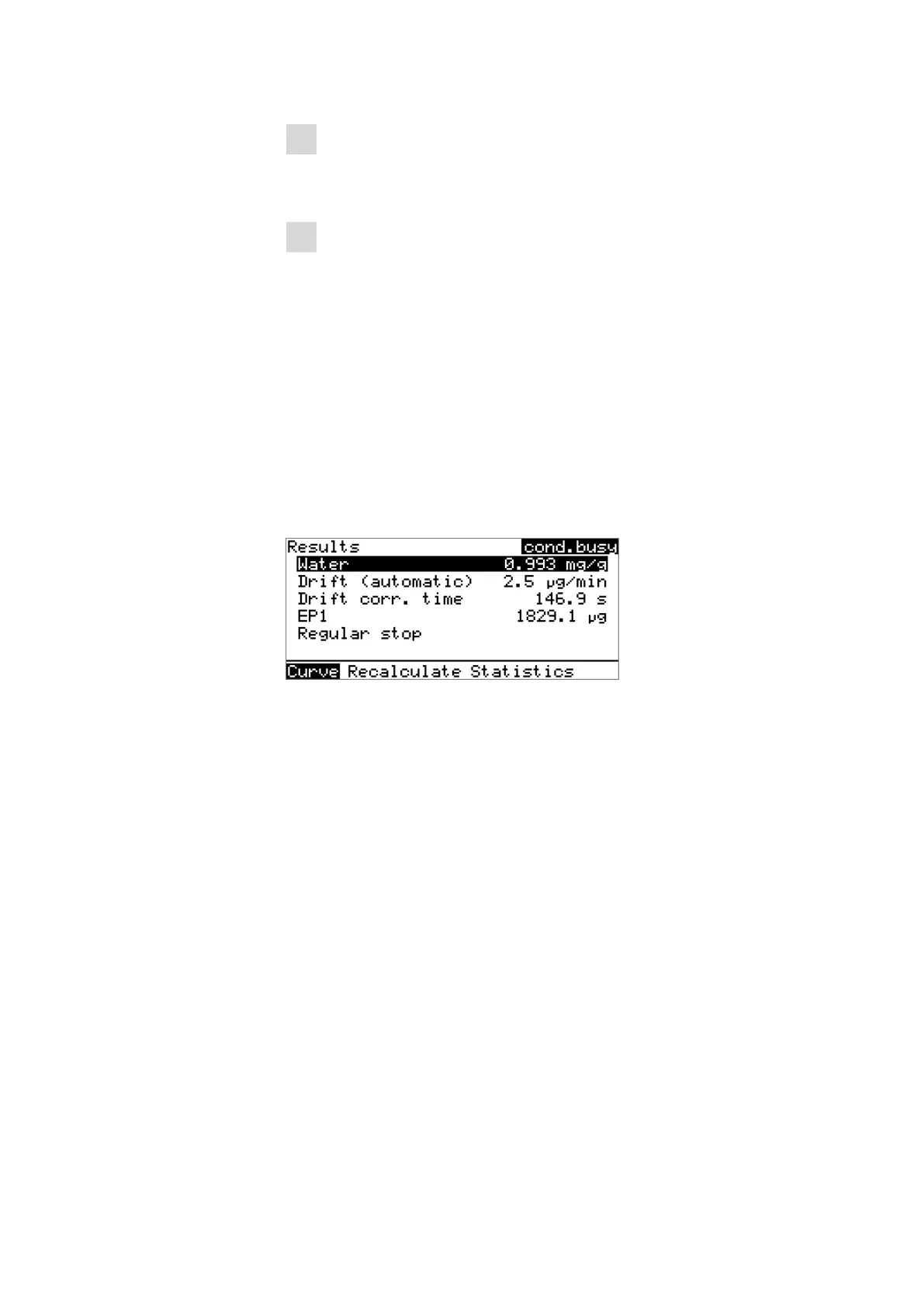
After the completion of the titration, the results dialog is displayed:
The calculated result and details concerning the drift and the endpoint are
shown in the overview.
Curve
Display the curve of the current determination.
Recalculate
Recalculate the current determination. The procedure will be executed
immediately.
Statistics
Display the statistical overview of a determination series (see Chapter
5.11, page 51).
Displaying the curve
The curve of the current determination can be displayed with the Curve
function.












 To Next Page