■■■■■■■■■■■■■■■■■■■■■■
5 Operation
899 Coulometer
■■■■■■■■
53
5.12 Printing a report manually
Menu ▶ Print reports
Proceed as follows to print a report manually:
1
Opening the main menu
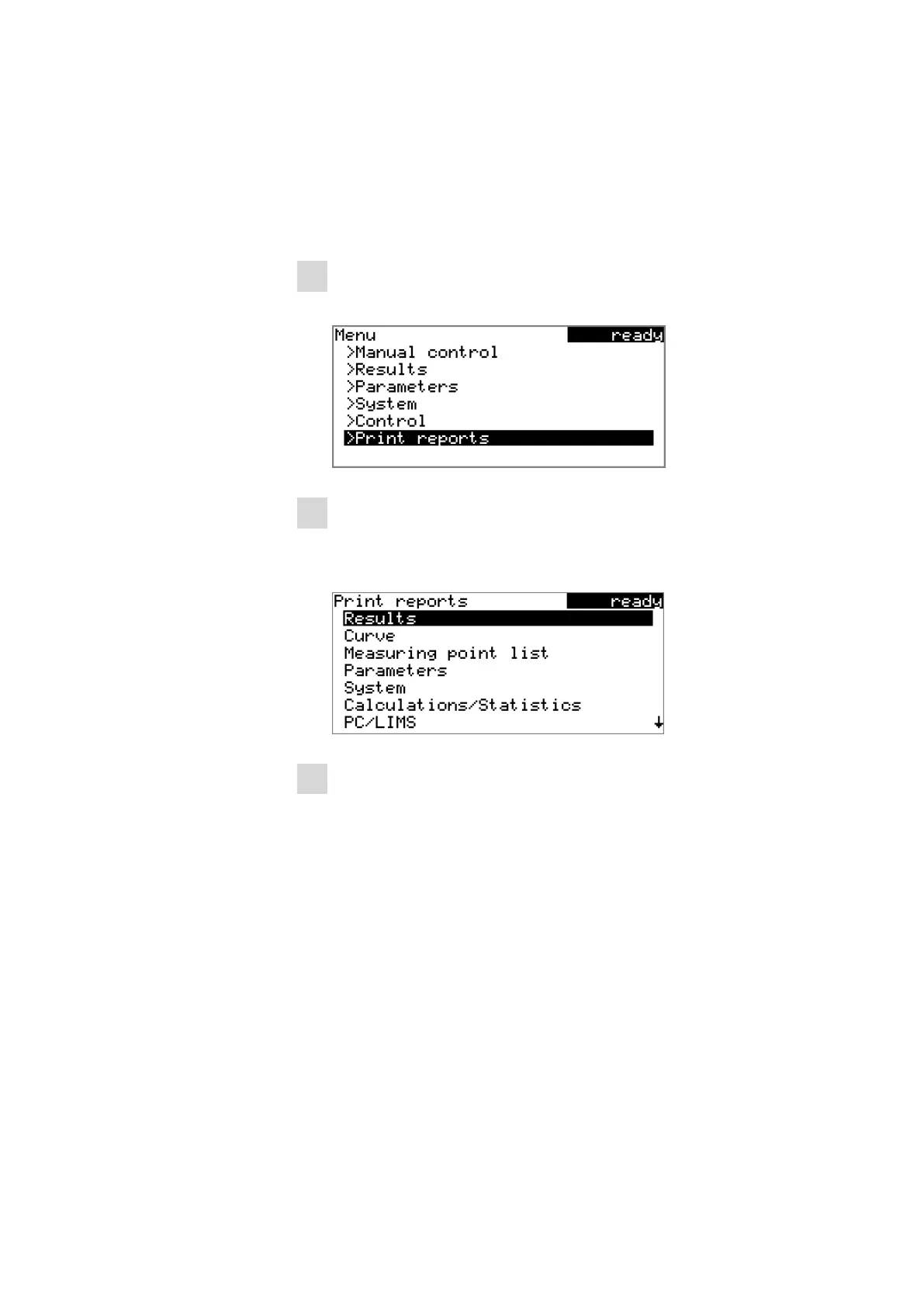
■ In the main dialog, select Menu and press [OK].
2
Opening the print dialog
■ Select the menu item Print reports and press [OK].
The dialog window with the available reports opens:
3
Selecting the report
■ Select the desired report and press [OK].
The report is printed out.
The following reports can be printed out manually:
Results Result report with determination properties,
sample data, calculated results, etc.
Curve Curve report. The width of the curve is defined in
the system settings.
Measuring point
list
Measuring point list report.
Parameters Report with all method parameters of the loaded
method.












 To Next Page