■■■■■■■■■■■■■■■■■■■■■■
5 Operation
899 Coulometer
■■■■■■■■
55
2
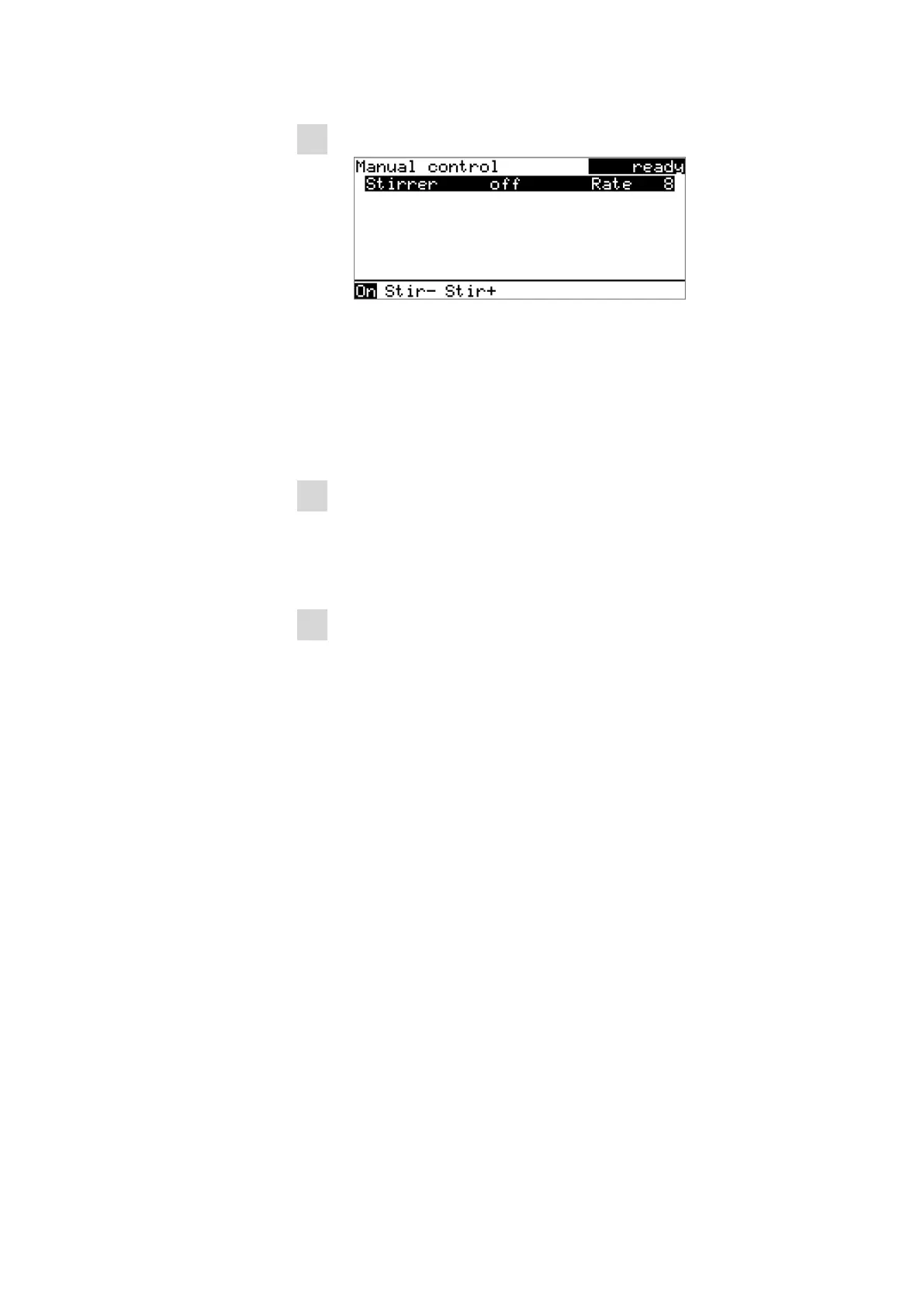
Setting the stirring rate
■
■ In the function bar, select Stir- or Stir+.
The stirring rate will be increased or decreased by one step each
time the [OK] key is pressed.
The algebraic sign changes the direction in which the stirring is
done. When viewing the stirrer from above, this means:
– "+": counterclockwise rotation
– "–": clockwise rotation
3
Switching on the stirrer
■ In the function bar, select On and press [OK].
The stirrer is started and stirs at the rate which has been set. Off is
now displayed in the function bar.
4
Switching off the stirrer
■ In the function bar, select Off and confirm with [OK].
The stirrer is stopped.












 To Next Page