English - 21
003-2707-99
© Midmark Corporation 2015 TP202 20-42-FO-00014 Rev A1 C2169
Cycle Operation - continued
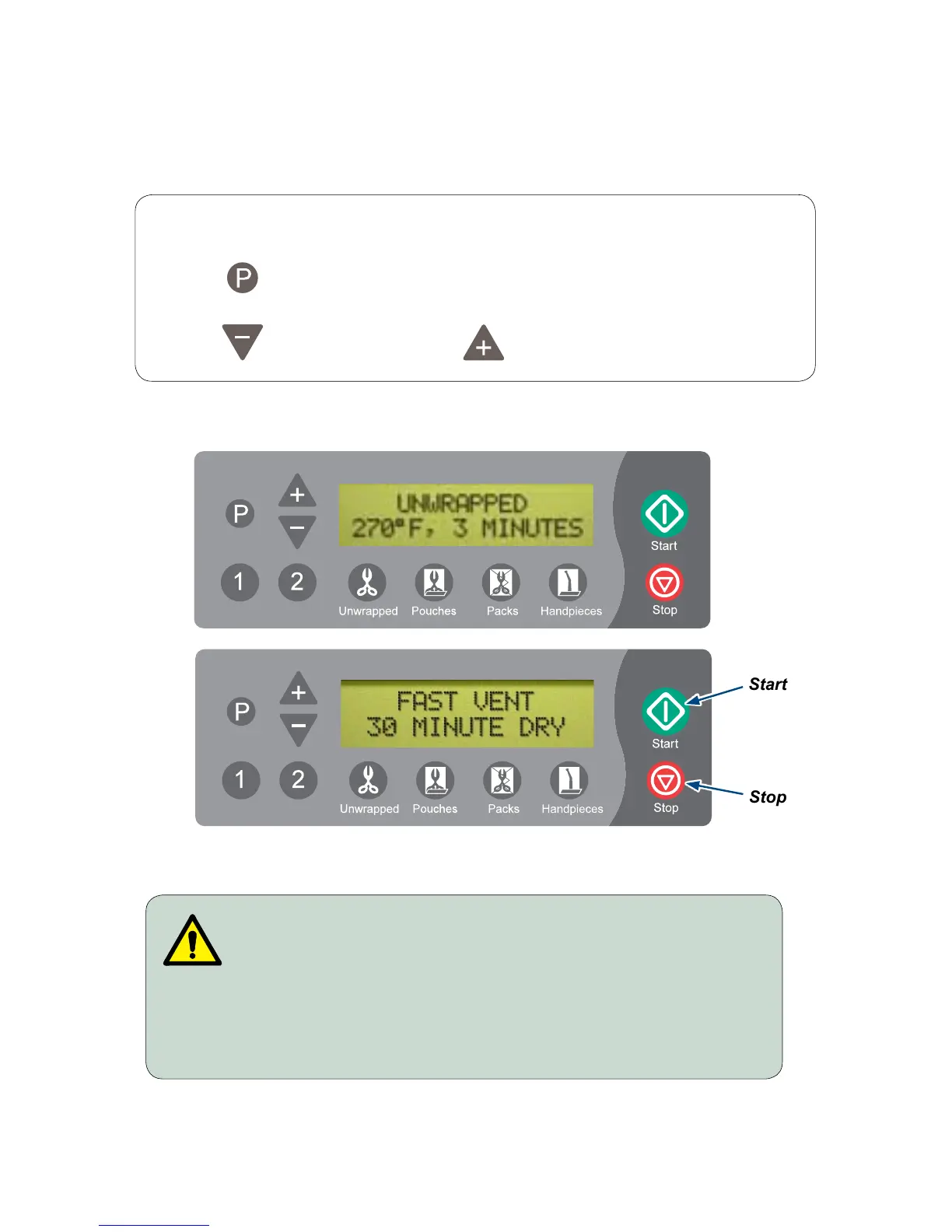
Afterthecyclebuttonispressed,theparametersforthatcyclewillappearonthedisplay.
Note
On units using the metric display, °F will display as °C and PSI will display as KPA.
Pressing enables operator to change DRY time from 0 to 60 minutes in 1 minute
increments on a pre-set cycle.
Pressing decreases time. Pressing increases time.
WARNING
STOP button may be pressed at any time to stop or interrupt
a cycle. Goods must not be considered sterile if this occurs
before the Dry Cycle. Sterilizer will return to SELECT CYCLE mode.
Step 3: Press ‘Start’ button to initiate cycle.
You will hear a “beep” for two seconds, indicating the cycle has started.
Start
Stop



 To Next Page