47
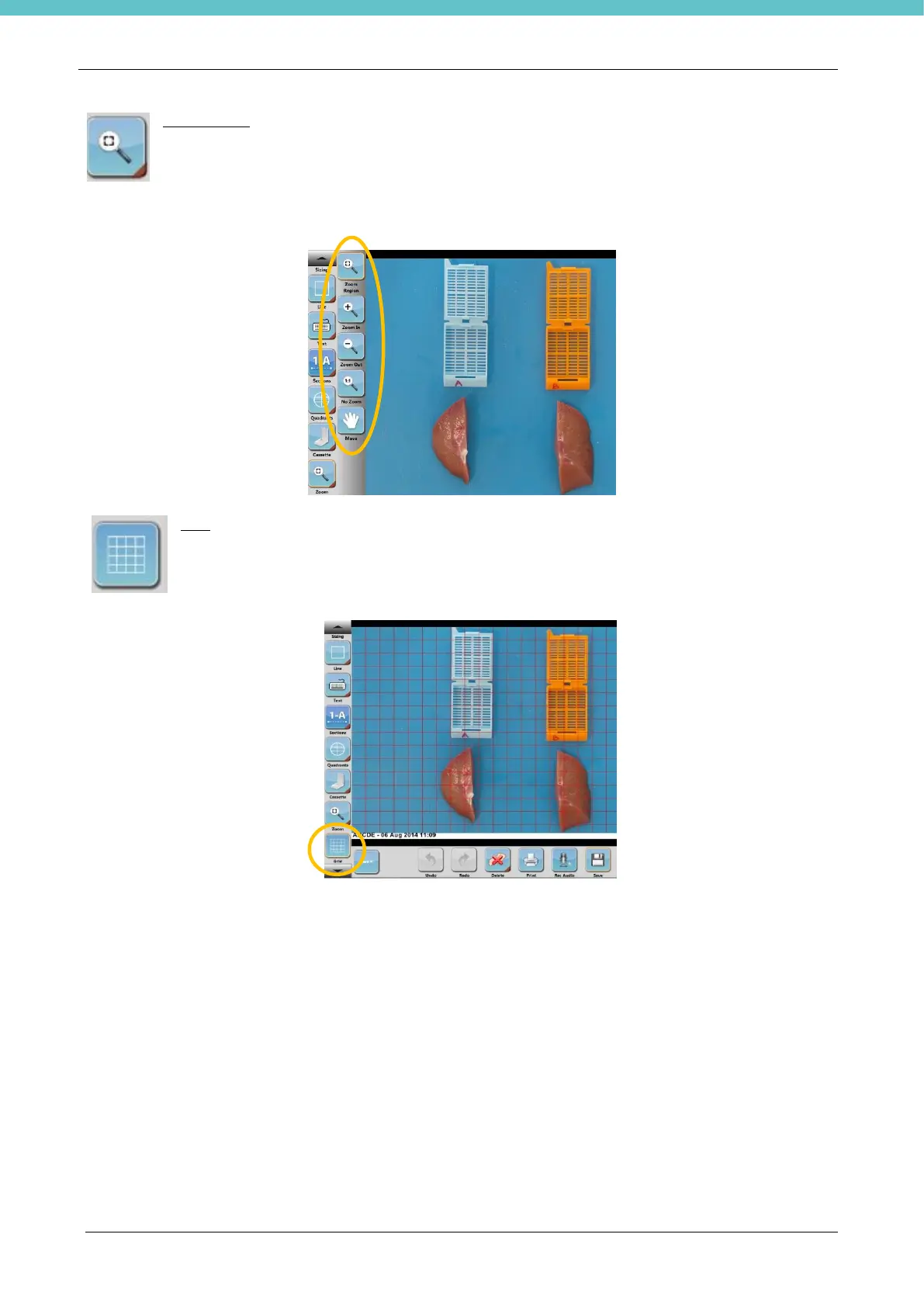
Zoom region
Click on the ZOOM icon with the mouse or with the touch-pen. Position and drag the required line
on the photo: the software automatically creates a new cropped image.
Hold down the button, thereby enabling the multiple choice (zoom in, zoom out and restore)
Grid
Click on the Grid icon with the mouse or with the touch-pen to add a grid.
In SETTINGS, it is possible to edit the colour, thickness and spacing of lines. The camera
must be calibrated before using the Grid tool. See section 3.6.6.



 To Next Page