MacroPATH and MacroPATH Basic QX Series
MM161-001 – Operator Manual
67
4.3. Integrating MacroPATH with LIS systems
The MacroPATH software offers perfect integration with the LIS systems. Different methods can be used to
perform the integration:
➢ TWAIN protocol
To use the TWAIN protocol, refer to chapter 3.6.7.
➢ Command row
With the simple command string, the LIS system is able to start MacroPATH to support the “workflow”.
The command that LIS can send to MacroPATH consists of two parts: the connection to the MacroPATH
software and the patient identification code (ID).
For example:
MacroPATH software can run:
from the default installation directory
C:\Program Files (x86)\Milestone srl\Macropath5\ Macropath
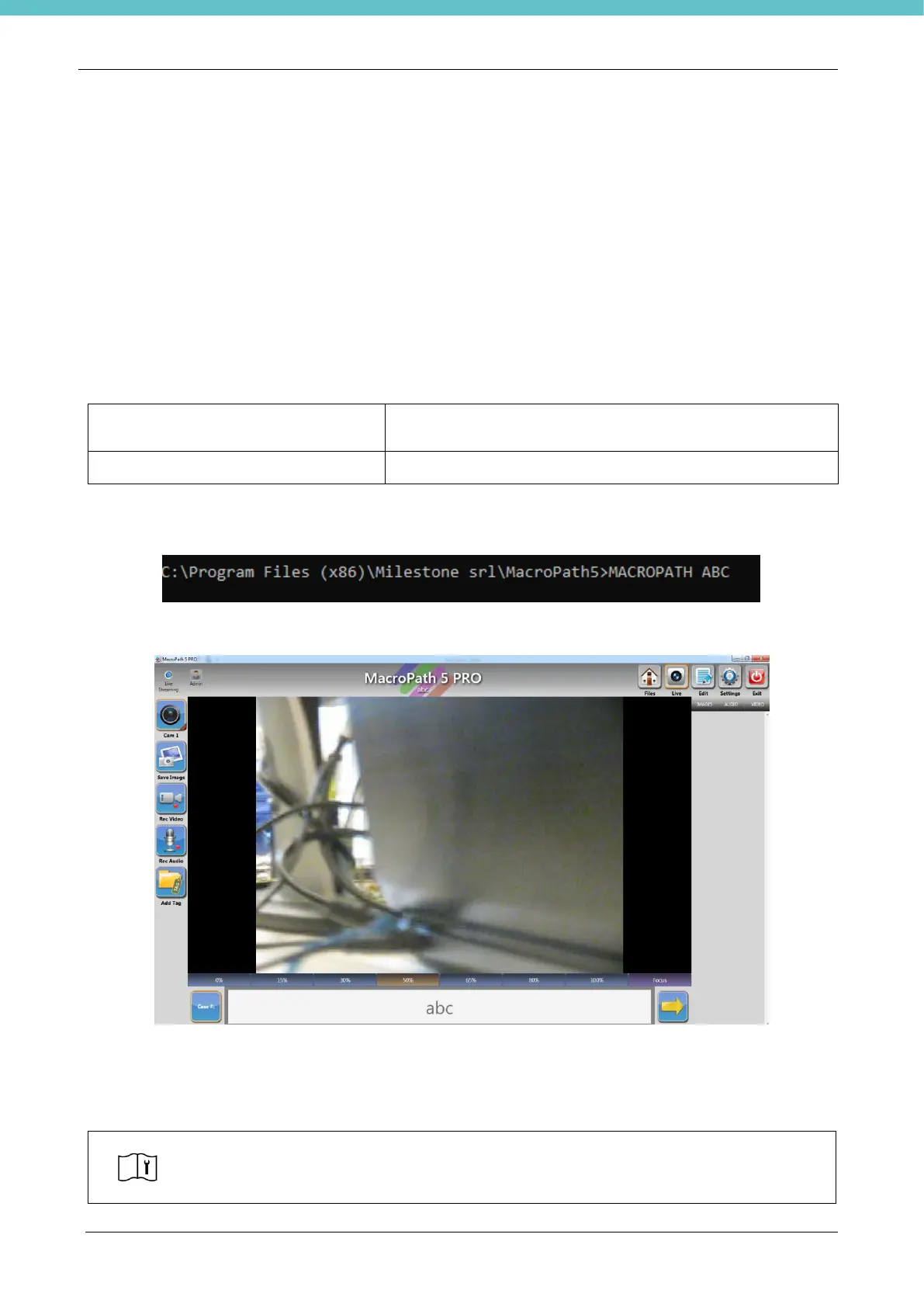
The full command will be:
With this command the MacroPATH software is launched automatically by immediately opening patient file
“abc”.
The user can directly acquire all necessary files: photos, audio, video, which will be saved in the file storage
folder (in this example “abc”) and kept in the selected saving directory (see “Storage” in the “Setting” menu).
When these operations are completed, the patient data will be available for the LIS system.
Important note for Command Row
To import data into the LIS system there needs to be an additional application to manage
the patient folder based on customer requests.
This function is normally already enabled in the LIS configuration.



 To Next Page